

My new Channel – http://bit.ly/3aYaniw
Original FX – https://bit.ly/3djx1Vi
Support me on – https://www.patreon.com/Ashif
Support me on – paypal.me/9953280644
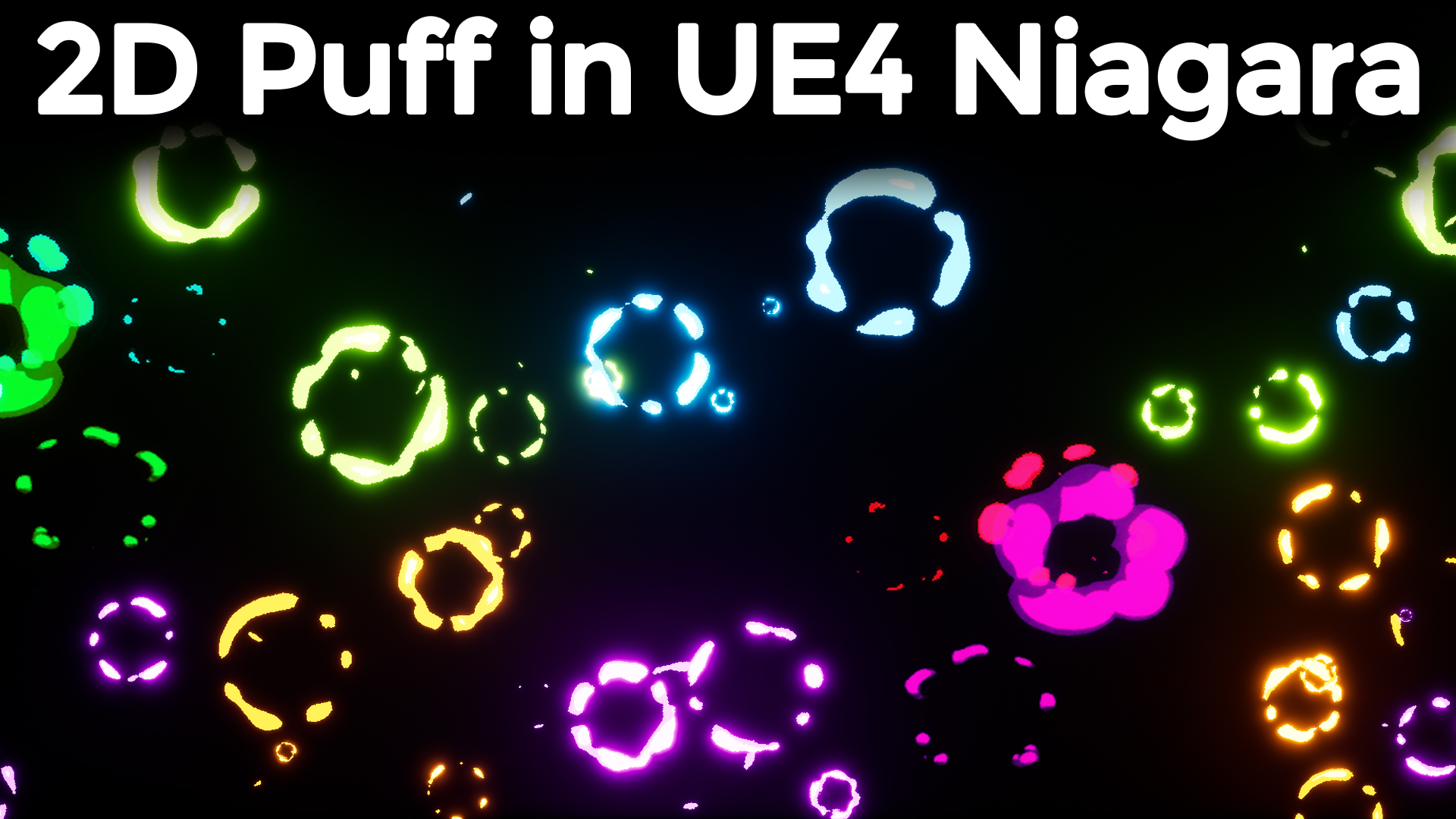
hi guys today I have created this 2d puff effect in ue4 Niagara from scratch.
#cghow #RealtimeVFX #UE4Niagara #gamefx #ue4vfx #ue4fx #niagara #unrealengineniagara #unrealenginevfxtutorials
●Upload Your Tutorials/Work – https://cghow.com/
Purchase Effect Package From Unreal engine Marketplace –
Unreal Engine Niagara Effects in Marketplace – https://youtu.be/DF4Lb_btEus
Niagara Effects Pack in Marketplace – https://youtu.be/g6_k8T7FqHA
Unreal Engine Advanced Magical Effects in Marketplace – https://youtu.be/0Dn3GLIzhMo
Smoke in UE4 Niagara Pack01 in Unreal Engine Marketplace – https://youtu.be/38BPA_9yqJ8
UE4 Niagara Fire Pack 01 in Marketplace – https://youtu.be/PW5FL-zZoP4
UE4 Niagara Fire Pack 02 in Marketplace – https://youtu.be/fdLXPlUEzxM
UE4 Niagara Explosions Pack 02 in Marketplace – https://youtu.be/dj-XX9he4aE
Unreal Engine Niagara Effects Pack 03 in Marketplace – https://youtu.be/0kKon43I-Og
Slow Motion Explosion in UE4 Niagara Pack 04 in Marketplace – https://youtu.be/lUK1eW5zRP0
Unreal Engine Niagara Effects pack 04 in Marketplace – https://youtu.be/MihWYB31Gi4
Slow Motion Explosion in UE4 Niagara Pack 04 in Marketplace – https://youtu.be/lUK1eW5zRP0
UE4.25 Niagara Effects Pack 05 in Marketplace – https://youtu.be/sn1HIENVTDI
UE4.25 Niagara Effects Pack 06 in Marketplace – https://youtu.be/pvH_xGQ5jvs
Explosions Package in Unreal Engine Niagara Particle System – https://youtu.be/1mbqWscjUJ4
●Follow FB Page – https://www.facebook.com/cghow0/
●Join FB Group – https://www.facebook.com/groups/cghow/
●Android App – http://bit.ly/2XUnhoR
Playlists-
●Unreal Engine Niagara Tutorials – http://bit.ly/2SmPEuT
●Unreal engine VFX Tutorials -http://bit.ly/2JNXyJZ
●Unity VFX Tutorials – http://bit.ly/2XNGlKz


Title: Creating a Puff Effect from Scratch in Unreal Engine – Niagara VFX Tutorial
Description:
Hi guys, I’m Asif Ali, and welcome back to the CGHOW channel! In today’s tutorial, I’ll be showing you how to create a cute little puff effect from scratch, based on the articulation technique by Charles. We will create this effect entirely in Unreal Engine using materials and Niagara VFX, so no need for a complex sub-UV setup! This is a great way to learn how to animate puff effects for your projects.
What You’ll Learn in This Tutorial:
- Creating custom puff effects using Unreal Engine materials.
- Using noise textures to erode shapes and animate them.
- Setting up particle systems in Niagara for dynamic puff effects.
- Tips on optimizing textures for better performance and quality.
Key Steps Covered:
- Creating the Texture:
- Using Photoshop to create a noise texture for the puff effect.
- Blurring and adjusting the texture for better visual results.
- Building the Material:
- Applying the texture in a custom Unreal Engine material.
- Using parameters for tiling, erode, offset, and distortion to animate the puff.
- Niagara Setup:
- Setting up the Niagara particle system to bring the puff effect to life.
- Randomizing parameters for variation in particle appearance.
- Using multiple color and size emitters for diverse effects.
- Final Touches:
- Tweaking the material and particle settings for better realism.
- Tips on improving texture quality and using high-res textures for future projects.
Additional Notes:
This tutorial focuses on creating dynamic effects with the help of Unreal Engine’s material and Niagara systems. If you’re looking to add interesting visual effects to your game or project, this is a must-watch!
Trendy Tags:
#UnrealEngine #NiagaraVFX #VFXTutorial #UnrealEngine5 #PuffEffect #GamingVFX #Niagara #CGHOW
Leave a Reply