
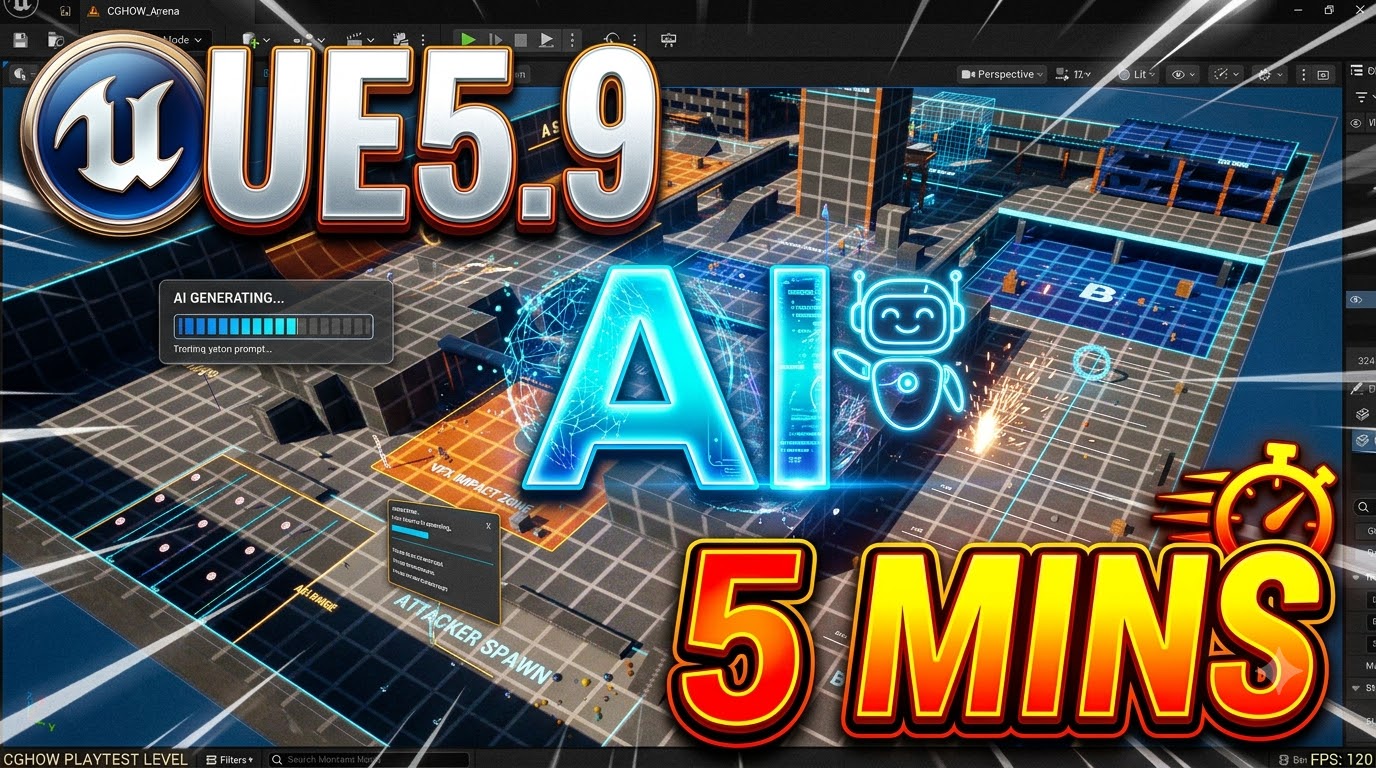
In this video, I demonstrate how to build an entire playable level in Unreal Engine using Claude Code and AI reference images in under five minutes! 🚀
See how easy it is to set up the connection, provide AI-generated concept art, and let Claude Code handle the asset placement, stairs, animations, and physics objects directly inside Unreal Engine without manual building.
📌 What’s Covered:
🔌 Setting up the necessary plugins & connecting Claude Code to Unreal Engine
🖼️ Feeding AI concept art & reference images (created with Gemini)
⚡ Automating level layout, stairs, and physics ball placement
🎮 Testing the playable level in real time
💡 Token usage breakdown & future AI-assisted VFX experiments
⏱️ Timestamps:
00:00 – Introduction & Level Preview
00:09 – Plugin Setup & Claude Code Connection
00:46 – Adding AI Reference Images for Level Design
01:15 – Playtesting the AI-Generated Map
01:42 – Token Usage & What’s Coming Next
🔗 Connect & Support:
🌐 Website: https://cghow.com
🧡 Patreon: https://www.patreon.com/Ashif
🛒 FAB Store: https://www.fab.com/sellers/CGHOW
💬 Discord Community: https://discord.gg/CYQSpKwawb
🎨 Artstation: https://www.artstation.com/ashif
🐦 X (Twitter): https://x.com/cghow_
🎓 Unreal Engine VFX Course: https://youtu.be/DZnuHK1Wckc
⭐ Join Channel Membership: https://www.youtube.com/cghow/join
🌟 Google Creator Profile: https://profile.google/@cghow
🔔 Subscribe: https://www.youtube.com/cghow?sub_confirmation=1
#UnrealEngine #ClaudeCode #GameDev #AI #UE5 #LevelDesign #CGHOW
Leave a Reply