
Channel Ashif – http://bit.ly/3aYaniw
Support me on – https://www.patreon.com/Ashif
Support me on – paypal.me/9953280644
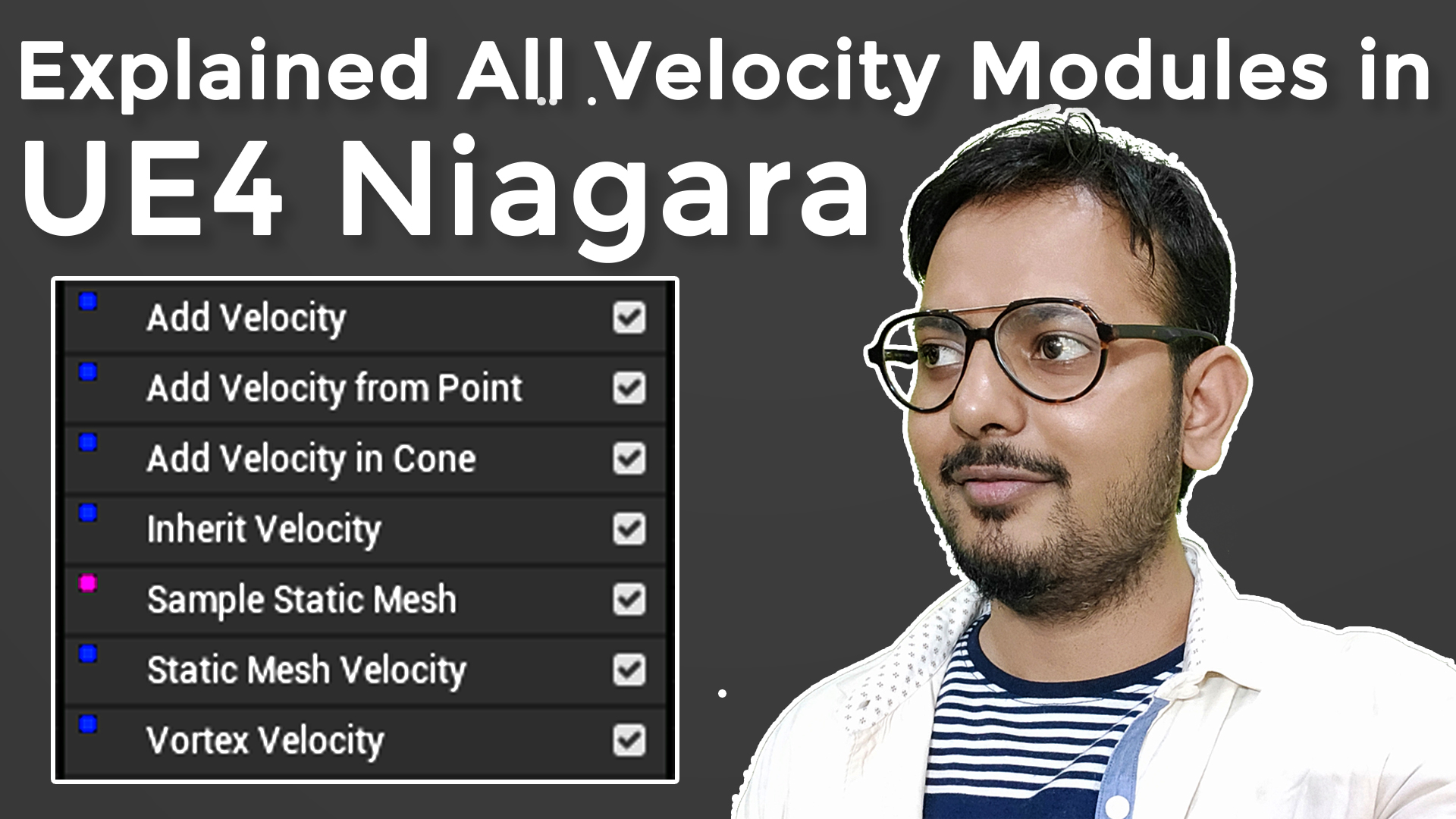
All Velocity Modules in UE4 Niagara Explained
#cghow #RealtimeVFX #UE4Niagara #gamefx #ue4vfx #ue4fx #niagara #unrealengineniagara #unrealenginevfxtutorials
●Upload Your Tutorials/Work – https://cghow.com/
Purchase Effect Package From Unreal engine Marketplace –
Unreal Engine Niagara Effects in Marketplace – https://youtu.be/DF4Lb_btEus
Niagara Effects Pack in Marketplace – https://youtu.be/g6_k8T7FqHA
Unreal Engine Advanced Magical Effects in Marketplace – https://youtu.be/0Dn3GLIzhMo
Smoke in UE4 Niagara Pack01 in Unreal Engine Marketplace – https://youtu.be/38BPA_9yqJ8
UE4 Niagara Fire Pack 01 in Marketplace – https://youtu.be/PW5FL-zZoP4
UE4 Niagara Fire Pack 02 in Marketplace – https://youtu.be/fdLXPlUEzxM
UE4 Niagara Explosions Pack 02 in Marketplace – https://youtu.be/dj-XX9he4aE
Unreal Engine Niagara Effects Pack 03 in Marketplace – https://youtu.be/0kKon43I-Og
Slow Motion Explosion in UE4 Niagara Pack 04 in Marketplace – https://youtu.be/lUK1eW5zRP0
Unreal Engine Niagara Effects pack 04 in Marketplace – https://youtu.be/MihWYB31Gi4
Slow Motion Explosion in UE4 Niagara Pack 04 in Marketplace – https://youtu.be/lUK1eW5zRP0
UE4.25 Niagara Effects Pack 05 in Marketplace – https://youtu.be/sn1HIENVTDI
UE4.25 Niagara Effects Pack 06 in Marketplace – https://youtu.be/pvH_xGQ5jvs
Explosions Package in Unreal Engine Niagara Particle System – https://youtu.be/1mbqWscjUJ4
●Follow FB Page – https://www.facebook.com/cghow0/
●Join FB Group – https://www.facebook.com/groups/cghow/
●Android App – http://bit.ly/2XUnhoR
Playlists-
●Unreal Engine Niagara Tutorials – http://bit.ly/2SmPEuT
●Unreal engine VFX Tutorials -http://bit.ly/2JNXyJZ
●Unity VFX Tutorials – http://bit.ly/2XNGlKz


Video Title: All About Velocity Modules in Unreal Engine Niagara – Complete Guide
Description:
Hi, I’m Asif Ali, and welcome to this in-depth guide on velocity modules in Unreal Engine Niagara. In this video, we’ll go over all the different velocity modules available in Niagara and how to use them to create dynamic and complex particle effects.
We’ll start by creating a basic fountain emitter and explore how different velocity modules like Add Velocity, Velocity from Points, Velocity from Cone, and others can be applied to shape your particle system. By understanding the principles of how each module works, you’ll gain full control over the movement of particles in your effects.
Key Points:
- Setting up a basic emitter and adjusting velocity to control particle movement.
- Differences between velocity applied in Spawn vs Update (importance of correct placement).
- Using Velocity from Points and Velocity from Cone to create different patterns and effects.
- Inherited velocity and its interaction with emitter movement.
- The Static Mesh Velocity and Vortex Velocity modules for creating cool, rotational effects.
- Understanding randomization and scaling of velocity values to create diverse behaviors.
By the end of this tutorial, you will have a solid understanding of how to use velocity modules to manipulate particle behavior in your projects.
Tags: Unreal Engine, Niagara VFX, velocity modules, particle movement, Unreal Engine tutorial, VFX tutorial, game development, particle systems, Unreal Engine Niagara
Leave a Reply