

Download – https://cghow.gumroad.com/l/swglz
Download – https://artstn.co/m/grBPV
Ref – https://bit.ly/39x1DmD
NFT – https://opensea.io/CGHOW
Twitter – https://twitter.com/cghow_
👉👉 If you Liked it – http://bit.ly/2UZmiZ4
Channel Ashif – http://bit.ly/3aYaniw
Support me on – https://www.patreon.com/Ashif
Support me on – paypal.me/9953280644
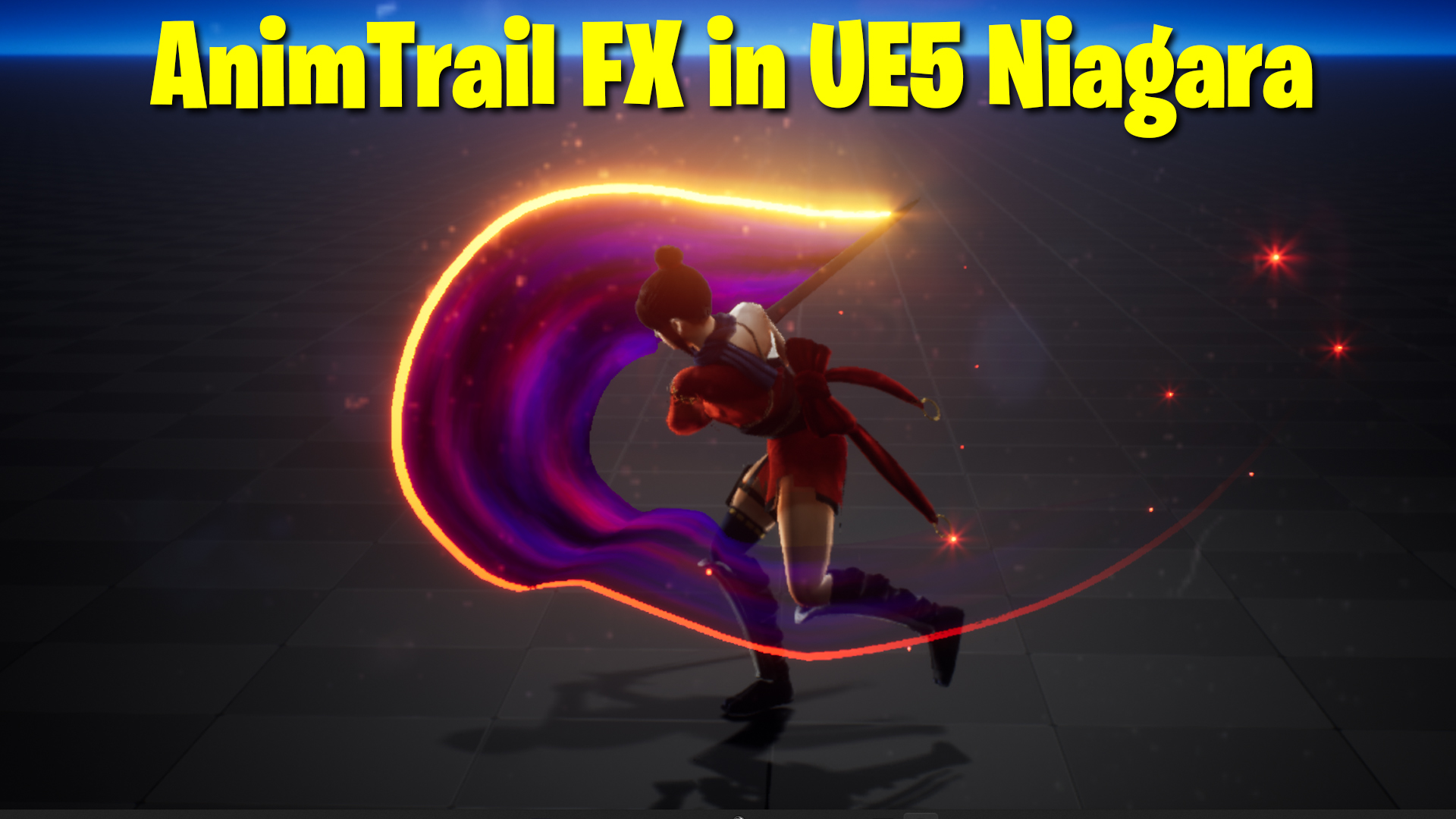
AnimTrail / Sword Trail / Ribbon Trail in UE5 Niagara Tutorial | Download Files
Chapters:
0:00 – Intro
01:21 – Import Animation
01:54 – using animation in Sequencer
03:34 – Attach Sword with bone in Sequencer
08:16 – Create Niagara Ribbon Emitter
08:32 – Basic Ribbon Material
09:50 – Attack FX with Sword
10:43 – Scratch Pad module for custom Ribbon Facing
11:50 – Improving Ribbon Material
22:33 – adding Sparks Emitter
#cghow #UE5 #UE4Niagara #gamefx #ue5niagara #ue4vfx #niagara #unrealengineniagara #realtimevfx
●Upload Your Tutorials/Work – https://cghow.com/
Purchase Effect Package From Unreal engine Marketplace –
Unreal Engine Niagara Effects in Marketplace – https://youtu.be/DF4Lb_btEus
Niagara Effects Pack in Marketplace – https://youtu.be/g6_k8T7FqHA
Unreal Engine Advanced Magical Effects in Marketplace – https://youtu.be/0Dn3GLIzhMo
Smoke in UE4 Niagara Pack01 in Unreal Engine Marketplace – https://youtu.be/38BPA_9yqJ8
UE4 Niagara Fire Pack 01 in Marketplace – https://youtu.be/PW5FL-zZoP4
UE4 Niagara Fire Pack 02 in Marketplace – https://youtu.be/fdLXPlUEzxM
UE4 Niagara Explosions Pack 02 in Marketplace – https://youtu.be/dj-XX9he4aE
Unreal Engine Niagara Effects Pack 03 in Marketplace – https://youtu.be/0kKon43I-Og
Slow Motion Explosion in UE4 Niagara Pack 04 in Marketplace – https://youtu.be/lUK1eW5zRP0
Unreal Engine Niagara Effects pack 04 in Marketplace – https://youtu.be/MihWYB31Gi4
Slow Motion Explosion in UE4 Niagara Pack 04 in Marketplace – https://youtu.be/lUK1eW5zRP0
UE4.25 Niagara Effects Pack 05 in Marketplace – https://youtu.be/sn1HIENVTDI
UE4.25 Niagara Effects Pack 06 in Marketplace – https://youtu.be/pvH_xGQ5jvs
Explosions Package in Unreal Engine Niagara Particle System – https://youtu.be/1mbqWscjUJ4
●Follow FB Page – https://www.facebook.com/cghow0/
●Join FB Group – https://www.facebook.com/groups/cghow/
●Android App – http://bit.ly/2XUnhoR
Playlists-
●Unreal Engine Niagara Tutorials – http://bit.ly/2SmPEuT
●Unreal engine VFX Tutorials -http://bit.ly/2JNXyJZ
●Unity VFX Tutorials – http://bit.ly/2XNGlKz
Video Title: How to Create an Anime Sword Trail Effect in UE5 Niagara – Step-by-Step Tutorial
Video Description:
Hi guys, I’m Asif Ali, and you’re watching CGHOW. In today’s tutorial, I’ll show you how to create an anime sword trail effect from scratch in Unreal Engine 5 using Niagara. If you haven’t subscribed to my channel yet, please do so! Don’t forget to like, share, and comment if you enjoyed the video, and let’s dive into the tutorial!
Key Points:
- Reference and Setup:
- Started with a reference found on Mages Box for a sword effect with a trail.
- The character’s sword animation is imported into Unreal Engine without the sword.
- Level Sequencer Setup:
- Created a new level sequencer and linked the animation with the character’s sword model.
- Adjusted rotation and positioning to align the sword properly.
- Camera Setup:
- Positioned a camera to focus on the character and created smooth transitions through keyframes.
- Niagara Trail Creation:
- Created a basic Niagara ribbon effect for the sword trail.
- Applied custom axis alignment to ensure the trail follows the sword’s movement properly.
- Adjusted life span and width of the ribbon to match the reference.
- Material Setup:
- Created a material for the sword trail with a fading effect.
- Used texture masks and noise to simulate color transitions from yellow to darker tones.
- Introduced black and red noise textures for added visual interest.
- Particle Effects:
- Added particle effects to simulate a trail from the sword.
- Adjusted spawn rates and properties like size and opacity for the desired effect.
- Final Adjustments:
- Fine-tuned the particle behavior, opacity, and temperature for the ribbon material.
- Fixed any visual issues with the trail appearing too early by adjusting keyframe timings.
Trendy Tags: #UnrealEngine5 #Niagara #VFX #SwordTrail #AnimeEffects #UE5Tutorial #NiagaraFX #GameEffects #UnrealEngineTutorial #VFXDesign
Additional Notes:
- If you have any questions or need clarification on any steps, feel free to comment below.
- Stay tuned for more VFX tutorials focusing on Unreal Engine 5 and Niagara, coming soon!
Leave a Reply