

Download – https://cghow.gumroad.com/l/agtzc
Patreon- https://www.patreon.com/Ashif
NFT – https://opensea.io/CGHOW
Twitter – https://twitter.com/cghow_
👉👉 If you Liked it – http://bit.ly/2UZmiZ4
Channel Ashif – http://bit.ly/3aYaniw
Support me on – paypal.me/9953280644
AOE Attack in UE5 Niagara Tutorial | Download Files
#cghow #UE5 #UE4Niagara #gamefx #ue5niagara #ue4vfx #niagara #unrealengineniagara #realtimevfx
●Visit – https://cghow.com/
Unreal Engine Marketplace – https://bit.ly/3aojvAa
Artstation Store – https://www.artstation.com/ashif/store
Gumroad – https://cghow.gumroad.com/
Hi guys, I’m Ashif Ali and welcome back to CGHOW!
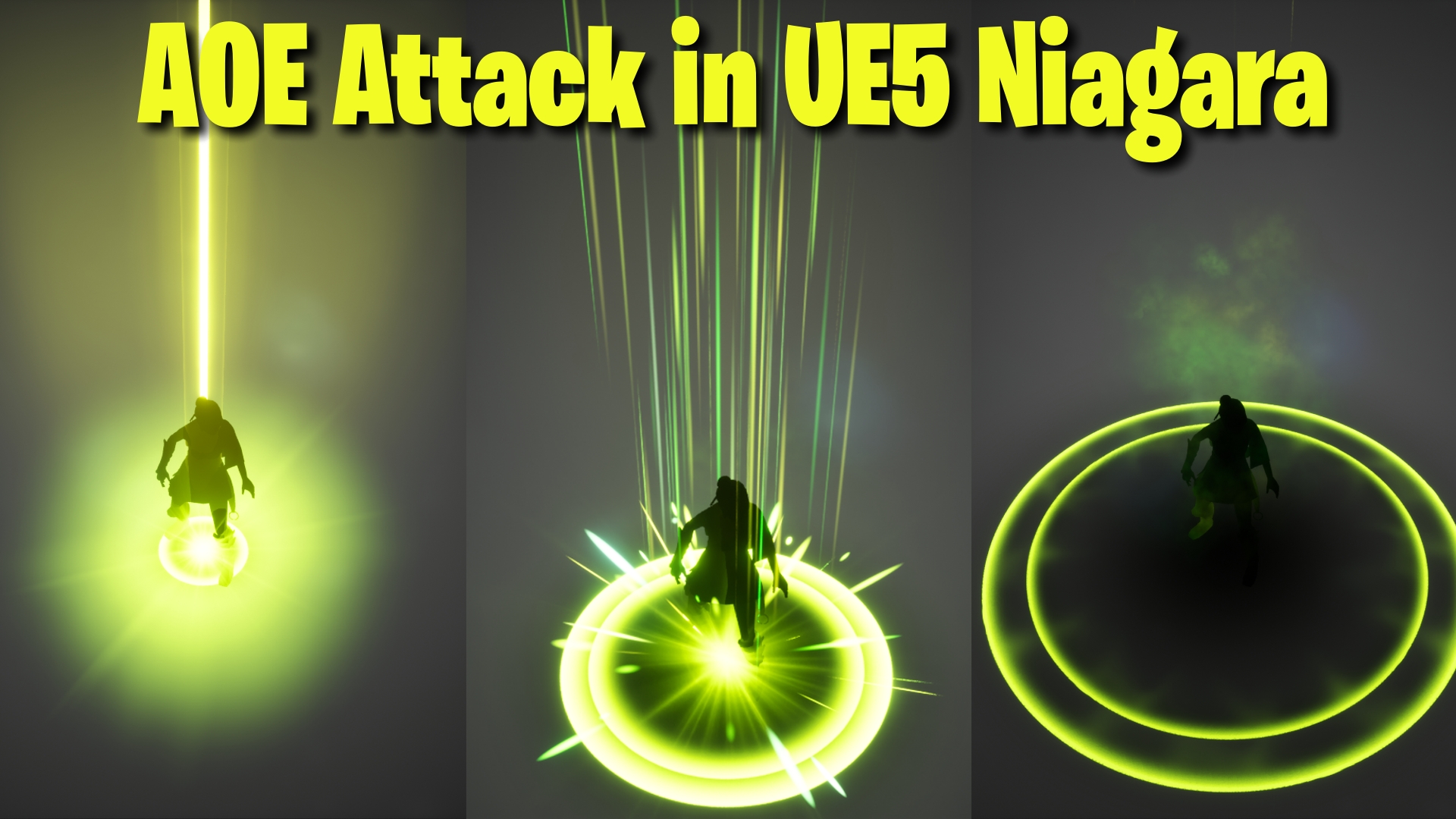
In today’s video, I created an AOE attack effect in Unreal Engine 5, focusing on a beam with glowing particles and flashes for dramatic impact. If you haven’t subscribed yet, please do so! Don’t forget to like, share, and comment if you enjoyed the video. Let’s dive into this tutorial!
Video Overview:
In this tutorial, I walk you through the creation of an AOE attack effect using Niagara in Unreal Engine 5. The process covers several key components including:
- Beam Setup: Using a slanted mesh for the beam and adjusting its size, rotation, and animation.
- Material Creation: Designing a glowing, fading material for the beam and particles.
- Flash and Smoke Effects: Adding flashes and smoke for added realism and impact.
- Ground Effect: Creating a shockwave and adding some sparks for extra flare.
Key Steps:
- Beam Animation: Scale the mesh on the Z-axis with a curve to animate it.
- Material: Create a custom material to make the beam fade from top to bottom and add glow effects.
- Flash Particles: Use burst particles to create a flash effect with randomized size and color.
- Smoke and Ground Effects: Add smoke, shockwaves, and sparks to complete the attack’s visual impact.
Trendy Tags: #UnrealEngine5 #NiagaraVFX #AOEAttack #GamingVFX #ParticleEffects
Leave a Reply