

Download – https://www.patreon.com/posts/74626834
Patreon- https://www.patreon.com/Ashif
NFT – https://opensea.io/CGHOW
Twitter – https://twitter.com/cghow_
👉👉 If you Liked it – http://bit.ly/2UZmiZ4
Channel Ashif – http://bit.ly/3aYaniw
Support me on – paypal.me/9953280644
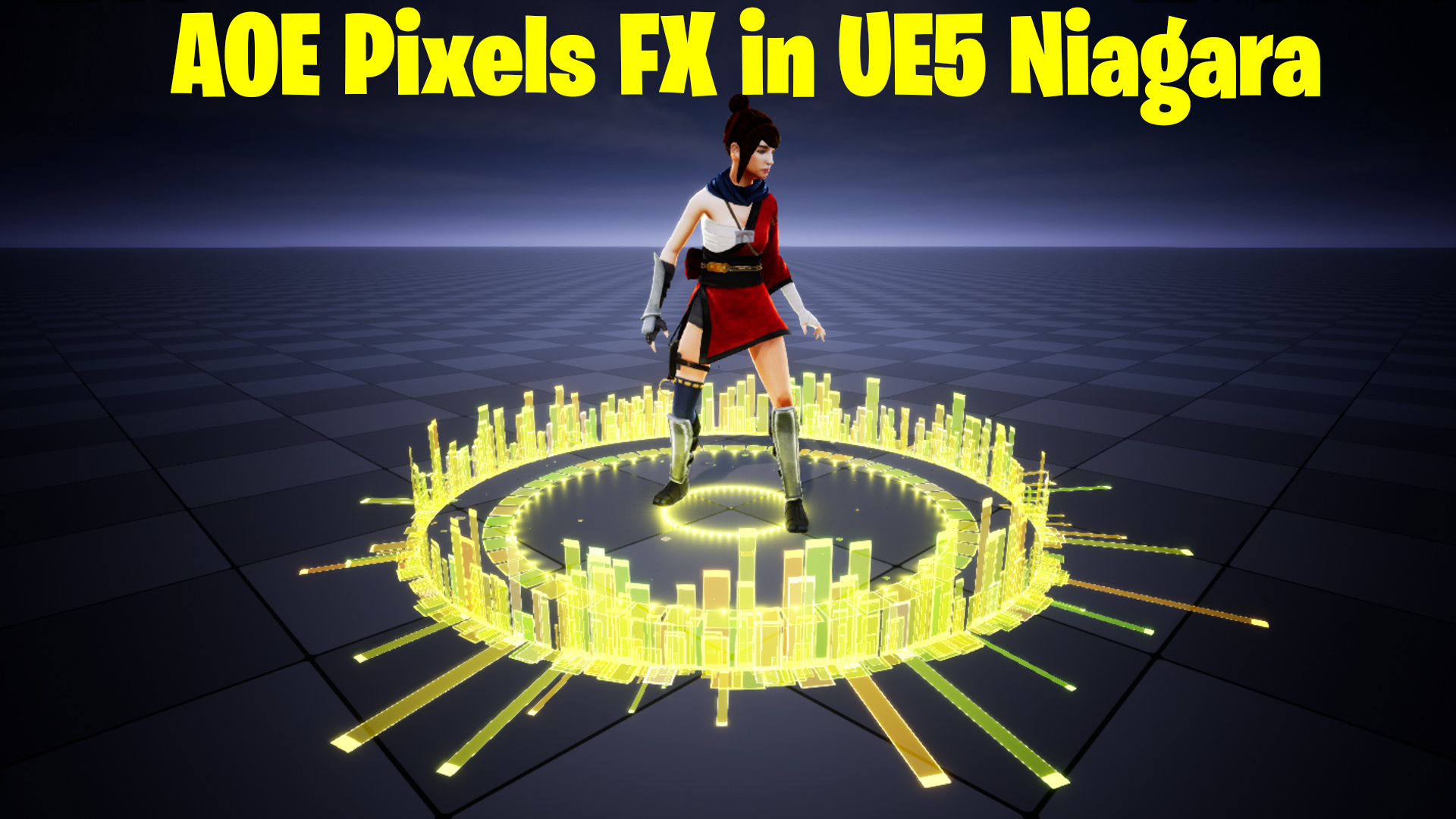
AOe Pixels FX in UE5 Niagara Tutorial | Download Files
#cghow #UE5 #UE4Niagara #gamefx #ue5niagara #ue4vfx #niagara #unrealengineniagara #realtimevfx
●Visit – https://cghow.com/
Unreal Engine Marketplace – https://bit.ly/3aojvAa
Artstation Store – https://www.artstation.com/ashif/store
Gumroad – https://cghow.gumroad.com/
Description:
In this tutorial, I show you how to create a simple, pixelated effect in Unreal Engine 5 using Niagara and a single pixel material. This effect demonstrates the power of randomness in particle emitters and explores how to use a basic material with different parameters like color, size, and opacity to create a dynamic effect. You’ll learn how to work with simple materials, control the alignment of particles, and manipulate their appearance to achieve a unique visual effect.
Key Points:
- Create a pixel material using basic nodes like texture coordinates and mask.
- Adjust opacity and particle color for edge effects.
- Use Niagara to spawn particles with randomness in both position and scale.
- Align particles to face the ground and adjust their movement behavior.
- Control particle behavior with bursts, size variations, and life adjustments.
- Enhance the visual appeal by adding lighting effects and tweaking global settings like saturation and contrast.
- Demonstrate how a single material can create complex particle effects with varying results.
Trendy Tags:
#UnrealEngine5 #NiagaraVFX #PixelEffect #ParticleSystems #UE5Tutorial #VFXInGames #UnrealEngineTutorial #GameDevelopment #VisualEffects #NiagaraParticles #PixelMaterial #VFXArtists
Leave a Reply