
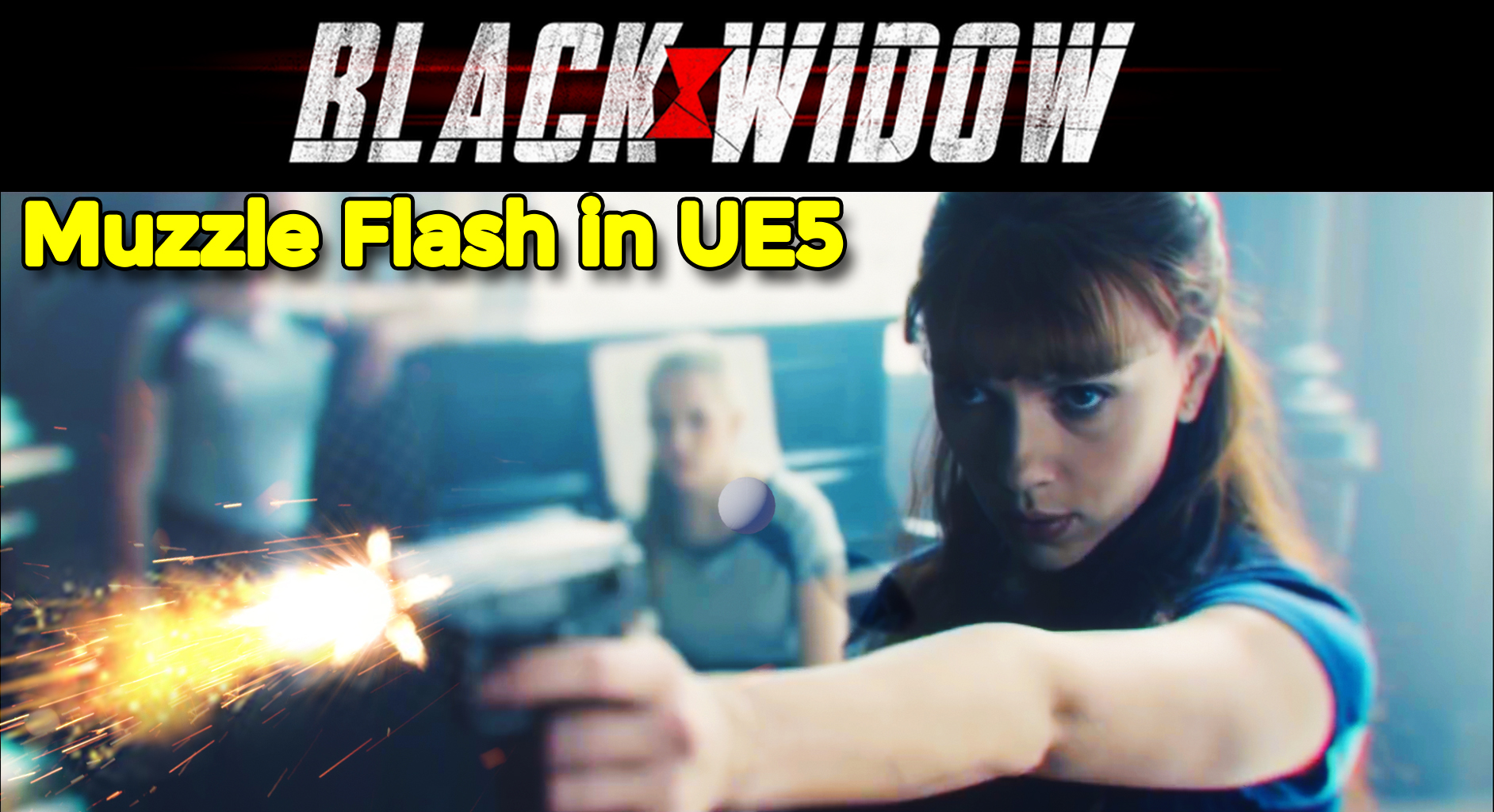

Black widow footage was taken from the trailer for learning purposes – Credit – https://www.youtube.com/watch?v=Fp9pN…
Download UE5 project files from Patreon – https://www.patreon.com/posts/53712428
Hi, guys in this ue5 tutorial I will show you how to composite your real-time VFX with real footage video in ue5. I will create a muzzle flash and composite it in sequencer with black widow footage
Channel Ashif – http://bit.ly/3aYaniw
Support me on – https://www.patreon.com/Ashif
Support me on – paypal.me/9953280644
#cghow #UE5 #UE4Niagara #gamefx #ue4vfx #ue4fx #niagara #ue4niagara #unrealengineniagara #unrealenginevfxtutorials
●Upload Your Tutorials/Work – https://cghow.com/
Purchase Effect Package From Unreal engine Marketplace –
Unreal Engine Niagara Effects in Marketplace – https://youtu.be/DF4Lb_btEus
Niagara Effects Pack in Marketplace – https://youtu.be/g6_k8T7FqHA
Unreal Engine Advanced Magical Effects in Marketplace – https://youtu.be/0Dn3GLIzhMo
Smoke in UE4 Niagara Pack01 in Unreal Engine Marketplace – https://youtu.be/38BPA_9yqJ8
UE4 Niagara Fire Pack 01 in Marketplace – https://youtu.be/PW5FL-zZoP4
UE4 Niagara Fire Pack 02 in Marketplace – https://youtu.be/fdLXPlUEzxM
UE4 Niagara Explosions Pack 02 in Marketplace – https://youtu.be/dj-XX9he4aE
Unreal Engine Niagara Effects Pack 03 in Marketplace – https://youtu.be/0kKon43I-Og
Slow Motion Explosion in UE4 Niagara Pack 04 in Marketplace – https://youtu.be/lUK1eW5zRP0
Unreal Engine Niagara Effects pack 04 in Marketplace – https://youtu.be/MihWYB31Gi4
Slow Motion Explosion in UE4 Niagara Pack 04 in Marketplace – https://youtu.be/lUK1eW5zRP0
UE4.25 Niagara Effects Pack 05 in Marketplace – https://youtu.be/sn1HIENVTDI
UE4.25 Niagara Effects Pack 06 in Marketplace – https://youtu.be/pvH_xGQ5jvs
Explosions Package in Unreal Engine Niagara Particle System – https://youtu.be/1mbqWscjUJ4
●Follow FB Page – https://www.facebook.com/cghow0/
●Join FB Group – https://www.facebook.com/groups/cghow/
●Android App – http://bit.ly/2XUnhoR
Playlists-
●Unreal Engine Niagara Tutorials – http://bit.ly/2SmPEuT
●Unreal engine VFX Tutorials -http://bit.ly/2JNXyJZ
●Unity VFX Tutorials – http://bit.ly/2XNGlKz
Title: Compositing Real-Time VFX with Camera Footage in Unreal Engine | CGHOW Tutorial
Description: In this tutorial, Asif Ali demonstrates how to composite real-time VFX with pre-existing camera footage in Unreal Engine, using a short clip from a popular movie trailer. The tutorial covers importing footage, aligning VFX elements, and adding custom muzzle flash effects to enhance the scene’s realism. You can download the project file from Asif’s Patreon to follow along or customize the setup for your own projects.
Tutorial Outline:
- Intro to Compositing in Unreal Engine:
- Brief explanation of compositing VFX with live-action footage.
- Using camera footage from existing clips.
- Setting Up the Project:
- Creating a new project in Unreal Engine 5.
- Importing frames from external footage into Unreal’s media folder.
- Preparing the Scene in Sequencer:
- Creating and configuring a Level Sequencer.
- Importing and arranging frames as media textures.
- Creating the VFX Elements:
- Muzzle Flash: Designing a muzzle flash using Niagara and Photoshop for realistic visuals.
- Bullet Effect: Setting up a custom bullet effect with controlled speed and scale.
- Glow and Flash Effects: Adding glow and radial blur effects for enhanced impact.
- Positioning and Synchronizing Effects:
- Using sequencer to time and sync the muzzle flash with the footage.
- Adjusting camera and lighting for optimal visibility and realism.
- Final Touches and Rendering:
- Fine-tuning the effects.
- Exporting the final composite and saving the project.
Key Points:
- Import frames as Media Source and Texture: Ensure all footage frames are imported correctly for use as media textures.
- Use Niagara for custom VFX elements: Customize muzzle flash, bullets, and glow with Niagara’s mesh and particle emitters.
- Sequence camera positioning for accuracy: Set up sequencer cameras to align effects accurately with footage.
- Adjust mesh scale for realistic proportions: Scale your muzzle flash and bullet effects to match camera frame ratios.
- Advanced material setup: Customize materials using Photoshop and Maya for adding muzzle flash with proper textures.
Tags: #UnrealEngine #VFX #Niagara #Compositing #Tutorial #CGHOW
Additional Notes: Download the project file from Patreon to practice these techniques and experiment with different footage to learn advanced compositing. Keep experimenting with effect parameters and media textures to enhance realism in future projects!
Leave a Reply