

Download – https://www.patreon.com/posts/55195281
👉👉 If you Liked it – http://bit.ly/2UZmiZ4
Channel Ashif – http://bit.ly/3aYaniw
Support me on – https://www.patreon.com/Ashif
Support me on – paypal.me/9953280644
Bugs in UE4.27 Niagara Tutorial | Download Files
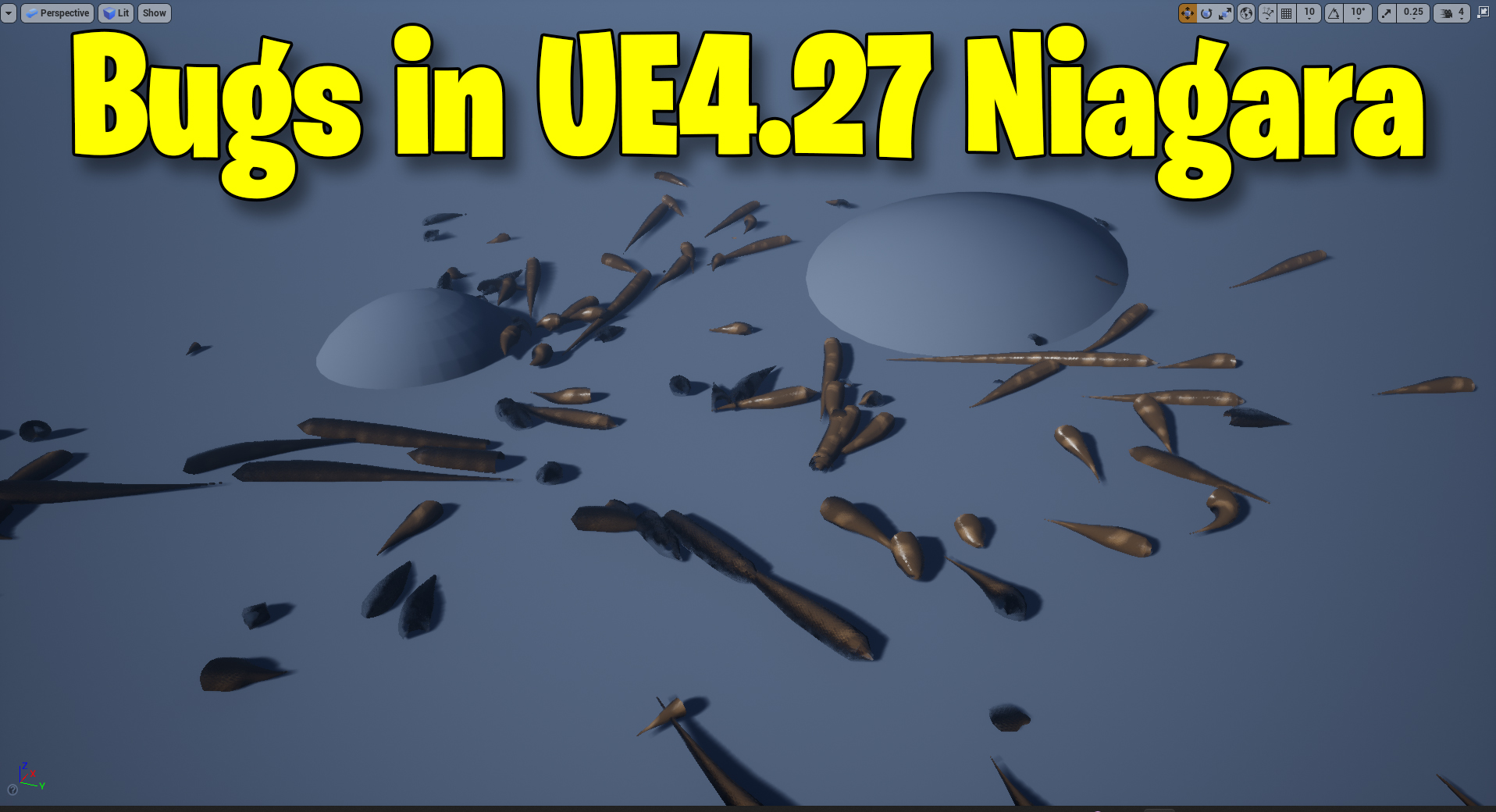
in this tutorial, I will show you how to make single bugs swarm in unreal engine 4.27 Niagara. some more things you will learn in this tutorial like. how to control velocity in a specific direction It works like a directional drag that we do not have in Niagara. you will also learn Niagara ribbon’s new feature shapes for ribbons like tube and cross-plane or custom.
#cghow #UE5 #UE4Niagara #gamefx #ue5niagara #ue4vfx #niagara #unrealengineniagara #realtimevfx
●Upload Your Tutorials/Work – https://cghow.com/
Purchase Effect Package From Unreal engine Marketplace –
Unreal Engine Niagara Effects in Marketplace – https://youtu.be/DF4Lb_btEus
Niagara Effects Pack in Marketplace – https://youtu.be/g6_k8T7FqHA
Unreal Engine Advanced Magical Effects in Marketplace – https://youtu.be/0Dn3GLIzhMo
Smoke in UE4 Niagara Pack01 in Unreal Engine Marketplace – https://youtu.be/38BPA_9yqJ8
UE4 Niagara Fire Pack 01 in Marketplace – https://youtu.be/PW5FL-zZoP4
UE4 Niagara Fire Pack 02 in Marketplace – https://youtu.be/fdLXPlUEzxM
UE4 Niagara Explosions Pack 02 in Marketplace – https://youtu.be/dj-XX9he4aE
Unreal Engine Niagara Effects Pack 03 in Marketplace – https://youtu.be/0kKon43I-Og
Slow Motion Explosion in UE4 Niagara Pack 04 in Marketplace – https://youtu.be/lUK1eW5zRP0
Unreal Engine Niagara Effects pack 04 in Marketplace – https://youtu.be/MihWYB31Gi4
Slow Motion Explosion in UE4 Niagara Pack 04 in Marketplace – https://youtu.be/lUK1eW5zRP0
UE4.25 Niagara Effects Pack 05 in Marketplace – https://youtu.be/sn1HIENVTDI
UE4.25 Niagara Effects Pack 06 in Marketplace – https://youtu.be/pvH_xGQ5jvs
Explosions Package in Unreal Engine Niagara Particle System – https://youtu.be/1mbqWscjUJ4
●Follow FB Page – https://www.facebook.com/cghow0/
●Join FB Group – https://www.facebook.com/groups/cghow/
●Android App – http://bit.ly/2XUnhoR
Playlists-
●Unreal Engine Niagara Tutorials – http://bit.ly/2SmPEuT
●Unreal engine VFX Tutorials -http://bit.ly/2JNXyJZ
●Unity VFX Tutorials – http://bit.ly/2XNGlKz
Title: Creating Bug Effects in Unreal Engine 4.27 Niagara | Ribbon Particle Effect Tutorial
Description: Hi guys, I’m Asif Ali, and you’re watching CGHOW. In today’s tutorial, I will show you how I created these bug effects in Unreal Engine 4.27 using Niagara. This is a simple effect to demonstrate specific techniques, and I’ll guide you through creating it from scratch.
We’ll start with some basic particle setups and discuss how to mask velocity in the Z-axis to make particles move randomly on the X and Y axes. I’ll also cover how to spawn ribbon particles from a source emitter and modify their appearance, including adjusting their width and material to give them the look of bug trails.
By the end of this video, you’ll understand:
- How to mask velocity to control particle movement
- How to spawn ribbons from other emitters
- How to create a ribbon effect using the new ribbon options in UE4.27
- Adjusting ribbon properties to make them more dynamic
- Working with particle collisions and bounce behaviors
Key Points:
- Masking velocity: Learn how to mask velocity in one axis (Z-axis) to achieve random movement on the X and Y axes.
- Ribbon particles: Spawn ribbon particles from other emitters and apply materials to create bug-like trails.
- Collision behavior: Adjust collision settings to make particles behave realistically when interacting with surfaces.
- UE4.27 ribbon options: Use the new ribbon options, including the ability to select different shapes like tube and multiplane.
I also discuss some limitations, such as how GPU particles don’t support distance fields for ribbon effects but how to work around it.
If you want to get the project file, head over to my Patreon page, where I share it along with other content. Your support is greatly appreciated!
Remember to subscribe and hit the bell icon so you don’t miss any future tutorials.
Thanks for watching, and keep learning!
Trendy Tags:
#UnrealEngine4 #NiagaraVFX #ParticleEffects #BugEffect #RibbonParticles #UE427 #VFXTutorial #UnrealEngine #CGHOW #Patreon
Leave a Reply