
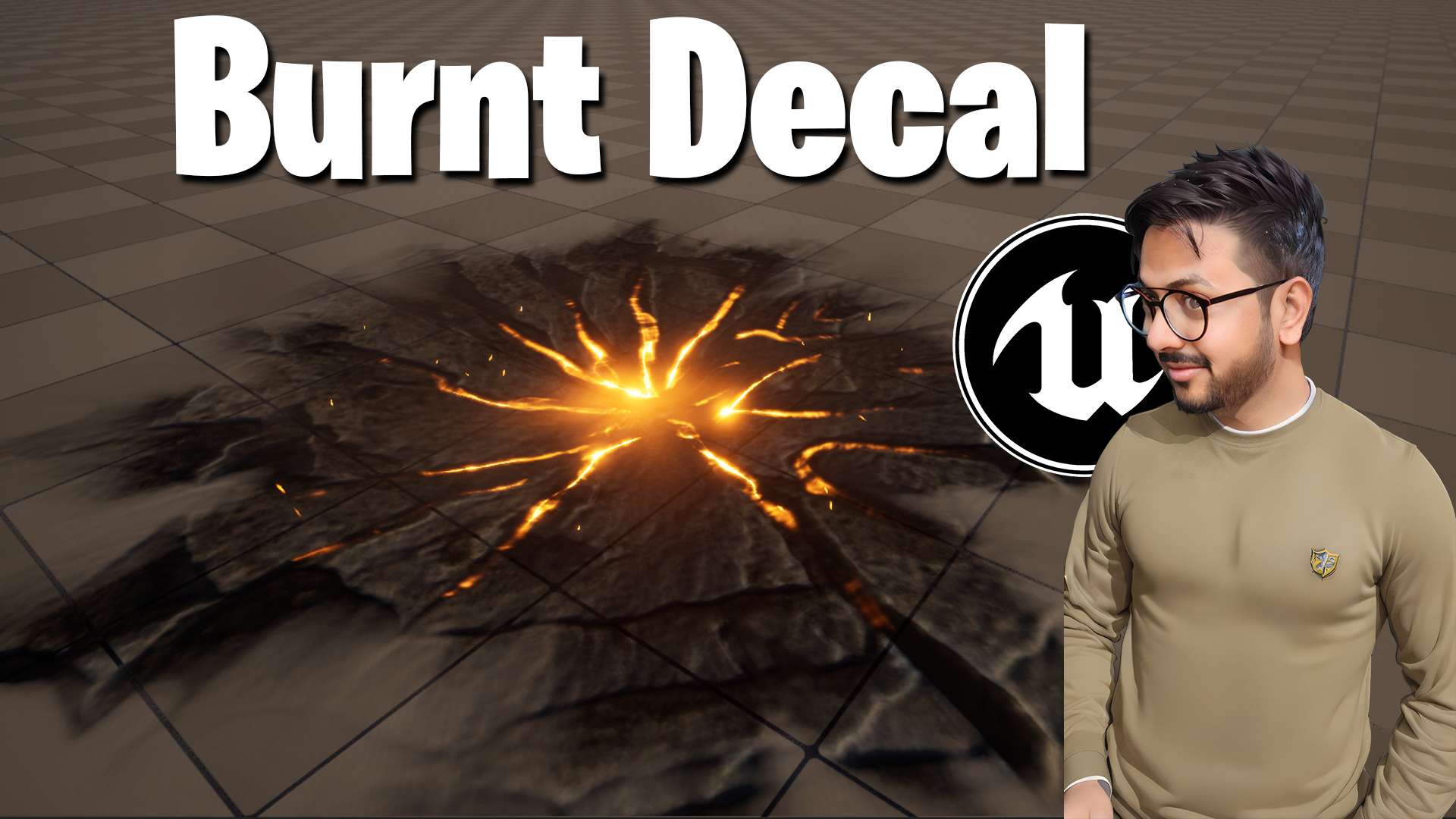

Burnt Decal in Unreal Engine 5
This tutorial shows how to create a burnt scorch decal in Unreal Engine 5, a charred mark you can place under explosions, fire spells and impacts.
Use it to ground your fire and blast effects in the scene, and see the related posts below for more decal tutorials.
More decal effects: Frozen Ground Decal · Project FX on Surface · Fire Optimization
Full Video – https://youtu.be/pKENpfPf0Gc
FAB – https://www.fab.com/sellers/CGHOW
Whatsapp – https://bit.ly/3LYvxjK
Patreon- https://www.patreon.com/Ashif
NFT – https://opensea.io/CGHOW
Twitter – https://twitter.com/cghow_
👉👉 If you Liked it – http://bit.ly/2UZmiZ4
Channel Ashif – http://bit.ly/3aYaniw
Support me on – paypal.me/9953280644
Burnt Decal in Unreal Engine 5 Tutorial
#cghow #UE5 #UE4Niagara #gamefx #ue5niagara #ue4vfx #niagara #unrealengineniagara #realtimevfx
●Visit – https://cghow.com/
Unreal Engine Marketplace – https://bit.ly/3aojvAa
Artstation Store – https://www.artstation.com/ashif/store
Gumroad – https://cghow.gumroad.com/
Leave a Reply