

Download – https://www.patreon.com/posts/60253868
👉👉 If you Liked it – http://bit.ly/2UZmiZ4
Channel Ashif – http://bit.ly/3aYaniw
Support me on – https://www.patreon.com/Ashif
Support me on – paypal.me/9953280644
Custom FX in UE4 Niagara Tutorial | Download Files
#cghow #UE5 #UE4Niagara #gamefx #ue5niagara #ue4vfx #niagara #unrealengineniagara #realtimevfx
●Upload Your Tutorials/Work – https://cghow.com/
Purchase Effect Package From Unreal engine Marketplace –
Unreal Engine Niagara Effects in Marketplace – https://youtu.be/DF4Lb_btEus
Niagara Effects Pack in Marketplace – https://youtu.be/g6_k8T7FqHA
Unreal Engine Advanced Magical Effects in Marketplace – https://youtu.be/0Dn3GLIzhMo
Smoke in UE4 Niagara Pack01 in Unreal Engine Marketplace – https://youtu.be/38BPA_9yqJ8
UE4 Niagara Fire Pack 01 in Marketplace – https://youtu.be/PW5FL-zZoP4
UE4 Niagara Fire Pack 02 in Marketplace – https://youtu.be/fdLXPlUEzxM
UE4 Niagara Explosions Pack 02 in Marketplace – https://youtu.be/dj-XX9he4aE
Unreal Engine Niagara Effects Pack 03 in Marketplace – https://youtu.be/0kKon43I-Og
Slow Motion Explosion in UE4 Niagara Pack 04 in Marketplace – https://youtu.be/lUK1eW5zRP0
Unreal Engine Niagara Effects pack 04 in Marketplace – https://youtu.be/MihWYB31Gi4
Slow Motion Explosion in UE4 Niagara Pack 04 in Marketplace – https://youtu.be/lUK1eW5zRP0
UE4.25 Niagara Effects Pack 05 in Marketplace – https://youtu.be/sn1HIENVTDI
UE4.25 Niagara Effects Pack 06 in Marketplace – https://youtu.be/pvH_xGQ5jvs
Explosions Package in Unreal Engine Niagara Particle System – https://youtu.be/1mbqWscjUJ4
●Follow FB Page – https://www.facebook.com/cghow0/
●Join FB Group – https://www.facebook.com/groups/cghow/
●Android App – http://bit.ly/2XUnhoR
Playlists-
●Unreal Engine Niagara Tutorials – http://bit.ly/2SmPEuT
●Unreal engine VFX Tutorials -http://bit.ly/2JNXyJZ
●Unity VFX Tutorials – http://bit.ly/2XNGlKz
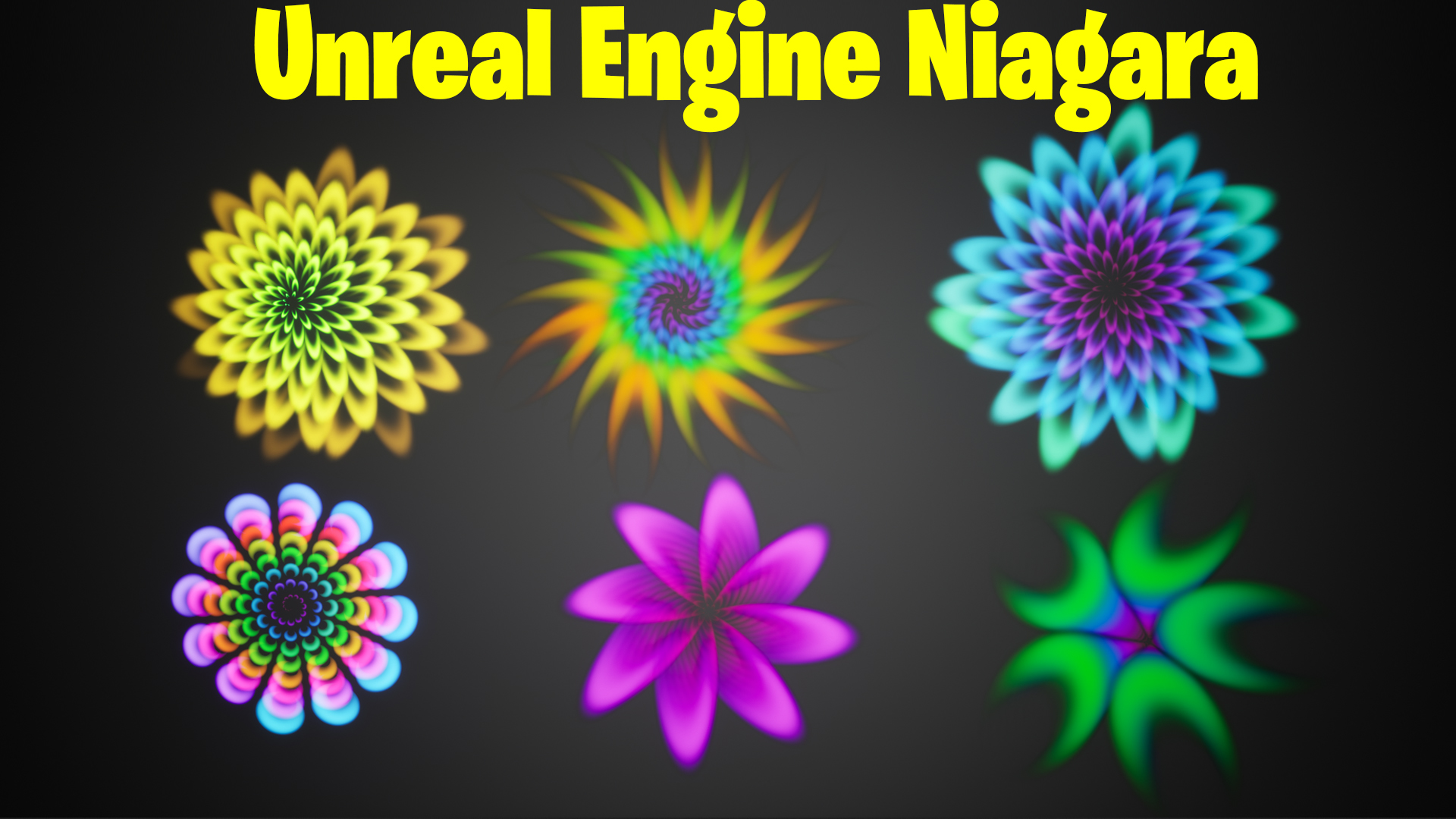
“Hi guys, I’m Asif Ali, and you’re watching CGHOW! In today’s video, I’ve created six cool-looking effects in Unreal Engine Niagara using a single emitter. These effects are simple to make, but they look amazing! So, let’s dive in and get started. [Music]”
Subscribe Call-to-Action: “Before we begin, don’t forget to subscribe to my YouTube channel and hit the bell icon so you won’t miss any new videos!”
Video Description Example:
In this tutorial, we’ll walk through how to create six unique and visually stunning effects in Unreal Engine Niagara, all with a single emitter. These effects are easy to set up and can be customized for various use cases in your projects.
Key Points Covered:
- Starting with the Fountain template and using the Taurus location for particle placement.
- Using execution index for particle distribution, creating even gaps between particles.
- Creating multiple particle rings within one emitter for layered effects.
- Applying a simple material to add a cool gradient and visual appeal to the particles.
- Customizing colors, opacity, and animations to create a variety of unique patterns.
By the end of this video, you’ll have learned how to:
- Create ring-like particle effects with Niagara’s Taurus location.
- Duplicate emitters to create layered particle effects within a single emitter.
- Animate particle rotation and size for more dynamic effects.
- Apply materials and color gradients for visual flair.
I hope you find these techniques helpful! If you have any questions or feedback, drop them in the comments below. Don’t forget to like the video and subscribe for more Unreal Engine tutorials.
Trendy Tags:
- #UnrealEngine5
- #NiagaraVFX
- #UnrealEngineTutorial
- #VFXArtist
- #GameDevelopment
- #CGHOW
Leave a Reply