

Download FIles from Patreon
Channel Ashif – http://bit.ly/3aYaniw
Support me on – https://www.patreon.com/Ashif
Support me on – paypal.me/9953280644
#cghow #RealtimeVFX #UE4Niagara #gamefx #ue4vfx #ue4fx #niagara #unrealengineniagara #unrealenginevfxtutorials
●Upload Your Tutorials/Work – https://cghow.com/
Purchase Effect Package From Unreal engine Marketplace –
Unreal Engine Niagara Effects in Marketplace – https://youtu.be/DF4Lb_btEus
Niagara Effects Pack in Marketplace – https://youtu.be/g6_k8T7FqHA
Unreal Engine Advanced Magical Effects in Marketplace – https://youtu.be/0Dn3GLIzhMo
Smoke in UE4 Niagara Pack01 in Unreal Engine Marketplace – https://youtu.be/38BPA_9yqJ8
UE4 Niagara Fire Pack 01 in Marketplace – https://youtu.be/PW5FL-zZoP4
UE4 Niagara Fire Pack 02 in Marketplace – https://youtu.be/fdLXPlUEzxM
UE4 Niagara Explosions Pack 02 in Marketplace – https://youtu.be/dj-XX9he4aE
Unreal Engine Niagara Effects Pack 03 in Marketplace – https://youtu.be/0kKon43I-Og
Slow Motion Explosion in UE4 Niagara Pack 04 in Marketplace – https://youtu.be/lUK1eW5zRP0
Unreal Engine Niagara Effects pack 04 in Marketplace – https://youtu.be/MihWYB31Gi4
Slow Motion Explosion in UE4 Niagara Pack 04 in Marketplace – https://youtu.be/lUK1eW5zRP0
UE4.25 Niagara Effects Pack 05 in Marketplace – https://youtu.be/sn1HIENVTDI
UE4.25 Niagara Effects Pack 06 in Marketplace – https://youtu.be/pvH_xGQ5jvs
Explosions Package in Unreal Engine Niagara Particle System – https://youtu.be/1mbqWscjUJ4
●Follow FB Page – https://www.facebook.com/cghow0/
●Join FB Group – https://www.facebook.com/groups/cghow/
●Android App – http://bit.ly/2XUnhoR
Playlists-
●Unreal Engine Niagara Tutorials – http://bit.ly/2SmPEuT
●Unreal engine VFX Tutorials -http://bit.ly/2JNXyJZ
●Unity VFX Tutorials – http://bit.ly/2XNGlKz


Title: Download Random Material Effect on Patreon | Unreal Engine Tutorial
Intro:
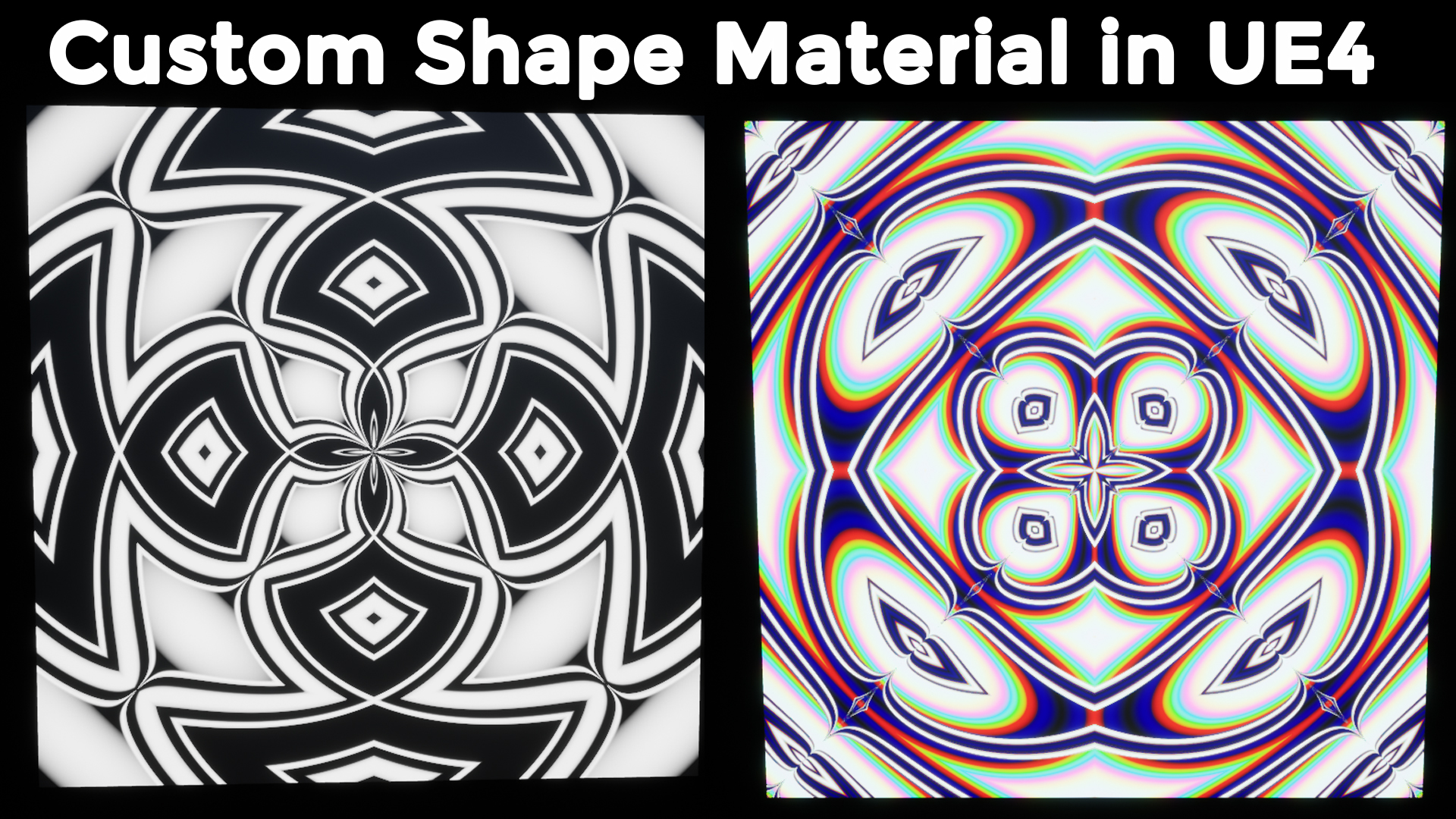
Hey guys, I’m Asif Ali, and today I’m sharing a random material I created. It’s not a tutorial, but I’m giving this file away on my Patreon for you to download and experiment with. You might not use it directly in your projects, but I’m sure you’ll learn something new from it. Let’s take a look!
Step 1: About the Material
- The random material effect is designed with parameters that you can change to create various shapes and patterns.
- Inside the material, there’s an instance you can open to adjust the settings.
Step 2: Customizing the Material
- You can modify the material’s parameters to create random shapes.
- You can also adjust the colors if you want to colorize the shapes.
- I’ve included pattern options so you can experiment with different designs. For example, switching the pattern to black and white creates a distinct look.
Step 3: How to Use
- Simply download the material file from my Patreon.
- Once you’ve got the file, you can tweak the parameters to create a wide range of random shapes and styles. This is great for learning and experimenting with material creation in Unreal Engine.
Outro:
Thanks for watching! If you’re interested in trying this out, head over to my Patreon to download the file. Don’t forget to subscribe for more content. Bye!
Additional Notes for Blog Post:
- Tags: #UnrealEngine #MaterialDesign #Patreon #VFX #GameDev
- Key Points in Bold:
- Download the random material effect from Patreon.
- Customize the material’s shapes, colors, and patterns.
- Learn how to adjust parameters for creative control over the design.
Leave a Reply