
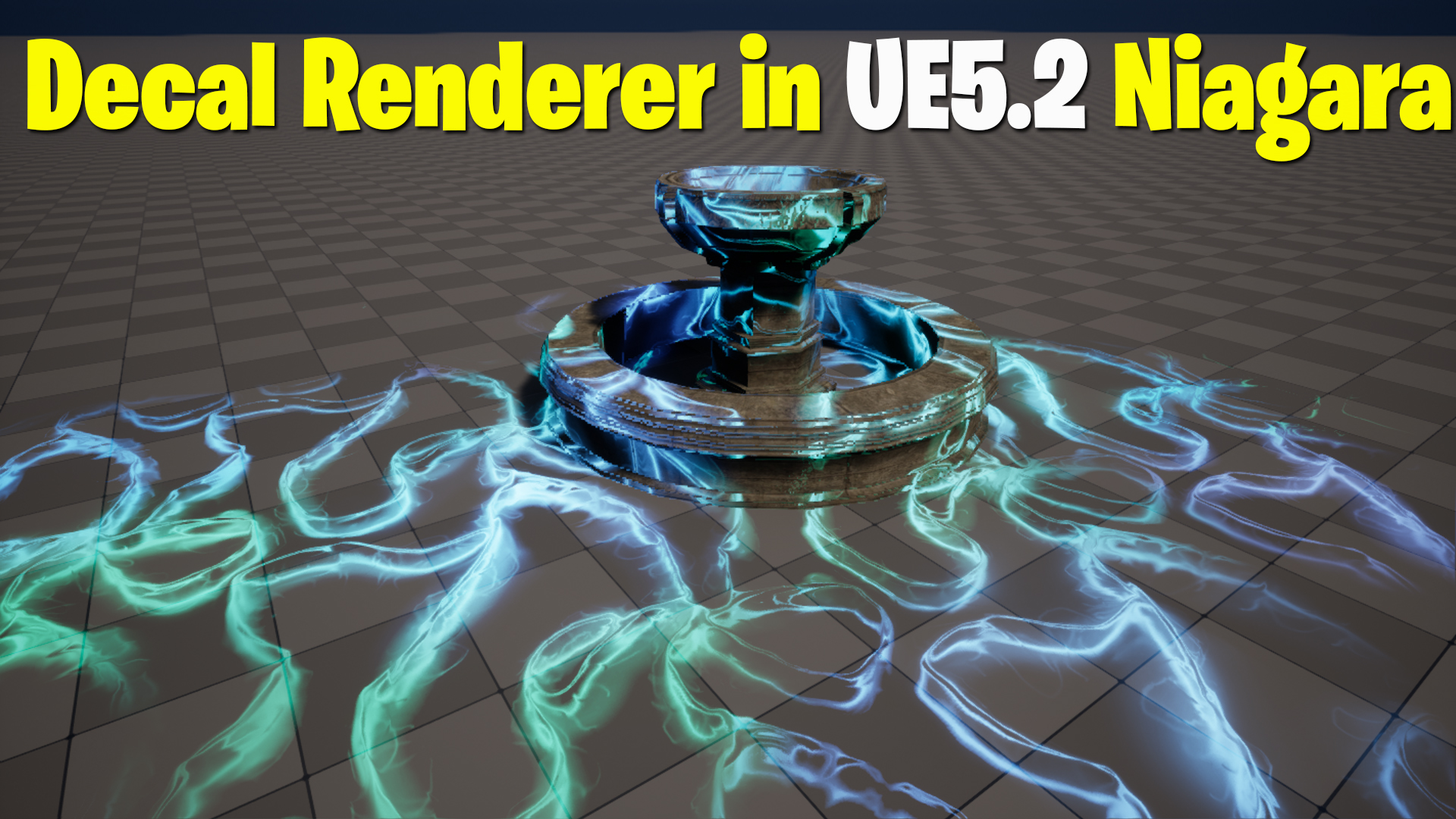

Download – https://www.patreon.com/posts/80515151
Patreon- https://www.patreon.com/Ashif
NFT – https://opensea.io/CGHOW
Twitter – https://twitter.com/cghow_
👉👉 If you Liked it – http://bit.ly/2UZmiZ4
Channel Ashif – http://bit.ly/3aYaniw
Support me on – paypal.me/9953280644
Decal Renderer in Unreal Engine 5.2 Niagara Tutorial | Download Files
#cghow #UE5 #UE4Niagara #gamefx #ue5niagara #ue4vfx #niagara #unrealengineniagara #realtimevfx
●Visit – https://cghow.com/
Unreal Engine Marketplace – https://bit.ly/3aojvAa
Artstation Store – https://www.artstation.com/ashif/store
Gumroad – https://cghow.gumroad.com/
Video Title: Discovering the New Decal Renderer in Unreal Engine 5.2 – Niagara Tutorial
Description:
In this tutorial, I explore an exciting new feature in Unreal Engine 5.2—the Decal Renderer in Niagara. Learn how to use decals within particle systems for dynamic and visually stunning effects. From creating decal materials to setting up parameters like radius and color, this video is packed with tips to enhance your VFX workflow. We’ll also dive into randomization techniques, orientation binding, and how to achieve animated decal dissolves with materials. By the end of the tutorial, you’ll have a solid understanding of using the Decal Renderer for your Unreal Engine projects.
Key Points:
- Introduction to Decal Renderer:
Learn about the new Decal Renderer in Unreal Engine 5.2 and how it differs from the traditional Sprite Renderer. - Setting Up a Decal in Niagara:
Step-by-step guide to replacing the Sprite Renderer with the Decal Renderer and linking it to a custom decal material. - Creating a Decal Material:
- Explore the new
Decal Colornode for accurate material setup. - Use dynamic textures and parameters to customize effects like dissolve and alpha fades.
- Explore the new
- Decal Orientation and Scaling:
Understand orientation bindings and how to randomize decal size and rotation for a natural look. - Randomization Techniques:
Implement random scaling and color variations for multiple particles using Niagara’s tools. - Animating Decal Effects:
Use curves to animate properties like size and dissolve over time for dynamic effects. - Material Optimizations:
Improve material performance and versatility using tiling, world position nodes, and additional parameters. - Practical Application:
Combine these techniques to create an engaging animated particle effect with decals.
Tags:
Unreal Engine 5.2, Niagara Decal Renderer, Unreal Engine Tutorials, VFX in Unreal Engine, Decal Materials, Particle Effects, Niagara VFX, Dynamic Decals, UE5 Niagara, Gaming VFX.
Additional Notes:
- Experiment with different textures and materials to discover unique results for your projects.
- Keep in mind the limitations of the Decal Renderer, such as lack of dynamic parameter bindings, and explore workarounds.
- Consider optimizing your materials by using instance parameters to quickly iterate on designs.
Leave a Reply