
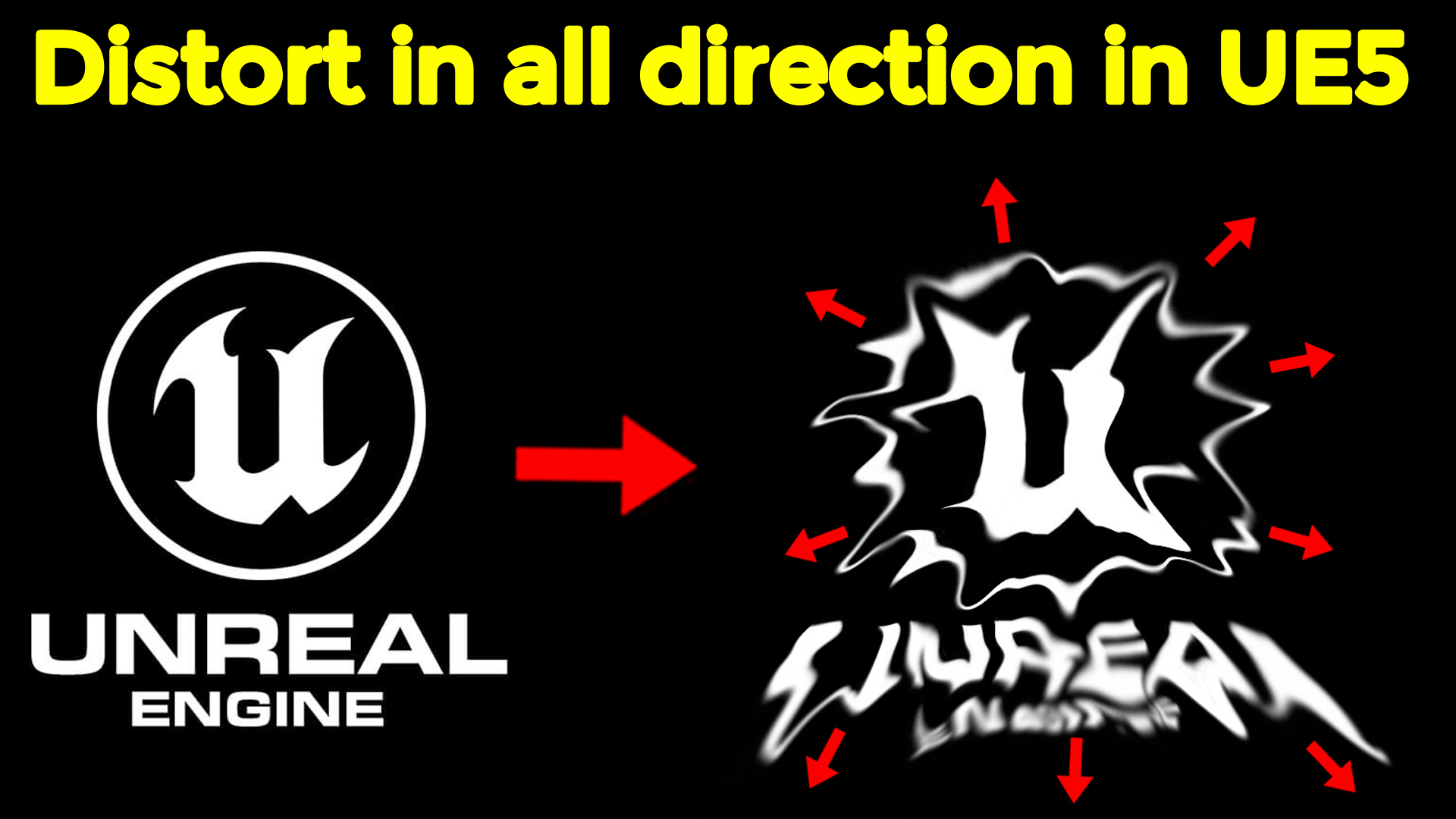

Download UE5 version files from Patreon – https://www.patreon.com/posts/53630043
Channel Ashif – http://bit.ly/3aYaniw
Support me on – https://www.patreon.com/Ashif
Support me on – paypal.me/9953280644
Distort in all Directions in UE5 Material and Niagara
#cghow #UE5 #UE4Niagara #gamefx #ue4vfx #ue4fx #niagara #ue4niagara #unrealengineniagara #unrealenginevfxtutorials
●Upload Your Tutorials/Work – https://cghow.com/
Purchase Effect Package From Unreal engine Marketplace –
Unreal Engine Niagara Effects in Marketplace – https://youtu.be/DF4Lb_btEus
Niagara Effects Pack in Marketplace – https://youtu.be/g6_k8T7FqHA
Unreal Engine Advanced Magical Effects in Marketplace – https://youtu.be/0Dn3GLIzhMo
Smoke in UE4 Niagara Pack01 in Unreal Engine Marketplace – https://youtu.be/38BPA_9yqJ8
UE4 Niagara Fire Pack 01 in Marketplace – https://youtu.be/PW5FL-zZoP4
UE4 Niagara Fire Pack 02 in Marketplace – https://youtu.be/fdLXPlUEzxM
UE4 Niagara Explosions Pack 02 in Marketplace – https://youtu.be/dj-XX9he4aE
Unreal Engine Niagara Effects Pack 03 in Marketplace – https://youtu.be/0kKon43I-Og
Slow Motion Explosion in UE4 Niagara Pack 04 in Marketplace – https://youtu.be/lUK1eW5zRP0
Unreal Engine Niagara Effects pack 04 in Marketplace – https://youtu.be/MihWYB31Gi4
Slow Motion Explosion in UE4 Niagara Pack 04 in Marketplace – https://youtu.be/lUK1eW5zRP0
UE4.25 Niagara Effects Pack 05 in Marketplace – https://youtu.be/sn1HIENVTDI
UE4.25 Niagara Effects Pack 06 in Marketplace – https://youtu.be/pvH_xGQ5jvs
Explosions Package in Unreal Engine Niagara Particle System – https://youtu.be/1mbqWscjUJ4
●Follow FB Page – https://www.facebook.com/cghow0/
●Join FB Group – https://www.facebook.com/groups/cghow/
●Android App – http://bit.ly/2XUnhoR
Playlists-
●Unreal Engine Niagara Tutorials – http://bit.ly/2SmPEuT
●Unreal engine VFX Tutorials -http://bit.ly/2JNXyJZ
●Unity VFX Tutorials – http://bit.ly/2XNGlKz
Tutorial Overview: Distorting Textures in All Directions in Unreal Engine 5 (Material Tutorial)
Introduction
Hi, I’m Asif Ali, and you’re watching the CGHOW channel! In this tutorial, I’ll guide you through creating a material that distorts a texture in all directions (up, down, left, right) using Unreal Engine 5. We’ll cover how to animate this distortion within a Niagara particle system. This material-focused tutorial is perfect for enhancing the visual impact of textures in VFX projects.
Steps
- Preparing the Texture
- Create or edit a texture with ample space around it for distortion.
- Ensure it’s centered and adjust size, if needed.
- Save the texture in a compatible format (e.g., .tga) and avoid official logos if sharing publicly.
- Creating a Material
- Import textures and create a new material.
- Use texture coordinates and noise to distort the UVs.
- Separate X and Y distortion parameters for precise control.
- Add masks and gradients to ensure symmetrical distortion along each axis.
- Add parameters to animate the tiling and erosion effects in the particle system.
- Animating in Niagara
- Apply the material to a Niagara particle system.
- Set up parameters for dynamic distortion and erosion.
- Adjust curves for smooth scaling and add sprite size variation to enhance animation.
Key Points
- Distortion Controls: Separate X and Y controls to avoid diagonal distortion.
- UV Masking: Mask textures to center distortion effects.
- Dynamic Parameters: Use Niagara’s dynamic parameter system to animate distortion and erosion.
- Tile Control: Adjust tiling dynamically to control texture appearance during animation.
Extra Tips
- Experiment with different noise textures for unique effects.
- Save materials as instances to tweak parameters easily.
- Animating scale adds a realistic touch to texture transformations.
Watch the Full Tutorial
Check out the video to see each step in detail, and subscribe to the CGHOW channel for more tutorials on Unreal Engine VFX using Niagara!
Tags: #UnrealEngine5 #MaterialTutorial #TextureDistortion #Niagara #VFX
Leave a Reply