

Download Link – https://www.patreon.com/posts/34669894
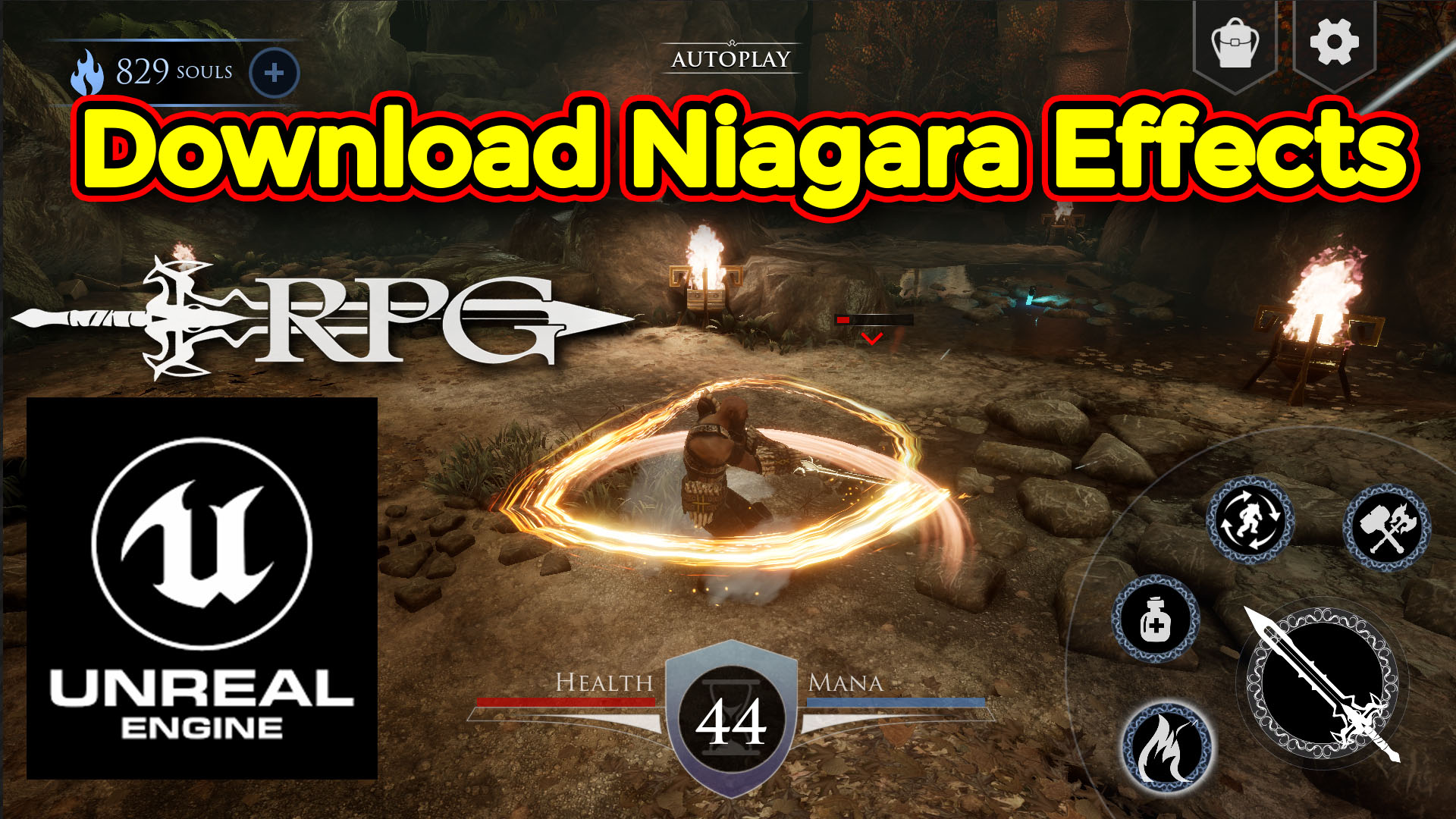
Hi guys i have created all affects in unreal engine Niagara and replaced them with exiting effects in this game those were created in cascade so you can just download this game project from ue4 marketplace and then download my Niagara effects and just copy my Niagara effect folder in content folder of this project so all material texture will be redirect automatically.
#cghow #unrealengine #gamevfx #gamefx #ue4vfx #ue4fx #niagara #unrealengineniagara #unrealenginevfxtutorials
●Upload Your Tutorials/Work – https://cghow.com/
…………………………………………………………………………………………………………
Purchase Effect Package From Unreal engine Marketplace –
●Niagara Effects Pack – http://bit.ly/2LWgZTx
●Advanced Magical FX – http://bit.ly/2XQYyXL
……………………………………………………………………………………………………………………………………
●Patreon – https://www.patreon.com/Ashif
……………………………………………………………………………………………………………………………………
●Follow FB Page – https://www.facebook.com/cghow0/
●Join FB Group – https://www.facebook.com/groups/cghow/
……………………………………………………………………………………………………………………………………
●Android App – http://bit.ly/2XUnhoR
……………………………………………………………………………………………………………………………………
Playlists-
●Unreal Engine Niagara Tutorials – http://bit.ly/2SmPEuT
●Unreal engine VFX Tutorials -http://bit.ly/2JNXyJZ
●Unity VFX Tutorials – http://bit.ly/2XNGlKz
……………………………………………………………………………………………………………………………………
●Discussion & Help Forum – http://bit.ly/2Lo0Er7
……………………………………………………………………………………………………………………………………


Video Title:
Niagara Effect Replacement for Action RPG Game (Free Project)
Description:
In today’s video, I’m showing you how I’ve replaced all the particle effects in an action RPG game using Niagara in Unreal Engine. The original game was made using Cascade, and I’ve updated all 26 particle systems with Niagara effects. This project is available for free on the Unreal Engine Marketplace, and I’ll provide the download link in the description. Let’s check out how I created these effects, and how you can easily replace them in your own project. Don’t forget to subscribe and click the bell to get notifications for more VFX tutorials!
What We’ll Cover:
- Niagara vs. Cascade: Learn how to transition from Cascade to Niagara in Unreal Engine.
- Replacing Particle Systems: See how I replaced all the original effects with Niagara particle systems for an enhanced look.
- Free Download: Get access to the updated Niagara effects for this action RPG game, and learn how to integrate them into your project.
- Quick Look at Effects: I’ll show you a quick preview of all 26 updated effects, including fire, potions, and other common RPG game effects.
- Simple Setup: Understand the simple steps to implement these Niagara effects in your own Unreal Engine project.
Key Steps:
- Download the Project: Start by downloading the action RPG game from the Unreal Engine Marketplace. The version of Unreal Engine used is 4.24 or higher.
- Download the Niagara Effects Folder: I’ve provided a folder with the 27 updated particle systems. Simply replace the old Cascade files with these Niagara files.
- Content Folder Setup: Place the downloaded files directly into the Content folder of your project to replace the existing effects.
- Simple Particle System Updates: You’ll notice that all the effects are similar in behavior, but with slight color or size variations. I’ve kept the original look intact, just updated with Niagara for better performance and more features.
- Play the Game and Test: Once you replace the effects, you can play through the game and see how the new Niagara effects look in action.
Key Takeaways:
- Effortless Niagara Integration: Replacing Cascade effects with Niagara is simple and can significantly improve the look and feel of your project.
- Free Assets: The updated effects are available for free and can be easily added to your project.
- Improved Visual Effects: Niagara allows for better control over particle behavior, adding a new level of polish to your game.
- How to Implement the Effects: Learn how to integrate the provided Niagara effects by simply replacing the old particle systems.
Tags:
Unreal Engine, Niagara, Particle Effects, Cascade to Niagara, RPG Game Effects, Unreal Engine Marketplace, Action RPG, Free Download, Visual Effects, Unreal Engine Tutorial, Game Development, Niagara Particle System
Leave a Reply