

Download – https://cghow.gumroad.com/l/vfuejk
Download – https://artstn.co/m/VOvWP
Ref – https://bit.ly/3aBmNRc
Patreon- https://www.patreon.com/Ashif
NFT – https://opensea.io/CGHOW
Twitter – https://twitter.com/cghow_
👉👉 If you Liked it – http://bit.ly/2UZmiZ4
Channel Ashif – http://bit.ly/3aYaniw
Support me on – paypal.me/9953280644
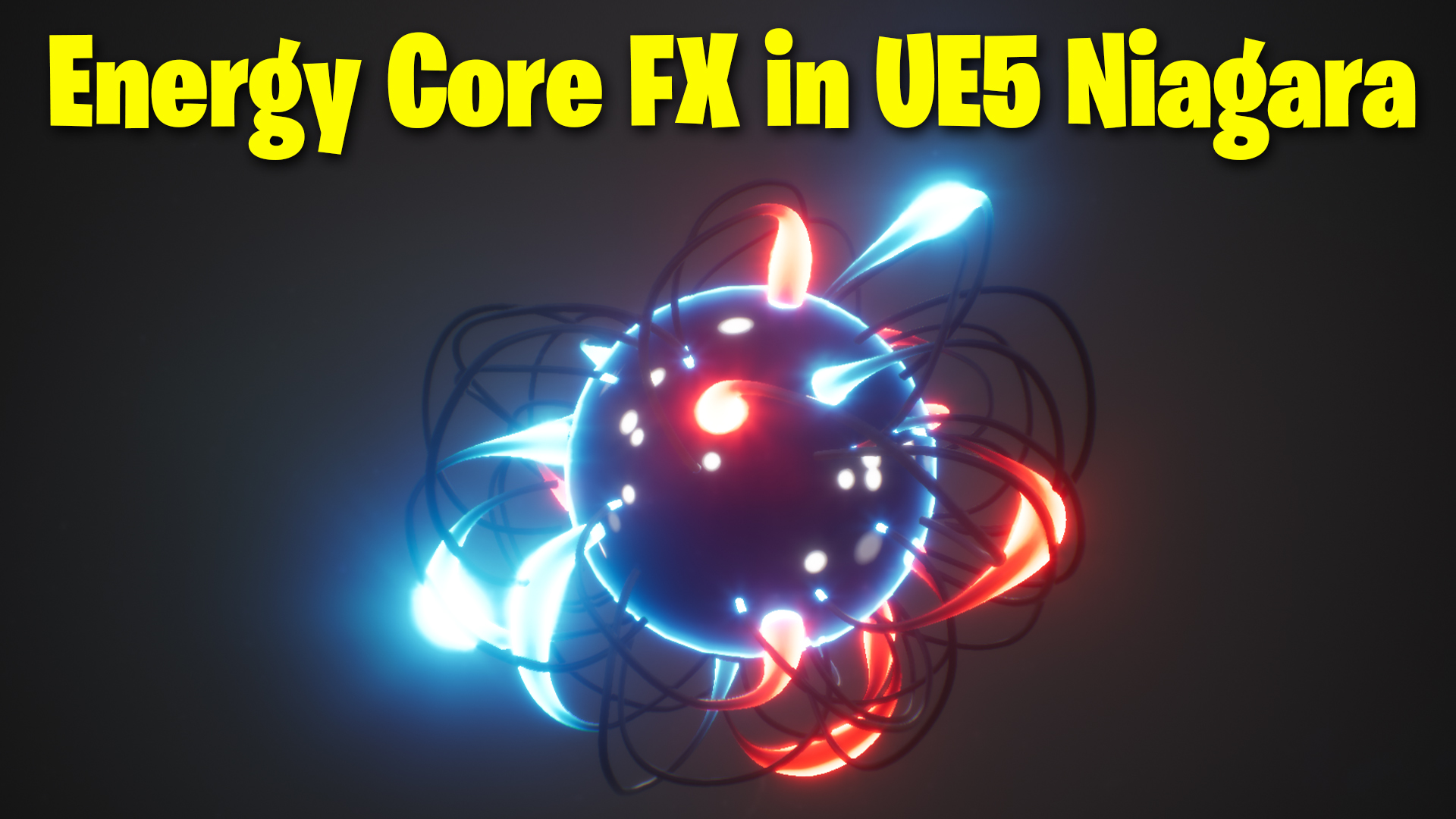
Energy Core in UE5 Niagara Tutorial | Download Files
Chapters:
0:00 – Intro
1:18 – Tube Mesh in Maya
3:39 – Tube Material
7:51 – Sphere Emitter
8:26 – Tube Emitters
12:28 – Sphere Material
16:05 – Particles on Sphere Surface
#cghow #UE5 #UE4Niagara #gamefx #ue5niagara #ue4vfx #niagara #unrealengineniagara #realtimevfx
●Visit – https://cghow.com/
Unreal Engine Marketplace – https://bit.ly/3aojvAa
Artstation Store – https://www.artstation.com/ashif/store
Gumroad – https://cghow.gumroad.com/
Title: Creating an Energy Core Effect in Unreal Engine 5 Niagara – Full Tutorial
Description:
In this tutorial, I’ll show you how to create a stunning energy core effect in Unreal Engine 5 using Niagara. We’ll be creating dynamic and colorful particle systems, with a focus on creating glowing tubes, particle movement, and adding realistic material interactions. If you haven’t subscribed yet, don’t forget to subscribe for more VFX tutorials, and hit the bell icon to stay updated!
Key Points:
- Custom Mesh Creation: Learn how to create a tube mesh around a sphere using Maya, and how to modify it with smooth selection and curvature deformation.
- Material Creation: Create custom materials using gradient effects, power multipliers, and vertex normals to enhance the look of the energy core.
- Particle System Setup: Set up particle systems to animate the mesh, using dynamic parameters to control the strength, offset, and color of the tubes.
- Animating the Effect: Animate the tube material’s offset to give the core a glowing effect that moves and pulses.
- Final Touches: Add additional elements like fountain particles on the sphere to make the effect more dynamic and visually striking.
- Customization Tips: Use random values for particle size and speed to create a more organic, varied look.
Trendy Tags:
#UE5 #NiagaraVFX #EnergyCoreEffect #UnrealEngineTutorial #VFX #3DEffects #GameDevelopment #ParticleEffects #UnrealEngine5Tutorial #NiagaraTutorial #VisualEffects #UnrealEngineVFX
Additional Notes:
- To get the best results, pay attention to the material interactions between the tubes and the sphere. Adjusting the transparency and using a mask can create a more realistic effect where the tubes intersect with the sphere.
- For optimizing the particle system, try experimenting with the spawn rate and randomizing the particle sizes to get more variation.
- This tutorial assumes you have basic knowledge of Unreal Engine and Niagara. If you’re new to it, check out previous tutorials for a deeper dive into the fundamentals of particle effects in UE5.
Leave a Reply