

Full Video – https://youtu.be/f5wuEYkncuM
Download – https://www.patreon.com/Ashif/shop/142490
Patreon- https://www.patreon.com/Ashif
NFT – https://opensea.io/CGHOW
Twitter – https://twitter.com/cghow_
👉👉 If you Liked it – http://bit.ly/2UZmiZ4
Channel Ashif – http://bit.ly/3aYaniw
Support me on – paypal.me/9953280644
Energy Shield in UE5.3 Niagara Tutorial | Download Files
#cghow #UE5 #UE4Niagara #gamefx #ue5niagara #ue4vfx #niagara #unrealengineniagara #realtimevfx
●Visit – https://cghow.com/
Unreal Engine Marketplace – https://bit.ly/3aojvAa
Artstation Store – https://www.artstation.com/ashif/store
Gumroad – https://cghow.gumroad.com/
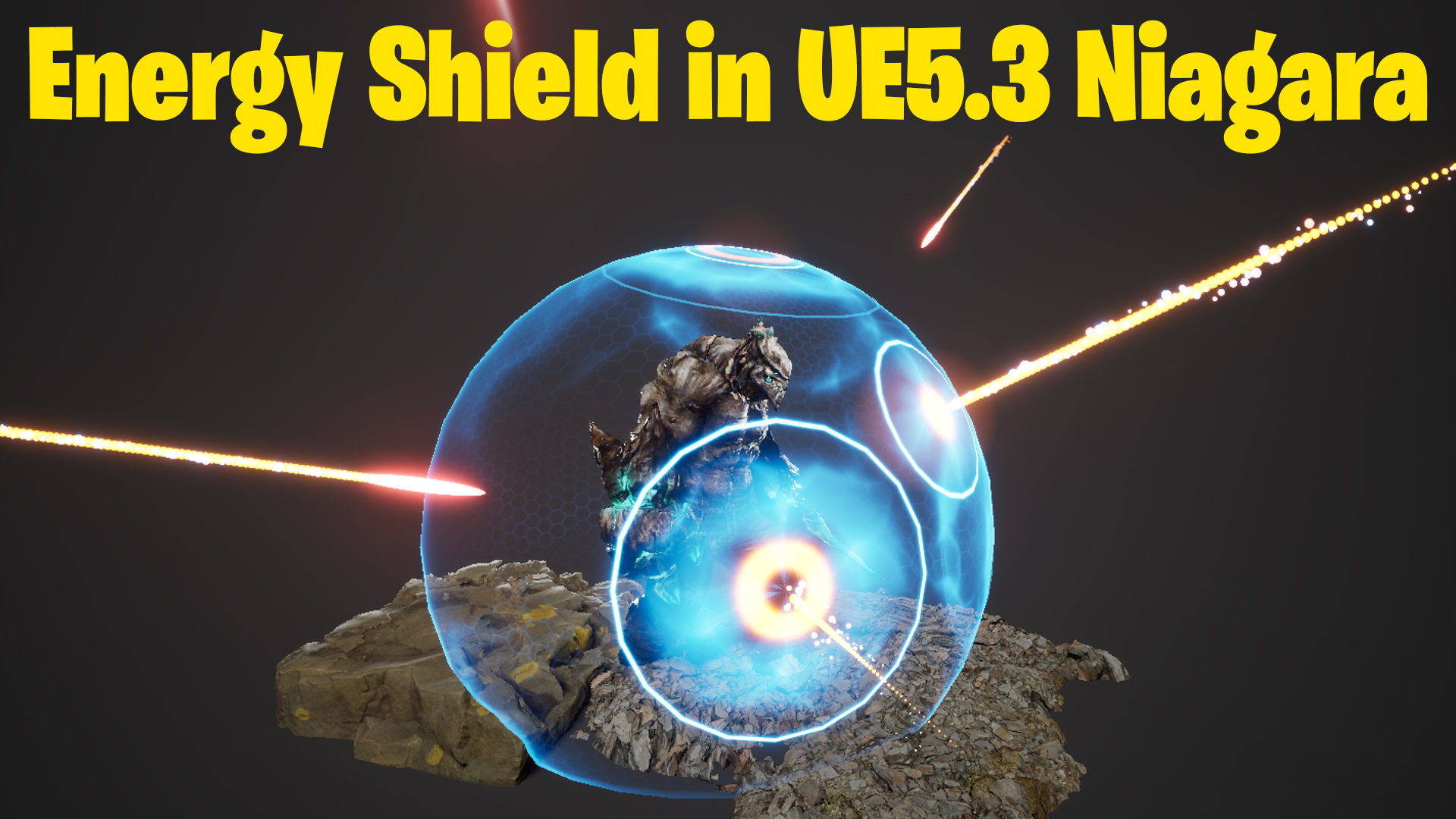
Video Description: In this tutorial, I’ll be creating a shield effect requested by a subscriber via email. They sent me a few references, and I decided to go with one that I’ll demonstrate today. I’ll also be providing the files on my Patreon, so you can download them.
Make sure to subscribe and click the bell icon to get notified about future tutorials!
Key Steps:
- Material Creation for Shield:
- Start with a sphere and create a two-sided unlit material for the shield.
- Add a bright edge effect using power settings and noise textures.
- Use a subtle noise distortion for texture movement and adjust opacity to make the shield more dynamic.
- Shield Setup in Niagara:
- Create a new Niagara system for the shield, using a single particle mesh and applying the shield material.
- Adjust the sphere’s size and pivot point to match the shield’s look.
- Collision Effect:
- Use a point velocity to simulate rockets hitting the shield, and set a kill volume to delete particles when they reach a specific radius.
- Trail Effect:
- Add a trail effect to the rockets and adjust their appearance with noise textures, changing their size and color for a dynamic look.
- Ring Effect:
- Create a ring effect when the rockets collide with the shield. This uses a sphere mesh that gets cut in half to form the ring.
- Animate the ring’s offset and use dynamic parameters to control its thickness and appearance.
- Final Tweaks:
- Adjust the opacity, thickness, and color of the effects, and animate the dynamics to achieve a subtle but impactful visual.
Leave a Reply