

Download – https://cghow.gumroad.com/l/maOpD
Download – https://www.artstation.com/a/8629656
👉👉 If you Liked it – http://bit.ly/2UZmiZ4
Channel Ashif – http://bit.ly/3aYaniw
Support me on – https://www.patreon.com/Ashif
Support me on – paypal.me/9953280644
Export Niagara Data to Blueprint in UE5 Tutorial | Download Files
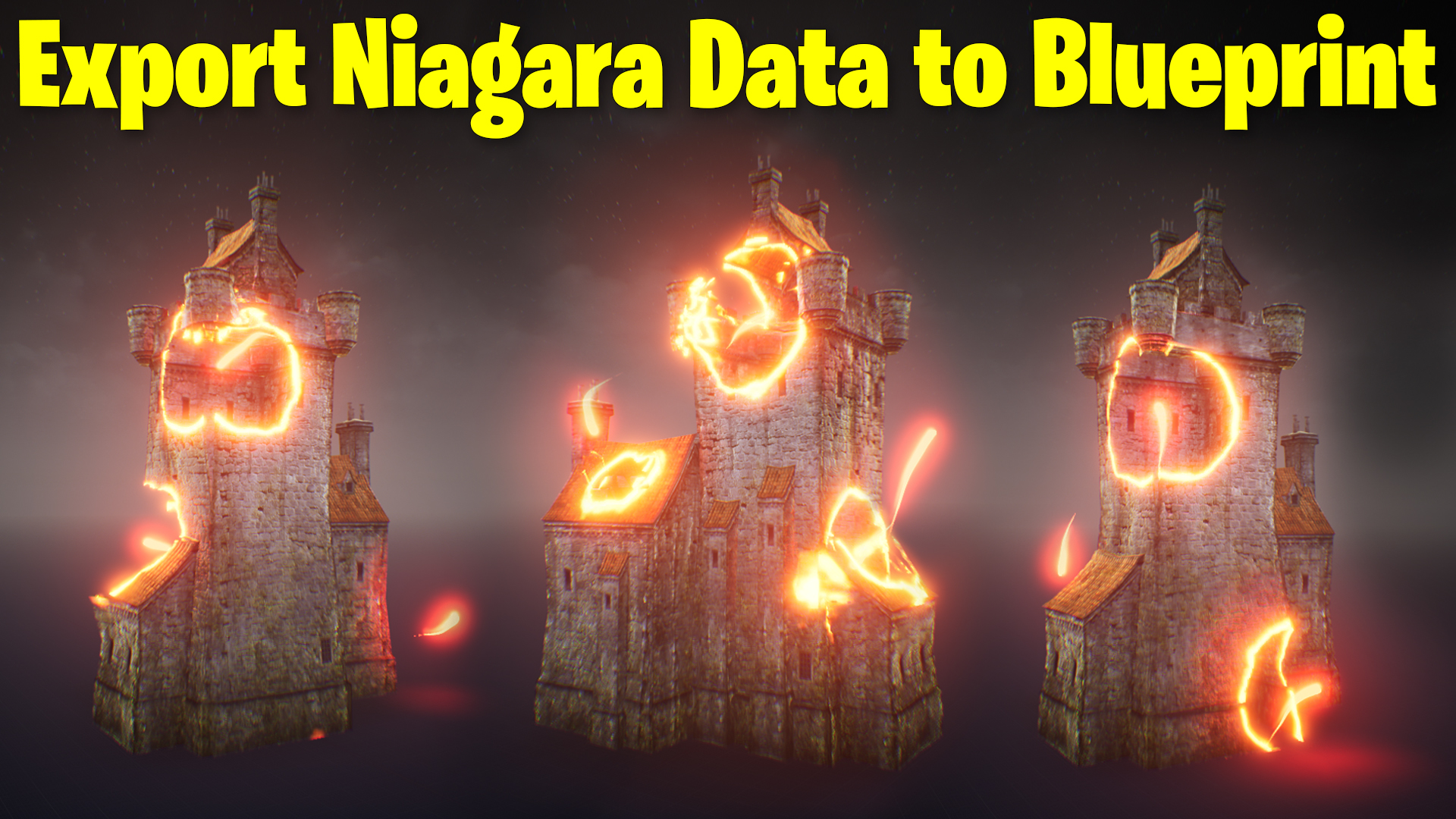
hi, guys in this tutorial you will learn how to export Niagara particle data to blueprint in ue5. first I will show how to export particle position and how to receive and use it in the blueprint, I will use particle position to set custom mesh location in blueprint then I will also show your how to use multiple sphere mask in material then use particle position to set each sphere mask position in the blueprint.
#cghow #UE5 #UE4Niagara #gamefx #ue5niagara #ue4vfx #niagara #unrealengineniagara #realtimevfx
●Upload Your Tutorials/Work – https://cghow.com/
Purchase Effect Package From Unreal engine Marketplace –
Unreal Engine Niagara Effects in Marketplace – https://youtu.be/DF4Lb_btEus
Niagara Effects Pack in Marketplace – https://youtu.be/g6_k8T7FqHA
Unreal Engine Advanced Magical Effects in Marketplace – https://youtu.be/0Dn3GLIzhMo
Smoke in UE4 Niagara Pack01 in Unreal Engine Marketplace – https://youtu.be/38BPA_9yqJ8
UE4 Niagara Fire Pack 01 in Marketplace – https://youtu.be/PW5FL-zZoP4
UE4 Niagara Fire Pack 02 in Marketplace – https://youtu.be/fdLXPlUEzxM
UE4 Niagara Explosions Pack 02 in Marketplace – https://youtu.be/dj-XX9he4aE
Unreal Engine Niagara Effects Pack 03 in Marketplace – https://youtu.be/0kKon43I-Og
Slow Motion Explosion in UE4 Niagara Pack 04 in Marketplace – https://youtu.be/lUK1eW5zRP0
Unreal Engine Niagara Effects pack 04 in Marketplace – https://youtu.be/MihWYB31Gi4
Slow Motion Explosion in UE4 Niagara Pack 04 in Marketplace – https://youtu.be/lUK1eW5zRP0
UE4.25 Niagara Effects Pack 05 in Marketplace – https://youtu.be/sn1HIENVTDI
UE4.25 Niagara Effects Pack 06 in Marketplace – https://youtu.be/pvH_xGQ5jvs
Explosions Package in Unreal Engine Niagara Particle System – https://youtu.be/1mbqWscjUJ4
●Follow FB Page – https://www.facebook.com/cghow0/
●Join FB Group – https://www.facebook.com/groups/cghow/
●Android App – http://bit.ly/2XUnhoR
Playlists-
●Unreal Engine Niagara Tutorials – http://bit.ly/2SmPEuT
●Unreal engine VFX Tutorials -http://bit.ly/2JNXyJZ
●Unity VFX Tutorials – http://bit.ly/2XNGlKz
Description: In this Unreal Engine 5 tutorial, I walk you through the process of exporting Niagara particle data to Blueprints. You’ll learn how to extract key information, such as particle positions, and use that data to control objects and materials within your scene. We’ll explore how to set up particle systems, create custom Blueprints, and connect Niagara data to mesh objects and materials. This is a comprehensive guide for VFX artists looking to integrate Niagara particle systems with Blueprints in UE5.
Key Points:
- Introduction to UE5 Niagara & Blueprints: Setting up a project in Unreal Engine 5 and preparing the Niagara system.
- Exporting Particle Data: How to export particle position and velocity data from Niagara to Blueprints.
- Using Blueprint Callback Handlers: Step-by-step on setting up Blueprint classes to handle Niagara data.
- Manipulating Particle Data in Blueprints: Using the particle data to move objects and manipulate their position.
- Connecting Materials to Niagara: How to update materials based on particle positions using Blueprint.
- Setting up Multiple Objects and Materials: Creating an array of objects to match particle positions dynamically.
Trendy Tags:
- #UnrealEngine5
- #NiagaraVFX
- #Blueprints
- #UE5Tutorial
- #VFXinUE5
- #UnrealEngineNiagara
- #GameDev
- #NiagaraParticleSystems
Additional Notes:
- Tips for Beginners: Make sure your particle systems are well organized to avoid performance issues when handling large amounts of data.
- Advanced Techniques: Explore adding more complex material effects, such as blending, distortion, and vertex displacement, to make your particles look more dynamic.
Leave a Reply