

Download – https://www.patreon.com/posts/80065173
Patreon- https://www.patreon.com/Ashif
NFT – https://opensea.io/CGHOW
Twitter – https://twitter.com/cghow_
👉👉 If you Liked it – http://bit.ly/2UZmiZ4
Channel Ashif – http://bit.ly/3aYaniw
Support me on – paypal.me/9953280644
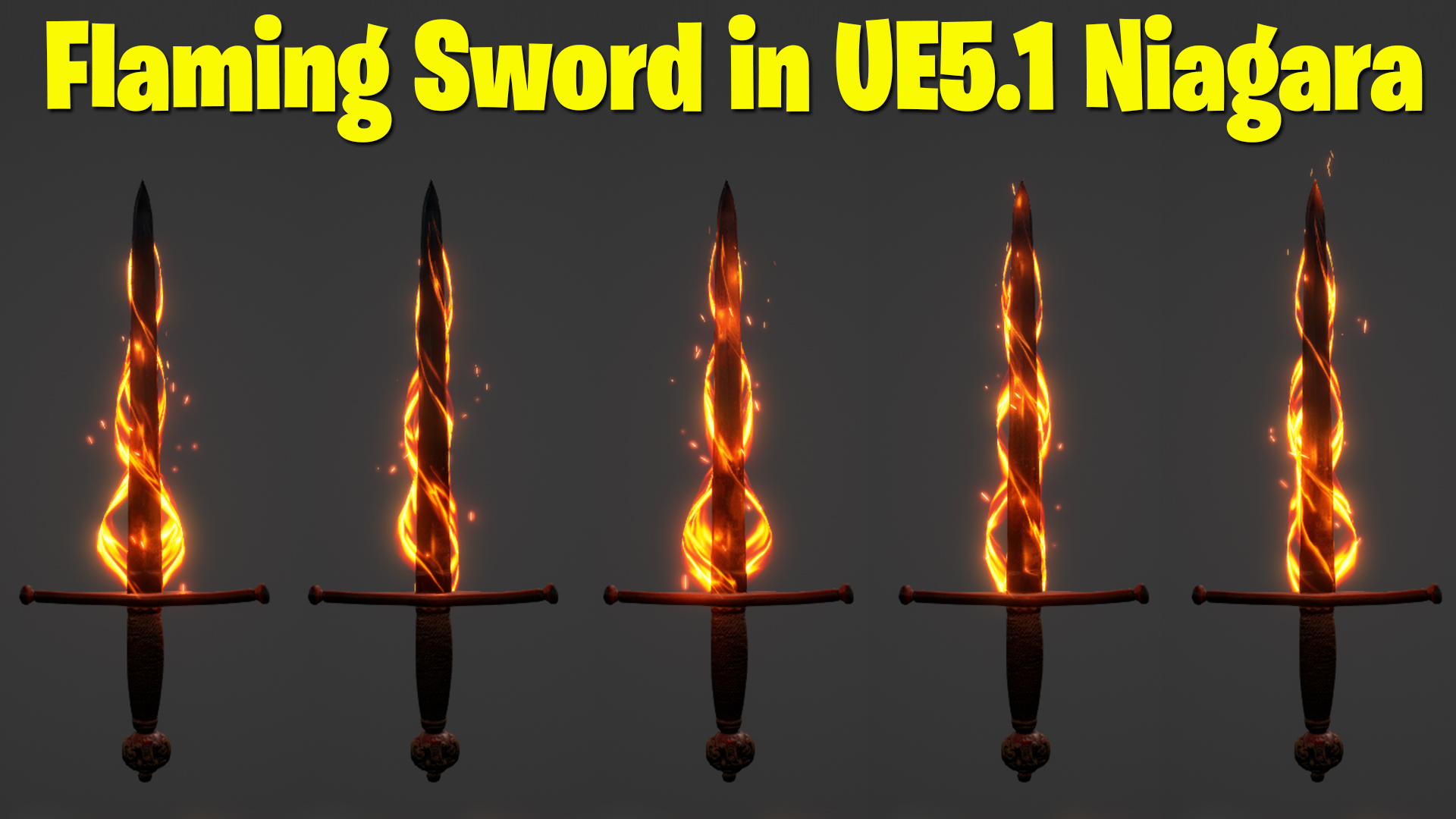
Flaming Sword in UE5 Niagara Tutorial | Download Files
#cghow #UE5 #UE4Niagara #gamefx #ue5niagara #ue4vfx #niagara #unrealengineniagara #realtimevfx
●Visit – https://cghow.com/
Unreal Engine Marketplace – https://bit.ly/3aojvAa
Artstation Store – https://www.artstation.com/ashif/store
Gumroad – https://cghow.gumroad.com/
Creating a Sword Flame Effect in Unreal Engine 5 Niagara
In this tutorial, we will walk you through the process of creating a stylized flame effect for a sword using Unreal Engine 5’s Niagara system. We’ll cover everything from preparing the sword mesh in Maya to adding dynamic particle effects and materials in Niagara. Let’s dive in!
Description:
This tutorial demonstrates how to create a dynamic flame effect for a sword using Niagara in Unreal Engine 5.1. Learn how to model and prepare the mesh, create a custom material, and configure Niagara for stunning VFX.
Key Points:
- Preparing the Sword Mesh:
- Download a sword mesh from Quixel or any source.
- Export the mesh and modify it in Maya or your preferred 3D modeling software.
- Create a spiral mesh around the sword for the flame effect.
- Adjust UV mapping and export the mesh for use in Unreal Engine.
- Creating the Flame Material:
- Design a custom material for the spiral mesh.
- Add features like texture panning, fading edges, and dynamic color blending using nodes like
Lerp,Multiply, andTexture Coordinates. - Use parameters for opacity, pan speed, and distortion to make the effect more customizable.
- Setting Up Niagara:
- Import the sword and spiral meshes into Unreal Engine.
- Create a new Niagara system and add emitters for the spiral and particle effects.
- Use parameters like opacity and pan speed for dynamic control without relying on dynamic parameters.
- Add additional effects like particle attraction, velocity alignment, and noise for enhanced visuals.
- Adding Lights and Particles:
- Include lights linked to the particle system to illuminate the sword dynamically.
- Adjust the brightness and color of the light to match the flame effect.
- Add particle effects around the sword for a more fiery look, using GPU particles for higher performance.
- Final Adjustments:
- Use parameters to control the flame intensity, color contrast, and dissolve effects.
- Fine-tune the material properties and emitter settings for a polished, stylized result.
Tags:
- Unreal Engine 5
- Niagara VFX
- Sword Flame Effect
- Unreal Engine Tutorial
- Maya Modeling
- Game VFX
- UE5 Niagara Particles
Notes:
- Experiment with different textures and parameters to create unique flame effects.
- Use GPU emitters for high particle counts but be mindful of system performance.
- This effect can be adapted for other types of weapons or objects in your game projects.
Leave a Reply