

Download – https://www.patreon.com/posts/90385938
Patreon- https://www.patreon.com/Ashif
NFT – https://opensea.io/CGHOW
Twitter – https://twitter.com/cghow_
👉👉 If you Liked it – http://bit.ly/2UZmiZ4
Channel Ashif – http://bit.ly/3aYaniw
Support me on – paypal.me/9953280644
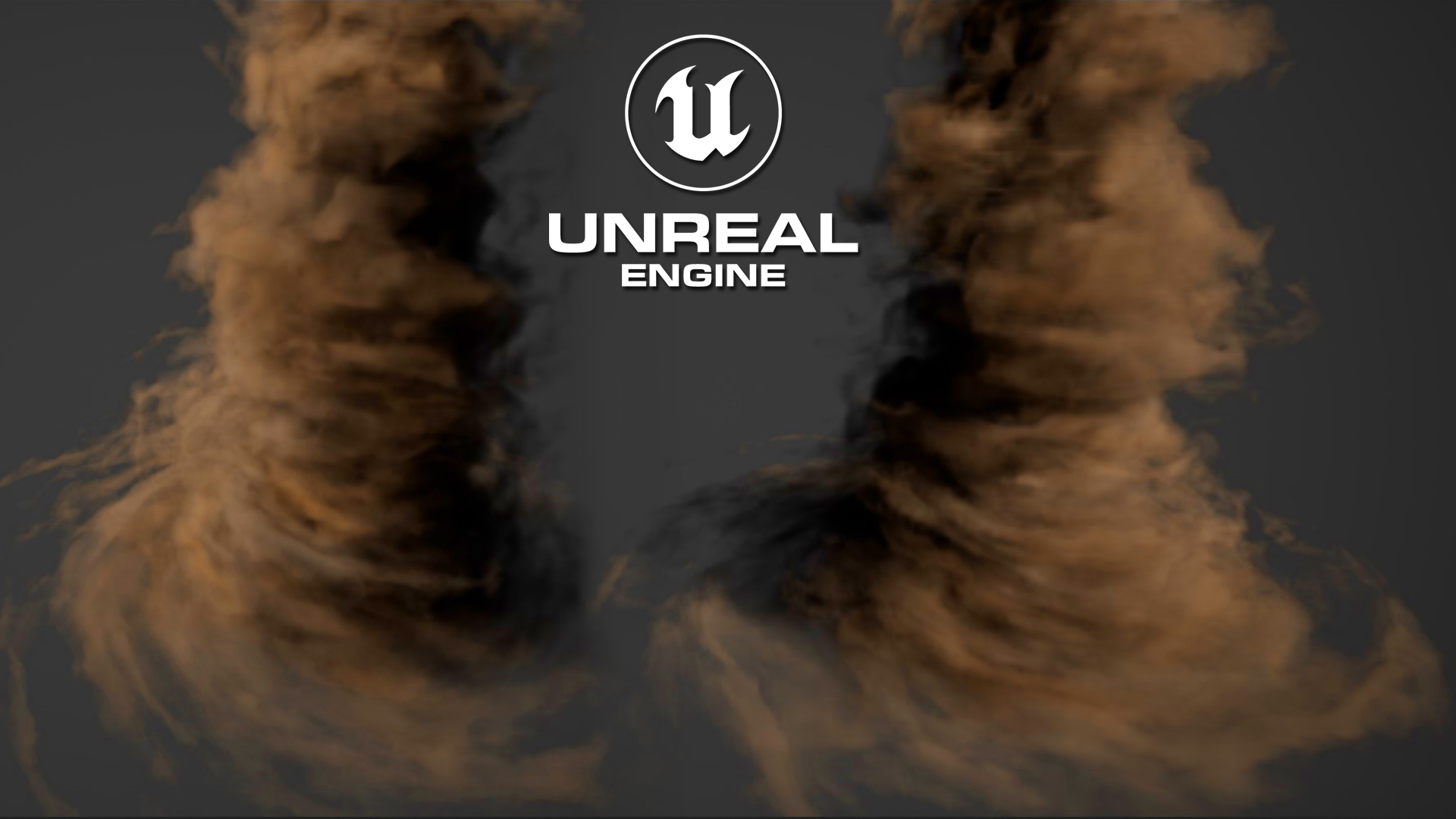
Fluid Tornado in UE5.3 Niagara Tutorial | Download Files
#cghow #UE5 #UE4Niagara #gamefx #ue5niagara #ue4vfx #niagara #unrealengineniagara #realtimevfx
●Visit – https://cghow.com/
Unreal Engine Marketplace – https://bit.ly/3aojvAa
Artstation Store – https://www.artstation.com/ashif/store
Gumroad – https://cghow.gumroad.com/
UE5 | Tornado Fluid Effect in Unreal Engine 5.3 Niagara Tutorial”
Introduction: “Hi guys, I’m Ashif Ali and you’re watching CGHOW. Today, I’m creating a tornado effect in UE 5.3 Niagara using fluid. I’ve already made this effect, but I’ll recreate it from scratch so you can follow along. You can also download this file on my Patreon. Let’s get started! Don’t forget to subscribe and hit the bell icon for notifications.”
Tutorial Steps:
- Starting from Scratch:
- Close the previously created tornado and save the project.
- Create a new Niagara system and begin with a 3D Grid Gas Mask Diameter.
- The fluid initially flows out of a sphere, which acts as the emitter.
- Creating the Vortex Force:
- In the pre-sim velocity section, add a Vortex Force.
- Insert a Grid 3D Vortex and connect the relevant parameters like
DX,scene grid,world to local, andZ axis. - Adjust the strength to 1000 for the effect.
- Increase the force to see how it pulls the fluid toward the vortex.
- Setting Up the Emitter:
- Create a new emitter using a fountain template.
- Adjust the emitter’s size (800×800) and position for fluid rotation.
- Add vortex velocity to the emitter to make particles rotate faster at the bottom and slower at the top.
- Simulating the Fluid:
- Turn off the sphere emitter temporarily.
- Set the bounding box and make adjustments for fluid flow.
- Set the emitter to GPU for better performance.
- Adding Color and Final Adjustments:
- You can randomize the color of the fluid particles, changing the color to brownish tones.
- Add randomization settings (0.2 for U, 2 for drawing) for more dynamic coloring.
- Enable the “stroller” option in the simulation for enhanced fluid simulation.
- Final Touches:
- Preview the simulation with increased lighting and check the results for the final tornado effect.
- Adjust the simulation to make it look more realistic.
Conclusion: “That’s a quick overview of how to create a tornado fluid effect using Niagara in UE 5.3. I hope you enjoyed the tutorial. Keep learning, and see you in the next video!”
Leave a Reply