

Download – https://www.patreon.com/posts/82900944
Patreon- https://www.patreon.com/Ashif
NFT – https://opensea.io/CGHOW
Twitter – https://twitter.com/cghow_
👉👉 If you Liked it – http://bit.ly/2UZmiZ4
Channel Ashif – http://bit.ly/3aYaniw
Support me on – paypal.me/9953280644
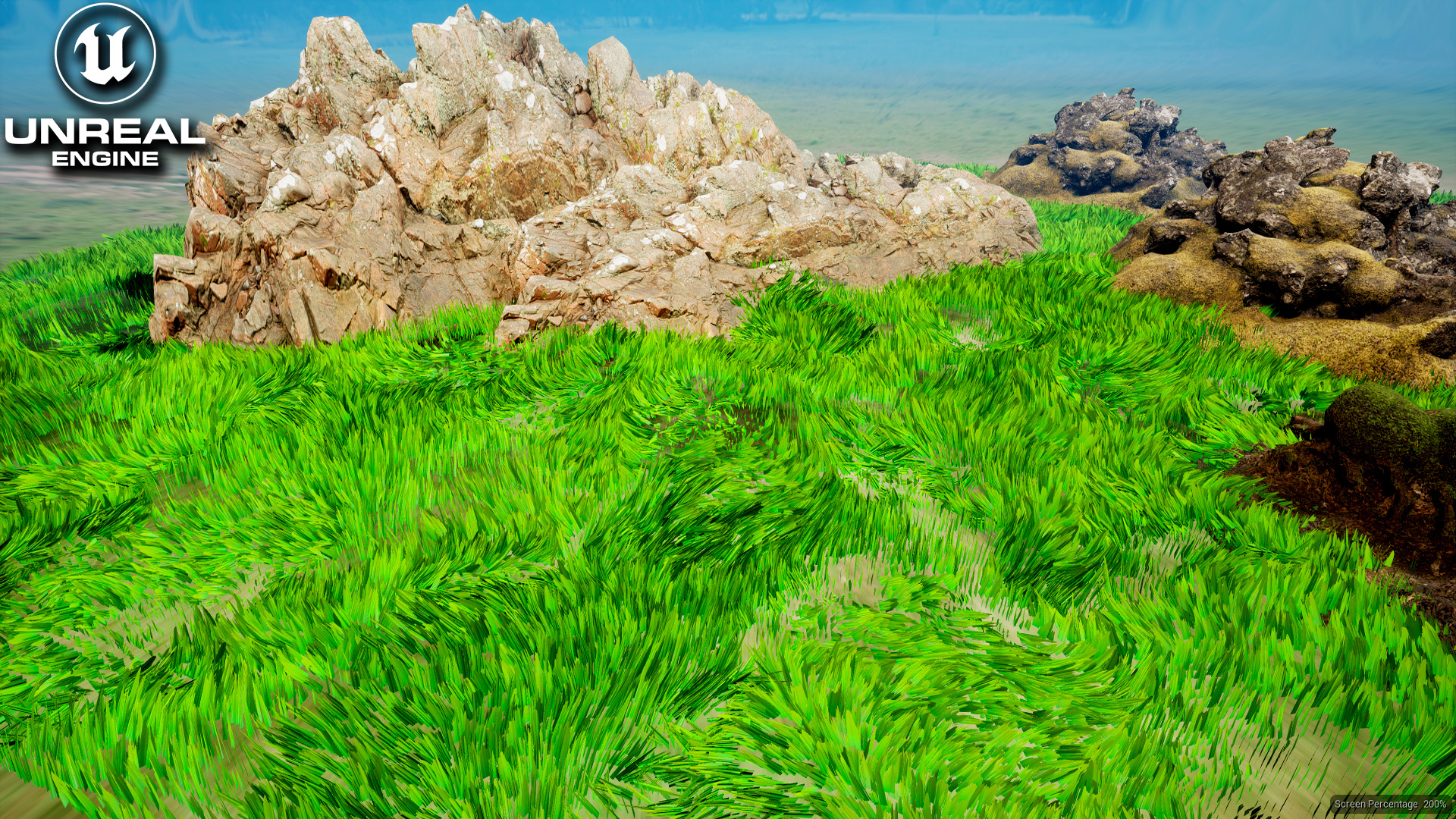
Grass Wind – Curl Noise for Mesh Rotation UE5.2 Niagara Tutorial | Download Files
#cghow #UE5 #UE4Niagara #gamefx #ue5niagara #ue4vfx #niagara #unrealengineniagara #realtimevfx
●Visit – https://cghow.com/
Unreal Engine Marketplace – https://bit.ly/3aojvAa
Artstation Store – https://www.artstation.com/ashif/store
Gumroad – https://cghow.gumroad.com/
Description:
In this video, Ashif Ali demonstrates how to create a grassling effect using Niagara in Unreal Engine 5.2. The tutorial focuses on utilizing curl noise for mass rotation, a technique that adds a realistic, wind-blown motion to the grass particles. Ashif walks through the creation of the particle system, the material setup, and how to animate the grass to simulate wind movement.
Key Points:
- Creating the Niagara Effect:
- Start by creating a new Niagara system and selecting the Fountain effect. Remove unnecessary modules and adjust the spawn rate and size.
- Setting Up the Material:
- Create a grass material by using a radial and particle color. Use a noise texture to add randomness, adjusting opacity and adding movement.
- Add a tiling parameter for texture control and adjust the randomness of the color.
- Animating the Grass:
- Use curl noise to simulate wind, affecting only the rotation of the particles instead of position.
- Adjust the frequency and strength of the curl noise to create a natural motion.
- Adding Color Gradients:
- Apply a gradient to the grass material to make the top part of the grass yellow, simulating a sunlit effect.
- Camera and Final Adjustments:
- Set up a camera actor to preview the grass effect, and adjust settings like focus and aperture for cinematic shots.
- Add a ground material to make the scene look more realistic and integrate the grassling effect with the environment.
Trendy Tags:
- #UnrealEngine
- #NiagaraVFX
- #GrassEffect
- #CurlNoise
- #UE5VFX
- #GamingVFX
- #WindSimulation
Additional Notes:
- Curl Noise can be used for both position and rotation to simulate natural forces, like wind or water.
- The size and tiling of the material can be adjusted for more flexibility in the look of the grass, especially for different scales.
- To achieve more randomness and organic movement, you can increase the number of particles and adjust the noise frequencies.
This effect can be applied to other types of foliage or objects in Unreal Engine for realistic environmental animations.
Leave a Reply