

Download – https://cghow.gumroad.com/l/azqxlj
Patreon- https://www.patreon.com/Ashif
NFT – https://opensea.io/CGHOW
Twitter – https://twitter.com/cghow_
👉👉 If you Liked it – http://bit.ly/2UZmiZ4
Channel Ashif – http://bit.ly/3aYaniw
Support me on – paypal.me/9953280644
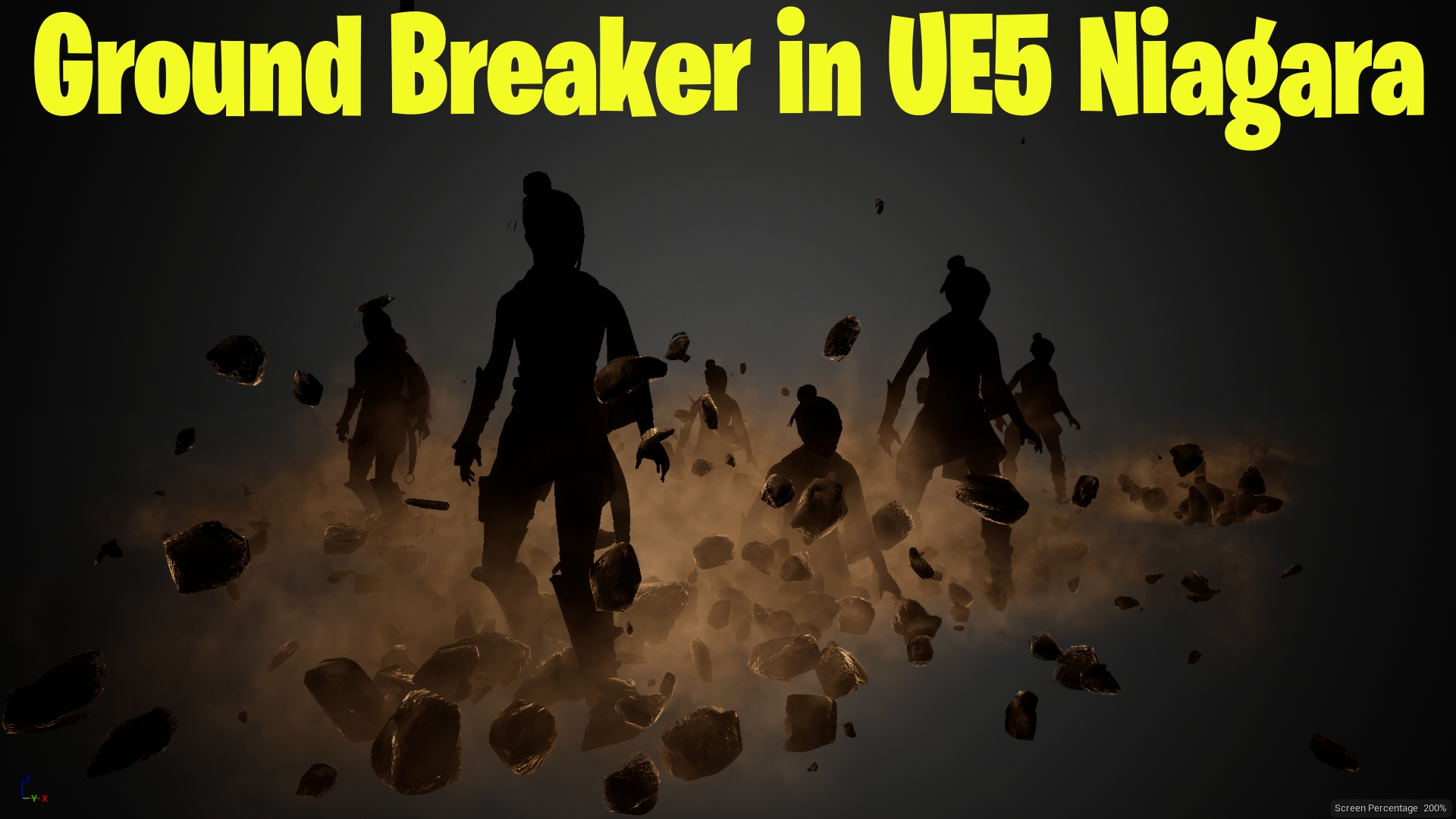
Ground Breaker in UE5 Niagara Tutorial | Download Files
#cghow #UE5 #UE4Niagara #gamefx #ue5niagara #ue4vfx #niagara #unrealengineniagara #realtimevfx
●Visit – https://cghow.com/
Unreal Engine Marketplace – https://bit.ly/3aojvAa
Artstation Store – https://www.artstation.com/ashif/store
Gumroad – https://cghow.gumroad.com/
Video Structure:
- Introduction:
- Briefly explain the concept of the effect (character emerging from the ground, shooting with a shockwave).
- Encourage viewers to like, comment, share, and subscribe.
- Creating the Character Effect:
- Use Niagara to create a fountain effect to generate the character.
- Apply a character mesh and animation for the character’s idle pose.
- Set up materials (e.g., a black material for the character).
- Fix issues like mesh not rendering and adjust settings for proper display.
- Animating the Character’s Position:
- Animate the character’s vertical position using a vector equation and curves.
- Ensure smooth transition from underground to surface.
- Adding Debris:
- Create debris effects using a fountain with Taurus shape and velocity settings.
- Apply randomization for the orientation and scale of the debris.
- Use materials and lights to enhance the visibility and realism of the debris.
- Adding Dust:
- Create dust effects that move upward, adding to the intensity of the explosion.
- Shockwave Effect:
- Add a shockwave with velocity, scale, and timing adjustments.
- Ensure the shockwave follows the character’s movement.
- Final Adjustments:
- Apply fine-tuning to the materials, debris life span, and scale of effects.
- Ensure proper lighting and visibility.
- Fix any rotation issues with debris, ensuring it stops when colliding.
- Conclusion:
- Recap the tutorial, show the final result.
- Encourage viewers to subscribe and stay tuned for more content.
Video Description Example:
Title: Groundbreaking VFX Effect – Character Emerging with Debris & Shockwave in Unreal Engine 5 (Niagara)
Description: In this tutorial, we’ll create an exciting groundbreaking effect where a character emerges from the ground with debris and dust, followed by a powerful shockwave. Using Unreal Engine 5 and Niagara, we’ll cover everything from setting up the character animation, animating its position, adding debris, dust, and a dynamic shockwave effect.
Key Points:
- Character Animation: Setup and animate the character mesh emerging from the ground.
- Debris Effects: Use Niagara to generate realistic debris with random velocities and rotations.
- Dust Particles: Create dust particles that rise as the character emerges.
- Shockwave Effect: Add a powerful shockwave with velocity adjustments to enhance the explosion.
- Lighting & Materials: Ensure the proper application of materials and lights to bring the effect to life.
Trendy Tags: #UnrealEngine #Niagara #VFX #GameEffects #CharacterAnimation #DebrisEffect #Shockwave #ParticleEffects #UnrealEngineTutorial
Leave a Reply