

Channel Ashif – http://bit.ly/3aYaniw
Support me on – https://www.patreon.com/Ashif
Support me on – paypal.me/9953280644
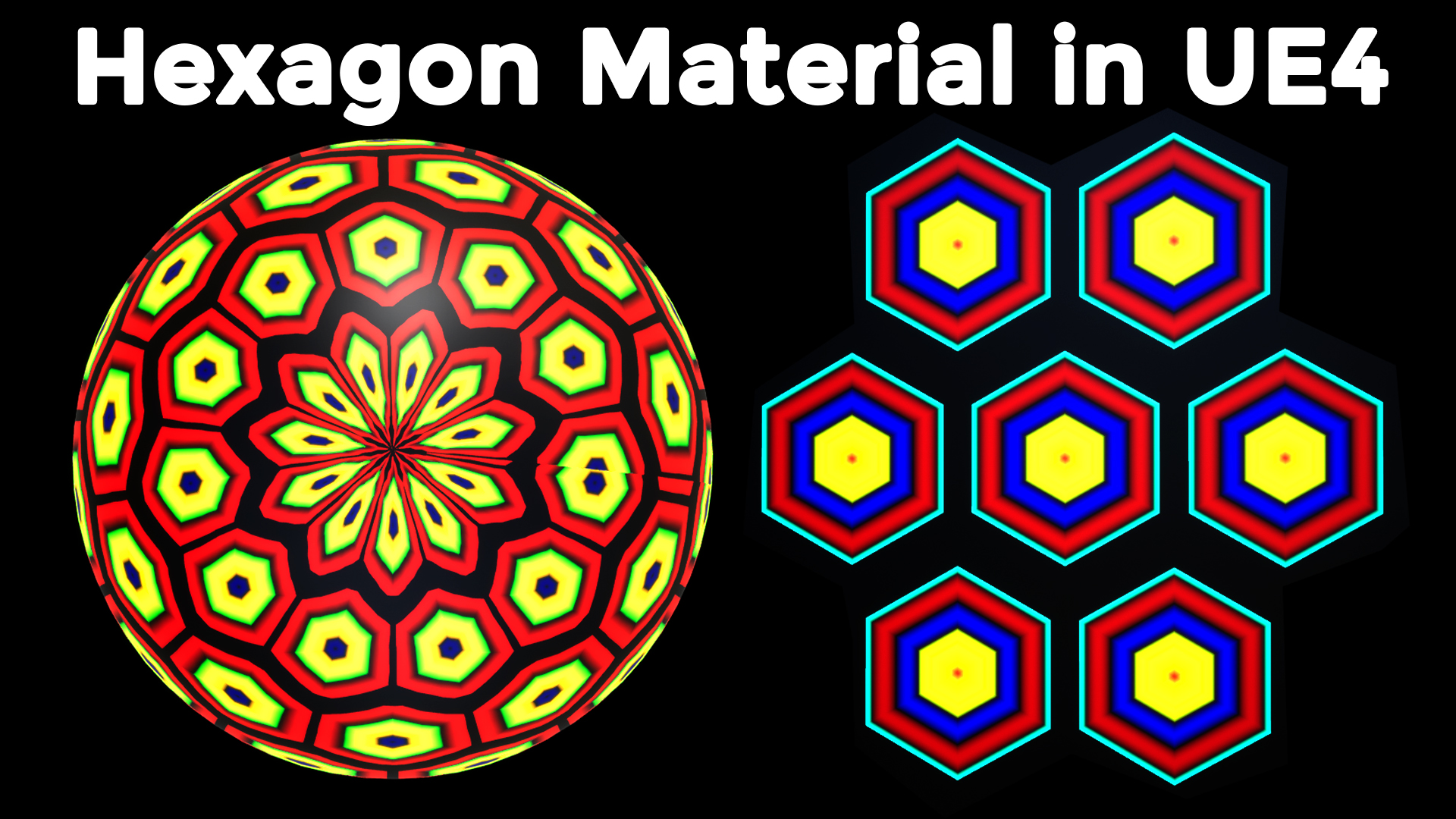
Hexagon Material in Unreal Engine
#cghow #RealtimeVFX #UE4Niagara #gamefx #ue4vfx #ue4fx #niagara #unrealengineniagara #unrealenginevfxtutorials
●Upload Your Tutorials/Work – https://cghow.com/
Purchase Effect Package From Unreal engine Marketplace –
Unreal Engine Niagara Effects in Marketplace – https://youtu.be/DF4Lb_btEus
Niagara Effects Pack in Marketplace – https://youtu.be/g6_k8T7FqHA
Unreal Engine Advanced Magical Effects in Marketplace – https://youtu.be/0Dn3GLIzhMo
Smoke in UE4 Niagara Pack01 in Unreal Engine Marketplace – https://youtu.be/38BPA_9yqJ8
UE4 Niagara Fire Pack 01 in Marketplace – https://youtu.be/PW5FL-zZoP4
UE4 Niagara Fire Pack 02 in Marketplace – https://youtu.be/fdLXPlUEzxM
UE4 Niagara Explosions Pack 02 in Marketplace – https://youtu.be/dj-XX9he4aE
Unreal Engine Niagara Effects Pack 03 in Marketplace – https://youtu.be/0kKon43I-Og
Slow Motion Explosion in UE4 Niagara Pack 04 in Marketplace – https://youtu.be/lUK1eW5zRP0
Unreal Engine Niagara Effects pack 04 in Marketplace – https://youtu.be/MihWYB31Gi4
Slow Motion Explosion in UE4 Niagara Pack 04 in Marketplace – https://youtu.be/lUK1eW5zRP0
UE4.25 Niagara Effects Pack 05 in Marketplace – https://youtu.be/sn1HIENVTDI
UE4.25 Niagara Effects Pack 06 in Marketplace – https://youtu.be/pvH_xGQ5jvs
Explosions Package in Unreal Engine Niagara Particle System – https://youtu.be/1mbqWscjUJ4
●Follow FB Page – https://www.facebook.com/cghow0/
●Join FB Group – https://www.facebook.com/groups/cghow/
●Android App – http://bit.ly/2XUnhoR
Playlists-
●Unreal Engine Niagara Tutorials – http://bit.ly/2SmPEuT
●Unreal engine VFX Tutorials -http://bit.ly/2JNXyJZ
●Unity VFX Tutorials – http://bit.ly/2XNGlKz


Video Title: Hexagonal Tiling Effect in Unreal Engine Material – Easy Setup
Description: In today’s video, Asif Ali demonstrates how to create a hexagonal tiling effect using Unreal Engine’s material editor. Follow along as we break down the steps involved in generating a dynamic, animated hexagonal tile pattern without using any texture samples. We’ll cover UV manipulation, mathematical formulas for shaping the hexagon, and how to create a seamless tiling effect.
Key Points:
- Creating the Base Material: Start by adjusting UVs for centering and shaping the hexagonal pattern.
- Math Behind the Effect: Understand the formula that involves absolute values, square roots, and the step function to generate the hexagon shape.
- Tiling and Animation: Learn how to tile the hexagonal pattern, offset rows for proper brick-like alignment, and animate the effect using a sine wave for smooth transitions.
- Color Customization: Experiment with color shifts to add more visual depth to your tiles.
- Bonus: Discover how you can add a dynamic animation to your hexagonal tiling for a more visually engaging effect.
Tags: #HexagonalTiling #UnrealEngine #MaterialEditor #VFX #GameDesign #UE4 #UnrealEngineTutorial #ShaderTutorial
Additional Notes:
- The video includes step-by-step instructions on adjusting the material for different tile sizes and animations.
- To get the exact material, check out Asif’s Patreon for access to the downloadable files.
Leave a Reply