
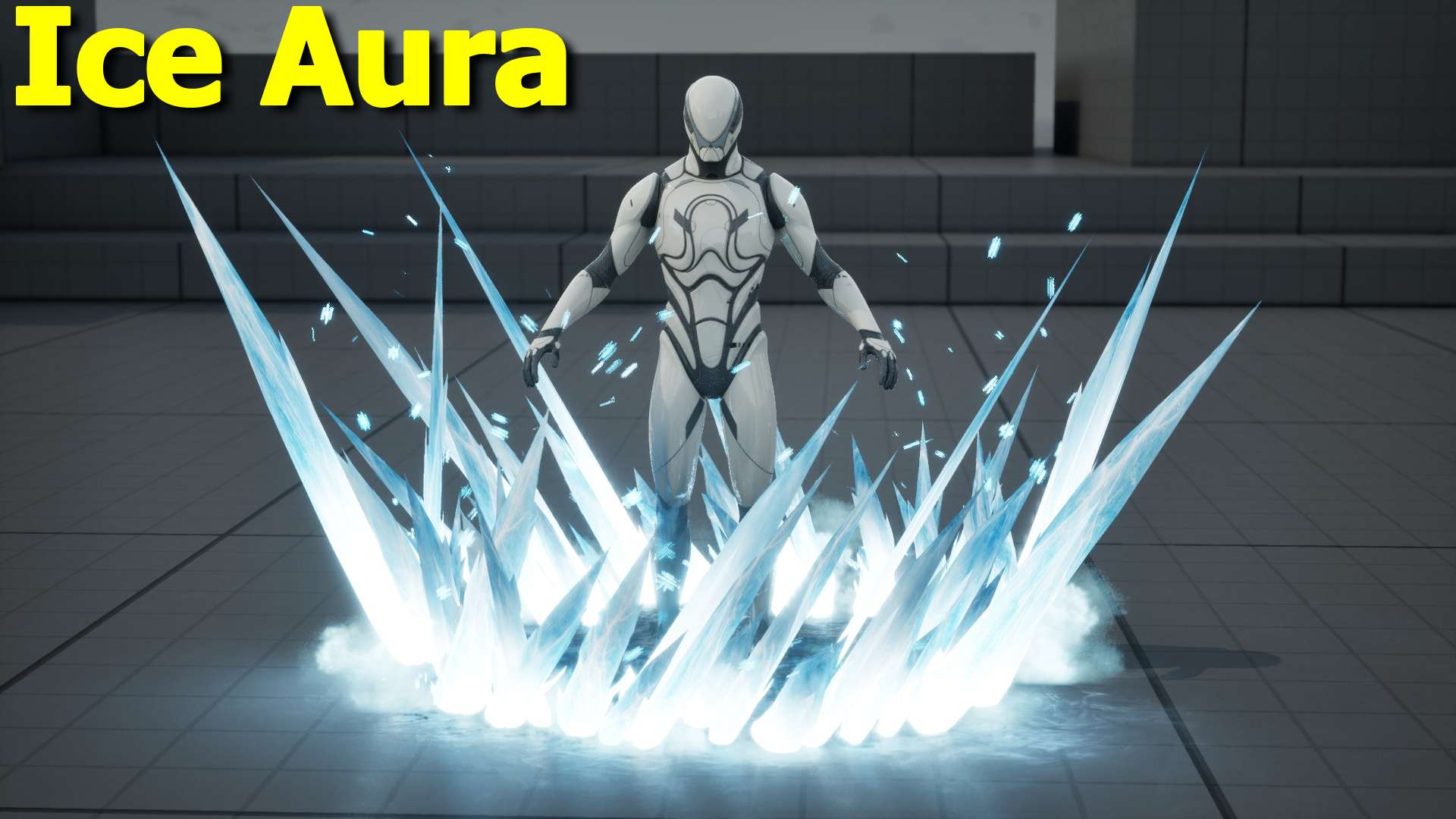

Create a beautiful and highly customizable Ice Aura in Unreal Engine 5 Niagara. This frost effect surrounds the character with icy spikes, cold smoke, glowing ice, and falling snowflakes — perfect for ice abilities, frost buffs, or frozen character states.
The system is designed with many useful User Parameters so you can easily adjust the look without opening the Niagara system.
What’s Inside the Video
In this showcase you’ll see:
- The full Ice Aura effect in action
- How to scale the aura to any size
- Full control over individual elements using User Parameters
- How to combine multiple instances for more complex looks
Controllable Parameters
- Scale – Make the aura small or extremely large
- Decal – Toggle the ground ice effect on/off
- Glow – Control the intensity of the ice glow
- Smoke Opacity & Smoke Rate – Adjust the cold smoke amount and transparency
- Snowflake Spawn Rate – Control or completely remove the falling snowflakes
- Height – Increase or decrease the height of the ice spikes
You can also duplicate the system and combine different settings (for example one for base aura + smoke and another for tall spikes only) to create more complex ice effects.
Full Video – Tutorial coming soon for members only so JOIN NOW!
Download – https://www.patreon.com/Ashif/posts/ice-aura-in-5-164797968
Fab – https://www.fab.com/sellers/CGHOW
Course – https://youtu.be/DZnuHK1Wckc
Join Membership – https://www.youtube.com/cghow/join
What is Membership – https://youtu.be/XBWcQ0k4UR4
Patreon Tier for Files – https://youtu.be/MzIjYshea6g
All Link – https://linktr.ee/cghow
Leave a Reply