

Download – https://cghow.gumroad.com/l/rbakx
Download – https://artstn.co/m/Bn7lD
Ref – https://bit.ly/3O8pk33
Patreon- https://www.patreon.com/Ashif
NFT – https://opensea.io/CGHOW
Twitter – https://twitter.com/cghow_
👉👉 If you Liked it – http://bit.ly/2UZmiZ4
Channel Ashif – http://bit.ly/3aYaniw
Support me on – paypal.me/9953280644
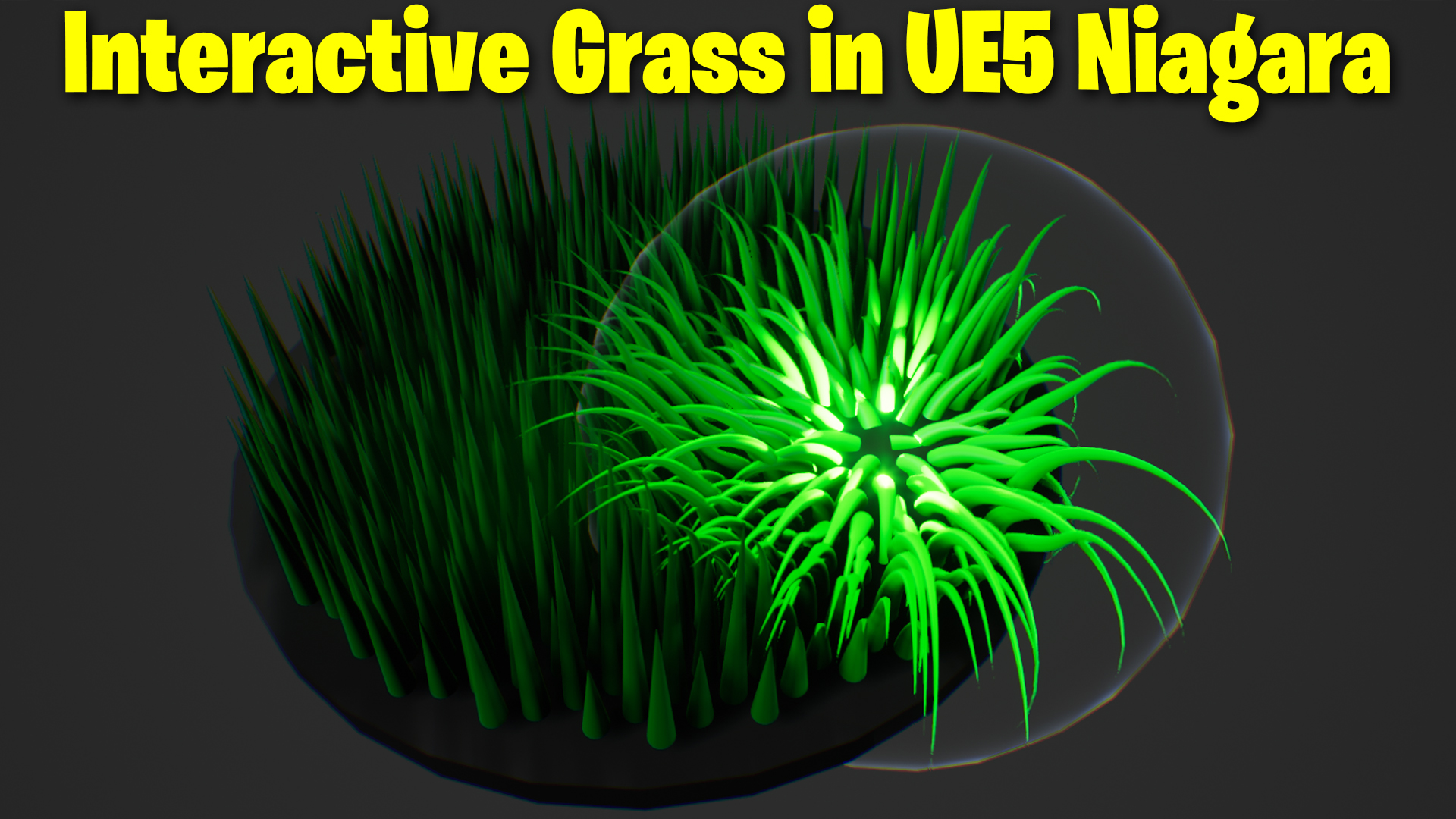
Interactive Grass in UE5 Niagara Tutorial | Download Files
Chapters:-
0:00 – Intro
1:33 – Grass Mesh in Maya
2:18 – Grass Material
4:50 – Grass Emitter
12:33 – Blueprint
#cghow #UE5 #UE4Niagara #gamefx #ue5niagara #ue4vfx #niagara #unrealengineniagara #realtimevfx
●Visit – https://cghow.com/
Unreal Engine Marketplace – https://bit.ly/3aojvAa
Artstation Store – https://www.artstation.com/ashif/store
Gumroad – https://cghow.gumroad.com/
Hi guys, I’m Ashif Ali and you’re watching CGHOW!
In today’s video, I’m going to show you how I created an interactive grass system where the grass reacts to the position of a sphere and bends accordingly. You can also scale the sphere to see how the grass behaves dynamically. I’ve already created this effect, but I’ll be walking through the process step by step so you can understand it better.
If you haven’t subscribed to my channel yet, please do! And if you like this video, don’t forget to like, share, and comment!
Let’s get started:
- Creating the Mesh:
I created a slender mesh in Maya and exported it to Unreal Engine, where I’ll use it to simulate the grass. You can check out the reference I found on Twitter for more inspiration (link in the description). - Rotating and Bending the Grass:
I’ll be covering how to rotate the grass and bend it using dynamic parameters in Unreal Engine. I’ll show you how to control the rotation and bending direction based on the location of a sphere. - Interactive Element (Sphere):
I’ll explain how the grass interacts with a moving sphere and how to make it bend or rotate depending on its position. This requires setting up the right vector math and using the dynamic parameters in the material. - Advanced Techniques:
- Using Region Mask to control which parts of the grass should react to the sphere.
- Adjusting the offset and rotation using blueprints so that the grass reacts correctly in all directions.
- Adding wave animations for the bending effect, creating a more realistic movement.
- Finishing Touches:
I’ll wrap up by making the sphere responsive to both movement and scaling, ensuring the grass adjusts accordingly.
Key Points:
- Use of dynamic parameters for rotation and bending.
- Implementing Region Mask to control particle behavior.
- Interactivity with a moving sphere.
- Using vector math to ensure correct particle orientation.
- Scaling the sphere to affect the radius dynamically.
Trendy Tags:
#UnrealEngine #Niagara #VFX #InteractiveGrass #UnrealTutorial #NiagaraVFX #UE5 #GamingVFX #GameDevelopment #3DModeling
Thanks for watching! I hope this tutorial helps you understand how to create interactive grass systems in Unreal Engine. Keep learning and keep experimenting!
Leave a Reply