


Download – https://cghow.gumroad.com/l/JLmPk
Download – https://www.artstation.com/a/10371248
👉👉 If you Liked it – http://bit.ly/2UZmiZ4
Channel Ashif – http://bit.ly/3aYaniw
Support me on – https://www.patreon.com/Ashif
Support me on – paypal.me/9953280644
#cghow #UE5 #UE4Niagara #gamefx #ue5niagara #ue4vfx #niagara #unrealengineniagara #realtimevfx
●Upload Your Tutorials/Work – https://cghow.com/
Purchase Effect Package From Unreal engine Marketplace –
Unreal Engine Niagara Effects in Marketplace – https://youtu.be/DF4Lb_btEus
Niagara Effects Pack in Marketplace – https://youtu.be/g6_k8T7FqHA
Unreal Engine Advanced Magical Effects in Marketplace – https://youtu.be/0Dn3GLIzhMo
Smoke in UE4 Niagara Pack01 in Unreal Engine Marketplace – https://youtu.be/38BPA_9yqJ8
UE4 Niagara Fire Pack 01 in Marketplace – https://youtu.be/PW5FL-zZoP4
UE4 Niagara Fire Pack 02 in Marketplace – https://youtu.be/fdLXPlUEzxM
UE4 Niagara Explosions Pack 02 in Marketplace – https://youtu.be/dj-XX9he4aE
Unreal Engine Niagara Effects Pack 03 in Marketplace – https://youtu.be/0kKon43I-Og
Slow Motion Explosion in UE4 Niagara Pack 04 in Marketplace – https://youtu.be/lUK1eW5zRP0
Unreal Engine Niagara Effects pack 04 in Marketplace – https://youtu.be/MihWYB31Gi4
Slow Motion Explosion in UE4 Niagara Pack 04 in Marketplace – https://youtu.be/lUK1eW5zRP0
UE4.25 Niagara Effects Pack 05 in Marketplace – https://youtu.be/sn1HIENVTDI
UE4.25 Niagara Effects Pack 06 in Marketplace – https://youtu.be/pvH_xGQ5jvs
Explosions Package in Unreal Engine Niagara Particle System – https://youtu.be/1mbqWscjUJ4
●Follow FB Page – https://www.facebook.com/cghow0/
●Join FB Group – https://www.facebook.com/groups/cghow/
●Android App – http://bit.ly/2XUnhoR
Playlists-
●Unreal Engine Niagara Tutorials – http://bit.ly/2SmPEuT
●Unreal engine VFX Tutorials -http://bit.ly/2JNXyJZ
●Unity VFX Tutorials – http://bit.ly/2XNGlKz
Title: Lava Rocks FX in UE4 Niagara | Download Files
Description:
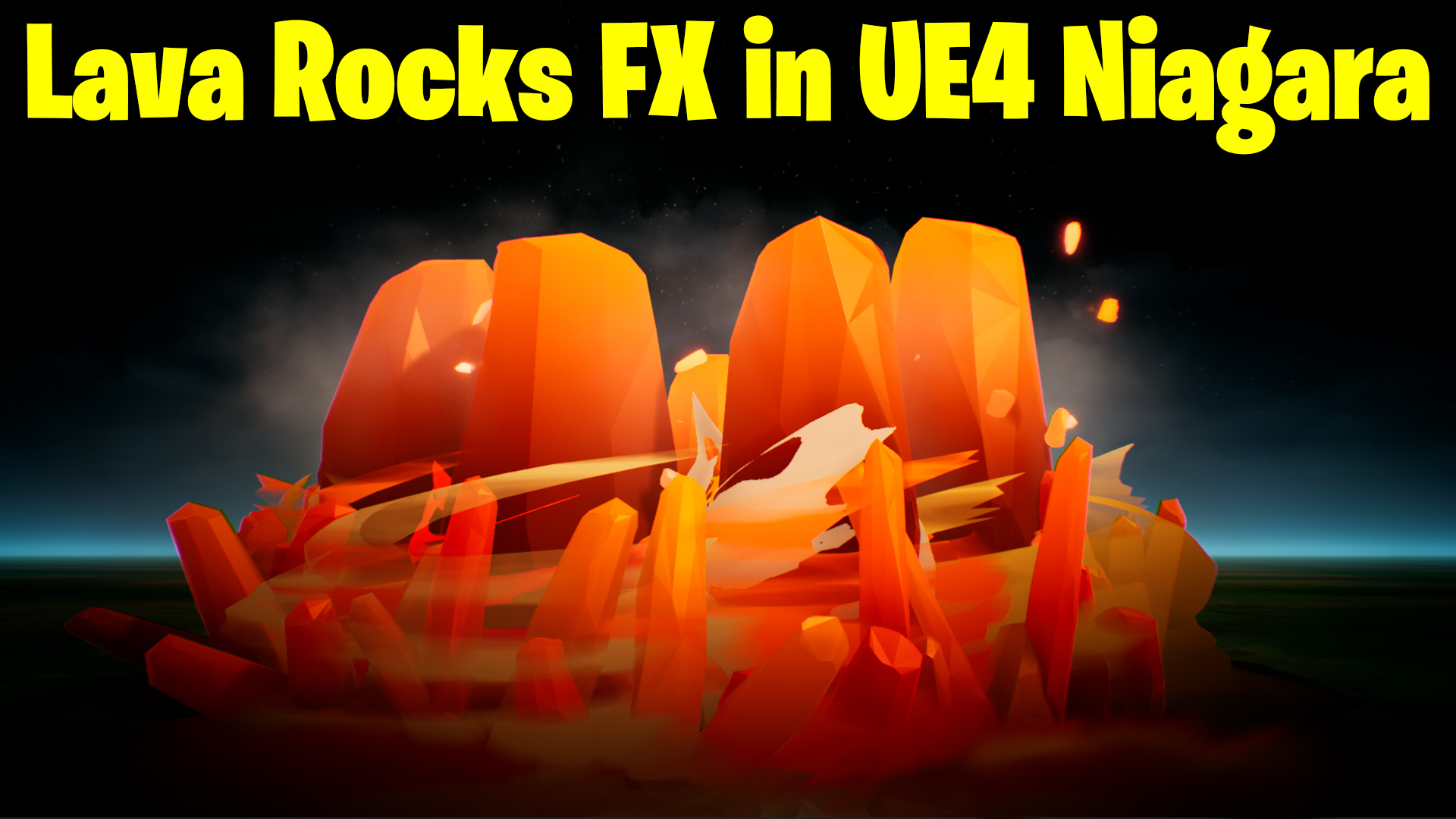
In this video, I’m sharing the Lava Rocks effect created using Unreal Engine 4 Niagara. Instead of walking you through the whole process again, I’ve already explained the steps in a previous tutorial. Today, I’m simply showing how I’ve updated the effect by changing the color, adding smoke, and tweaking some other elements. The project file is available for download, so you can use it in your own projects. Let’s take a quick look at the modifications and updates made!
Key Points:
- New Smoke Element: Added to create a ring of smoke bursting from the center.
- Color Changes: Transitioned from blue to orange, giving the effect a fiery appearance.
- Updated Particle Behaviors: Including scaling, random rotation, and color changes for various elements.
- Bursting Particles: Using sphere location with a slight delay for realistic movement.
- Torus Shape: Particles are spawned in a ring, achieving a dynamic lava-like effect.
Steps Covered:
- Adding and animating smoke particles to enhance the Lava Rocks effect.
- Modifying particle colors and behaviors to create a more fiery, lava-like appearance.
- Scaling and random rotation to give the particles more dynamic motion.
- Using torus shape for realistic lava bursts and positioning.
- Adjusting spawn rates, opacity, and mesh properties for a better visual outcome.
Trendy Tags: #UnrealEngine, #VFX, #LavaRocksFX, #Niagara, #GameDev, #Tutorial, #UE4, #VFXTutorial
Additional Notes:
- The file for this effect will be available for download soon! Check the link below to access it.
- If you already have the previous effect file, you can change the color and other parameters to match the updated version shown in this video.
Download:
The project file is available for download. Check the link below to access it.
Leave a Reply