

Full Video – https://youtu.be/VCMhngcacVM
Download – https://www.patreon.com/Ashif/shop/107047
Patreon- https://www.patreon.com/Ashif
NFT – https://opensea.io/CGHOW
Twitter – https://twitter.com/cghow_
👉👉 If you Liked it – http://bit.ly/2UZmiZ4
Channel Ashif – http://bit.ly/3aYaniw
Support me on – paypal.me/9953280644
Magical Ring Material in UE5.3 Tutorial | Download Files
#cghow #UE5 #UE4Niagara #gamefx #ue5niagara #ue4vfx #niagara #unrealengineniagara #realtimevfx
●Visit – https://cghow.com/
Unreal Engine Marketplace – https://bit.ly/3aojvAa
Artstation Store – https://www.artstation.com/ashif/store
Gumroad – https://cghow.gumroad.com/
Cool Ring Material in Unreal Engine 5.3 – Step-by-Step Tutorial
Video Description:
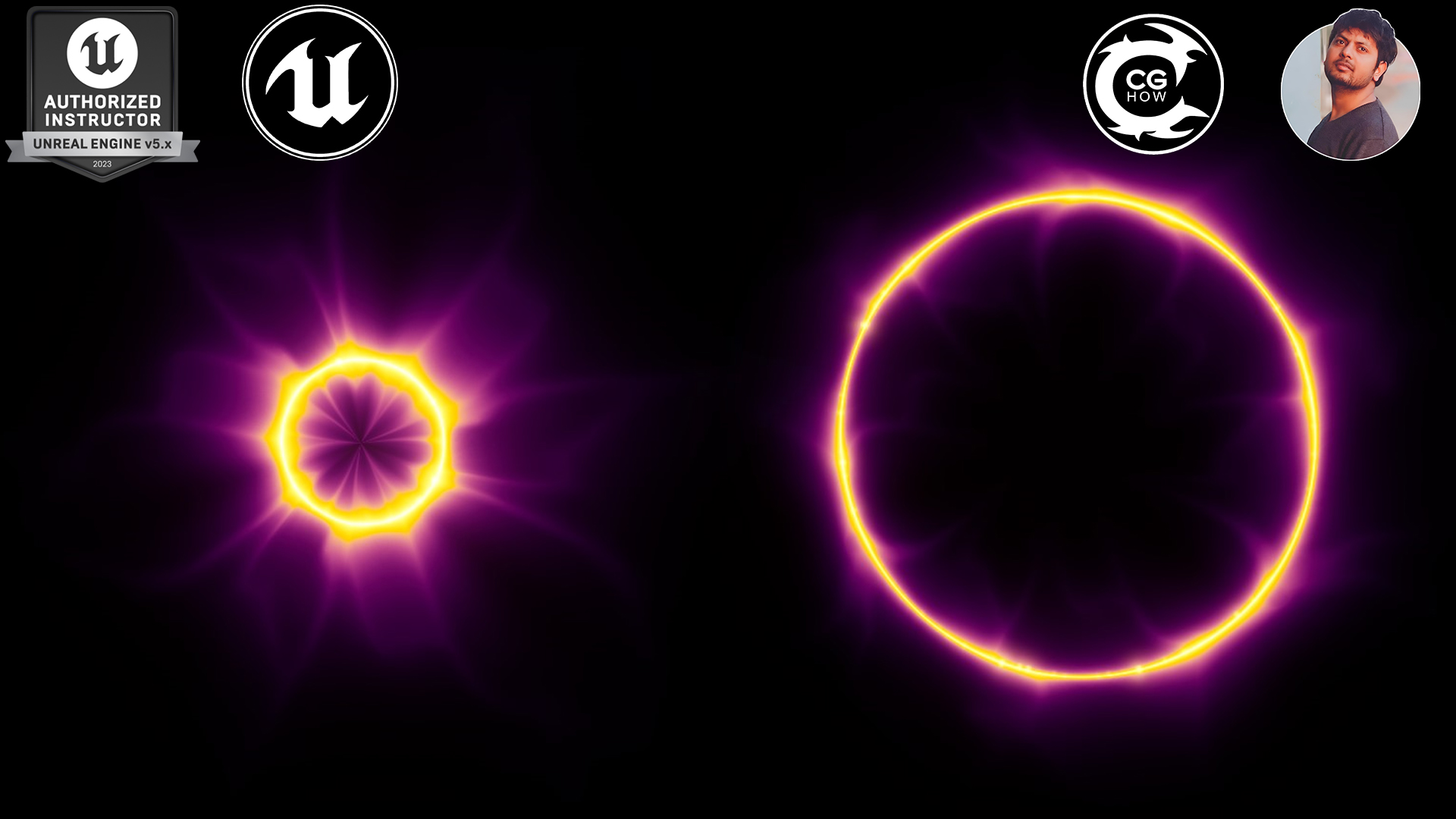
Hi guys, I’m Ashif Ali and you’re watching CGHOW! In today’s video, we’ll create a cool, customizable ring material in Unreal Engine 5.3 using Niagara. We’ll work with various parameters to enhance the design, including adjusting the thickness, styling, and color to make it stand out. This is a very basic material setup that can be further customized to create even cooler effects! I’ll also walk you through some key steps on how to make the ring brighter, add texture, and create a panning effect in two directions. You can download the file on my Patreon!
Don’t forget to subscribe to my channel and hit the bell icon to receive notifications about new videos! Let’s get started!
Key Points:
- Material Creation: Start by creating an Unlit ring material in Unreal Engine 5.3, with a flat background.
- Ring Effect: Use a radial exponent to form a ring shape and manipulate its thickness and brightness.
- Texture Mapping: Learn how to apply a noise texture and make it radial, ensuring the texture aligns properly with the ring.
- Panning Texture: Discover how to create a unique panning effect, where the texture moves inward from the inside and outward from the outside of the ring.
- Customization: Use parameters to control various aspects of the ring material, including thickness, density, tiling, and color.
- Advanced Control: Add color parameters to give the ring a dynamic look, with the ability to swap colors easily for different effects.
- Practical Application: How to implement the material in a particle system and tweak it for animation.
Trending Tags:
Unreal Engine 5.3, Ring Material, VFX, Niagara, Tutorial, Game Design, Texture Mapping, Panning Texture, Material Editor, Customizable Materials, Unreal Engine 5, CGHOW
Leave a Reply