
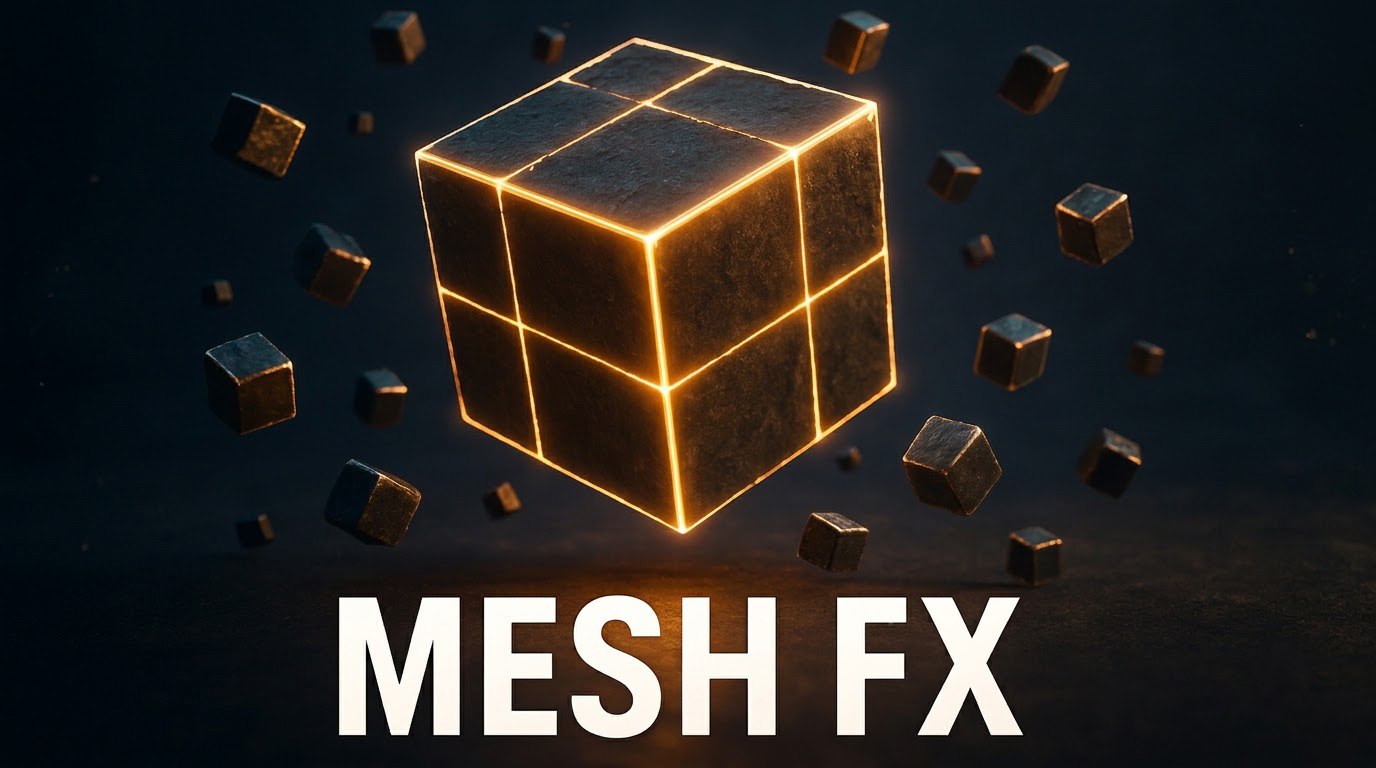

Glowing Edge Cube Material and Niagara Mesh Setup
Most of this effect lives in the material. Texture coordinates are masked with Step nodes to draw glowing border and center lines with controllable thickness, noise textures add organic distortion and dissolve detail, and the surface gets base color, emissive glow and a normal map tuned with Flatten Normal.
In Niagara, a mesh renderer spawns the cubes, controls their orientation and rotation, and adds smaller floating cubes around a sphere location. It is a handy pattern for sci-fi pickups, data cubes and abstract motion graphics.
Related material tutorials: Weapon Outline FX · Custom Stylized Noise Textures · Portal Gate Material
In this Unreal Engine 5 tutorial, you’ll learn how to create a stylized glowing edge cube effect using custom material nodes and the Niagara particle system! We break down how to set up procedural glowing borders and center lines using UV coordinates, add noise distortion, derive normal maps, and bring it all together inside Niagara with mesh particles.
📌 What You’ll Learn:
🔹 Procedural Edge & Center Lines: Masking texture coordinates and using step nodes to control line thickness.
🔹 Noise & Distortion: Blending noise textures to give organic distortion and dissolve details.
🔹 Surface Shading: Setting up base color, emissive glow, and generating normal maps with Flatten Normal control.
🔹 Niagara Particle Setup: Spawning mesh cubes, controlling orientation, and layering smaller cubes around a sphere location.
⏱️ Timestamps:
00:00 – Intro & Effect Breakdown
00:22 – Setting up Cube Material & UV Coordinates
01:26 – Creating Glowing Center & Border Edges
02:36 – Adding Noise Distortion & Dissolve
03:55 – Emissive Glow, Base Color & Normal Maps
07:08 – Building the Niagara Mesh Emitter
08:38 – Mesh Orientation & Rotation
08:54 – Adding Surrounding Floating Cubes
09:35 – Final Result & Clean Up
🔗 Support & Community Links:
💖 Patreon: https://www.patreon.com/Ashif
☕ PayPal: https://paypal.me/9953280644
🌐 CGHOW Website: https://cghow.com
🛍️ FAB Store: https://www.fab.com/sellers/CGHOW
💬 Discord Community: https://discord.gg/CYQSpKwawb
🎨 ArtStation: https://www.artstation.com/ashif
🐦 X (Twitter): https://x.com/cghow_
📺 YouTube Channel: https://www.youtube.com/cghow
🔔 Subscribe: https://www.youtube.com/@CGHOW?sub_confirmation=1
#UnrealEngine5 #UE5 #Niagara #VFX #GameDev #CGHOW #MaterialEditor
Leave a Reply