

Patreon- https://www.patreon.com/Ashif
NFT – https://opensea.io/CGHOW
Twitter – https://twitter.com/cghow_
👉👉 If you Liked it – http://bit.ly/2UZmiZ4
Channel Ashif – http://bit.ly/3aYaniw
Support me on – paypal.me/9953280644
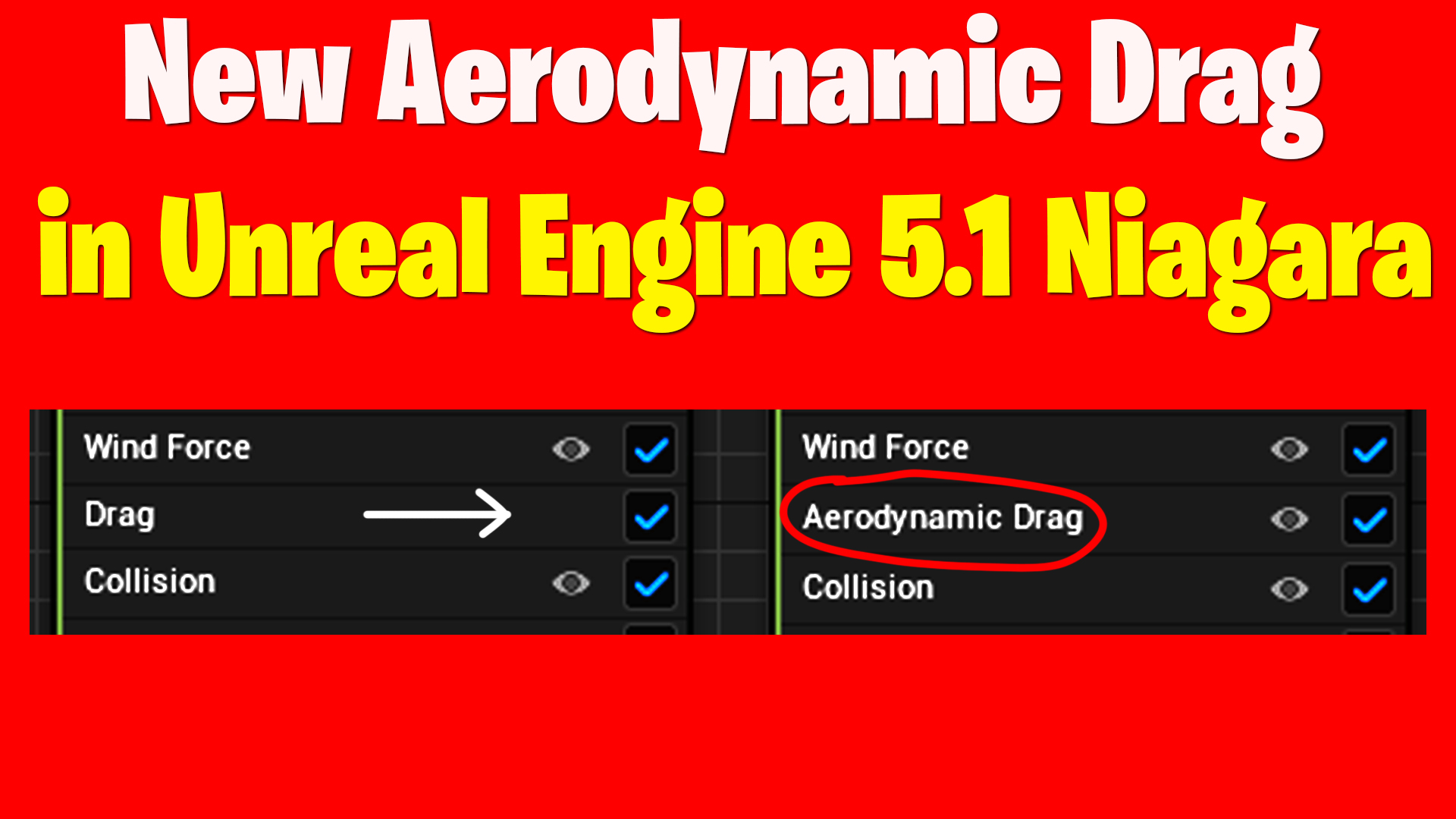
New AeroDynamic Drag in UE 5.1 Niagara
#cghow #UE5 #UE4Niagara #gamefx #ue5niagara #ue4vfx #niagara #unrealengineniagara #realtimevfx
●Visit – https://cghow.com/
Unreal Engine Marketplace – https://bit.ly/3aojvAa
Artstation Store – https://www.artstation.com/ashif/store
Gumroad – https://cghow.gumroad.com/
Video Title: New Aerodynamic Drag in Unreal Engine 5.1 – Enhancing Particle Effects
Introduction:
- The video covers the new aerodynamic drag feature in Unreal Engine 5.1’s Niagara system, which was introduced in Preview 1 but now includes additional capabilities.
- Ashif Ali explains the enhancements and demonstrates how aerodynamic drag can be applied to particle systems, especially for creating realistic effects with objects like paper or leaves.
New Features in Aerodynamic Drag:
- Aerodynamic Drag vs. Simple Drag:
- In previous versions, drag affected both upward and downward motion of particles.
- The new aerodynamic drag feature in 5.1 allows for more specific control. It affects the downward movement due to gravity but leaves the upward velocity unaffected, offering more realistic behavior for particles.
- Use Case for Thin Objects:
- The aerodynamic drag is ideal for thin objects like paper or leaves, where rotation and mesh orientation significantly influence drag and lift.
- This type of drag simulates realistic motion for lightweight objects caught by air currents.
- Rotational and Lift Effects:
- By adjusting the aerodynamic drag, particles can rotate naturally, like confetti or leaves.
- You can control rotation by randomizing the mesh orientation or using a custom vector for alignment.
- The lift value is a clamp, which can be randomized between 0 and 1 for added realism.
- Practical Example – Confetti and Leaves:
- Ashif demonstrates how the aerodynamic drag module is used with confetti and leaves, showing the difference between a simple burst (without drag) and a more realistic effect (with aerodynamic drag).
- The particles rotate randomly and fall naturally, resembling real-world behavior of confetti or leaves in the wind.
Conclusion:
- The new aerodynamic drag feature in Unreal Engine 5.1 adds a lot of realism to particle effects by allowing for natural rotations and lifts.
- The module is simple to use, but with the right adjustments, it can significantly enhance particle behavior for various effects, such as confetti or leaves falling.
Leave a Reply