
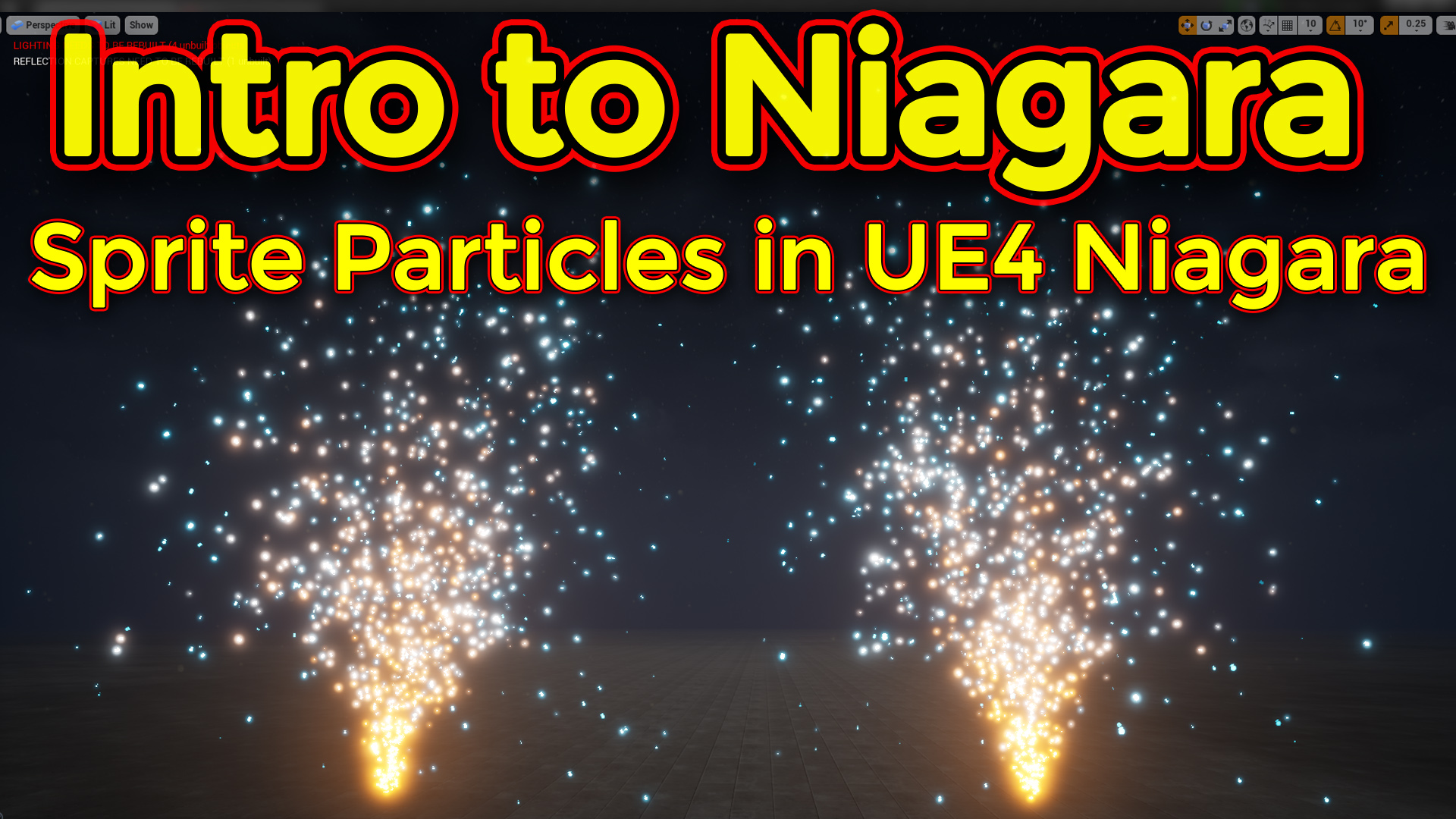
Hi guys this is second video of Niagara basic tutorial series. in this tutorial you will learn how to create basic sprite emitter in Niagara particle system and learn basic modules.
#cghow #Niagara #Sprite #gamefx #ue4vfx #ue4fx #niagara #unrealengineniagara #unrealenginevfxtutorials
●Upload Your Tutorials/Work – https://cghow.com/
…………………………………………………………………………………………………………
Purchase Effect Package From Unreal engine Marketplace –
●Niagara Effects Pack – http://bit.ly/2LWgZTx
●Advanced Magical FX – http://bit.ly/2XQYyXL
……………………………………………………………………………………………………………………………………
●Patreon – https://www.patreon.com/Ashif
……………………………………………………………………………………………………………………………………
●Follow FB Page – https://www.facebook.com/cghow0/
●Join FB Group – https://www.facebook.com/groups/cghow/
……………………………………………………………………………………………………………………………………
●Android App – http://bit.ly/2XUnhoR
……………………………………………………………………………………………………………………………………
Playlists-
●Unreal Engine Niagara Tutorials – http://bit.ly/2SmPEuT
●Unreal engine VFX Tutorials -http://bit.ly/2JNXyJZ
●Unity VFX Tutorials – http://bit.ly/2XNGlKz
……………………………………………………………………………………………………………………………………
●Discussion & Help Forum – http://bit.ly/2Lo0Er7
……………………………………………………………………………………………………………………………………


Video Title:
Creating a Simple Emitter in Niagara – Basic Tutorial
Description:
In this video, we’ll walk through the process of creating a simple particle emitter using Niagara in Unreal Engine. Following up from our previous video where we learned how to set up Niagara and explored basic modules, this tutorial focuses on building an emitter from scratch. We’ll use a template to get started and customize the particle system to create a basic fountain effect. By the end of this tutorial, you’ll understand how to control parameters like particle lifespan, velocity, size, and color, and how to make your emitter loop for continuous effects. Let’s dive into the details!
What We’ll Cover:
- Creating an Emitter: Start by using a template and customizing it to create a fountain particle system.
- Basic Particle Settings: Adjust particle lifespan, size, velocity, and rotation.
- Emitter Updates: Learn how to control particle behavior over time, including loops and iterations.
- Using Modules: We’ll go over the use of different Niagara modules such as Spawn Rate, Velocity, and Color to modify the particles.
- Randomizing Properties: Understand how to randomize particle properties like size, color, and velocity to create more natural effects.
- Manipulating Particle Location: Learn how to modify the spawn location and movement of particles.
- Gravity and Drag: How to add gravity to particles and control drag for more realistic movement.
- Life Color Curve: Customize how the color of the particles changes over their lifetime.
Key Steps:
- Start with a Template: I’ll begin by choosing the Fountain template, which gives us a starting point for the emitter. We can then turn off some defaults and modify the particle behavior.
- Adjust Spawn Rate and Loops: Learn how to control the spawn rate of the particles and make the effect loop so the particles continuously spawn without interruption.
- Modify Particle Properties: Customize various properties like particle lifespan, size, rotation, and color. Learn how to randomize some of these for variation.
- Control Velocity and Movement: Use the velocity module to modify how the particles move and their initial speed. You can randomize these values for dynamic behavior.
- Add Gravity and Drag: See how gravity influences the particle’s motion and how to adjust drag for a more realistic simulation.
- Color Over Life: Learn how to use the Life Color Curve to change the color of the particles as they age, adding depth and realism to the effect.
Key Takeaways:
- Basic Understanding of Emitters: You’ll gain a solid foundation in creating and customizing particle emitters in Niagara.
- Practical Techniques: This tutorial covers essential techniques for particle creation, from adjusting spawn rate to manipulating particle properties.
- Building Blocks for More Complex Effects: Once you understand these basic concepts, you can easily create more complex effects by layering additional modules and tweaking properties.
- Next Steps: In the next video, we’ll dive into using more advanced modules and lighting effects to enhance our particle systems.
Tags:
Unreal Engine, Niagara VFX, Particle System Tutorial, Niagara Tutorial, Unreal Engine Tutorial, VFX Basics, Fountain Effect, Particle Emitter, Game Development, VFX Artist, Unreal Engine 4, Visual Effects, Unreal Engine Niagara, Simple Emitter, Game FX
Leave a Reply