

Download – https://www.patreon.com/posts/56262822
👉👉 If you Liked it – http://bit.ly/2UZmiZ4
Channel Ashif – http://bit.ly/3aYaniw
Support me on – https://www.patreon.com/Ashif
Support me on – paypal.me/9953280644
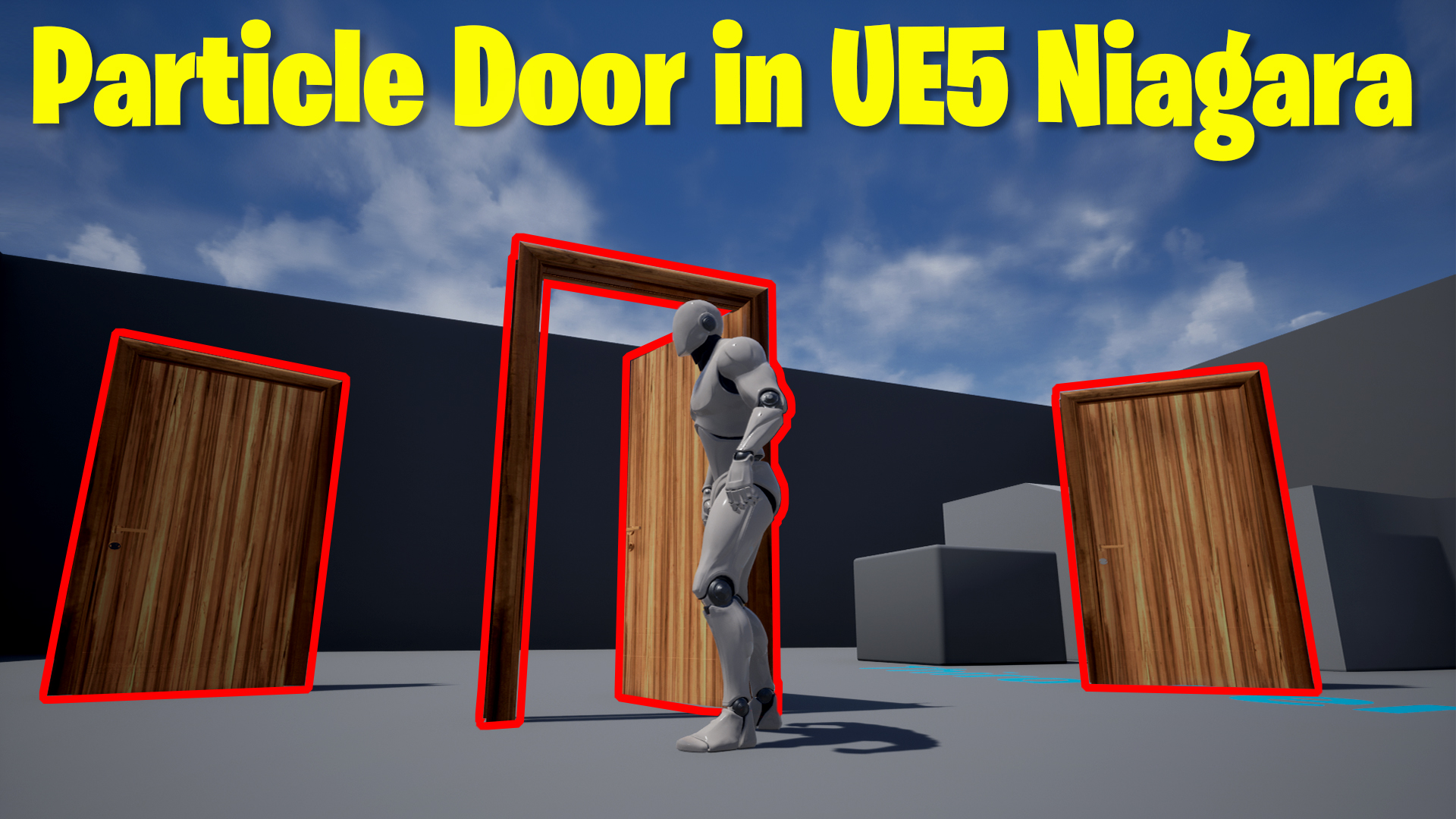
Particle Door in UE5 Niagara Tutorial | Download Files
hi guys today I have created a door with Niagara particle that behaves and is open-close for players in-game. I used the same normalized distance range to calculate the distance between door and player then I used custom mesh rotation to rotate accordingly.
#cghow #UE5 #UE4Niagara #gamefx #ue5niagara #ue4vfx #niagara #unrealengineniagara #realtimevfx
●Upload Your Tutorials/Work – https://cghow.com/
Purchase Effect Package From Unreal engine Marketplace –
Unreal Engine Niagara Effects in Marketplace – https://youtu.be/DF4Lb_btEus
Niagara Effects Pack in Marketplace – https://youtu.be/g6_k8T7FqHA
Unreal Engine Advanced Magical Effects in Marketplace – https://youtu.be/0Dn3GLIzhMo
Smoke in UE4 Niagara Pack01 in Unreal Engine Marketplace – https://youtu.be/38BPA_9yqJ8
UE4 Niagara Fire Pack 01 in Marketplace – https://youtu.be/PW5FL-zZoP4
UE4 Niagara Fire Pack 02 in Marketplace – https://youtu.be/fdLXPlUEzxM
UE4 Niagara Explosions Pack 02 in Marketplace – https://youtu.be/dj-XX9he4aE
Unreal Engine Niagara Effects Pack 03 in Marketplace – https://youtu.be/0kKon43I-Og
Slow Motion Explosion in UE4 Niagara Pack 04 in Marketplace – https://youtu.be/lUK1eW5zRP0
Unreal Engine Niagara Effects pack 04 in Marketplace – https://youtu.be/MihWYB31Gi4
Slow Motion Explosion in UE4 Niagara Pack 04 in Marketplace – https://youtu.be/lUK1eW5zRP0
UE4.25 Niagara Effects Pack 05 in Marketplace – https://youtu.be/sn1HIENVTDI
UE4.25 Niagara Effects Pack 06 in Marketplace – https://youtu.be/pvH_xGQ5jvs
Explosions Package in Unreal Engine Niagara Particle System – https://youtu.be/1mbqWscjUJ4
●Follow FB Page – https://www.facebook.com/cghow0/
●Join FB Group – https://www.facebook.com/groups/cghow/
●Android App – http://bit.ly/2XUnhoR
Playlists-
●Unreal Engine Niagara Tutorials – http://bit.ly/2SmPEuT
●Unreal engine VFX Tutorials -http://bit.ly/2JNXyJZ
●Unity VFX Tutorials – http://bit.ly/2XNGlKz
Title: Creating a Door That Opens with Niagara Particles in Unreal Engine | UE4 Tutorial
Description:
Hi guys, I’m Asif Ali, and you’re watching CGHOW! In today’s tutorial, I’m going to show you how to create a door that opens and closes using Niagara particles in Unreal Engine. You’ll learn how to use the Normalized Distance Range to control particle behavior and link it to the third-person player’s position, making it possible for the door to react when the player approaches. Let’s get started!
Key Points in the Tutorial:
- Niagara Particles for Door Mechanics: How to use particle systems to create a dynamic door that opens and closes.
- Normalized Distance Range: Learn to control particle properties like color and rotation based on the player’s distance from the door.
- Blueprints for Interaction: Setting up blueprints to detect player position and trigger events.
- Rotating and Animating the Door: How to rotate the door using Niagara and adjust its opening behavior as the player moves.
- Duplication and Scaling: How to duplicate the door and apply the same particle behavior to multiple doors in the scene.
Trendy Tags:
#UnrealEngine4 #NiagaraVFX #NiagaraParticles #UE4Tutorial #VFX #ParticleEffects #CGHOW #GameDesign #InteractiveDoor
Additional Notes:
- Be sure to subscribe to the channel and hit the bell icon for more Unreal Engine tutorials!
- You can download the project files and follow along with this tutorial. Replace your existing doors with the setup shown here.
- Feel free to leave any questions in the comments if you need further clarification!
Outro:
Thanks for watching! I hope you found this tutorial helpful. Keep learning, and I’ll see you in the next one!
Leave a Reply