

Download – https://www.patreon.com/posts/56367712
👉👉 If you Liked it – http://bit.ly/2UZmiZ4
Channel Ashif – http://bit.ly/3aYaniw
Support me on – https://www.patreon.com/Ashif
Support me on – paypal.me/9953280644
Particle Fresnel in UE5 Niagara Tutorial | Download Files
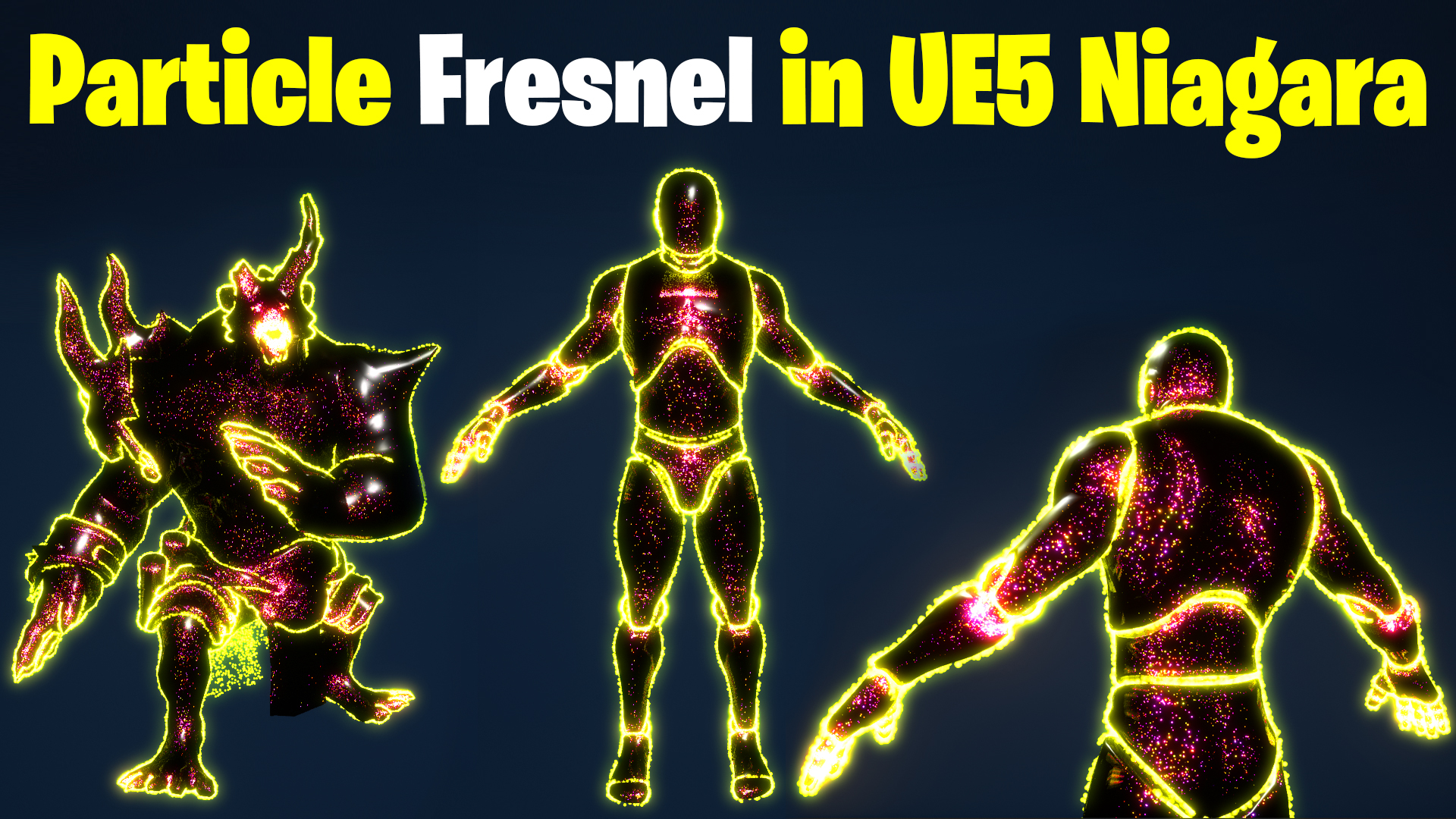
hi, guys in this video I will create a fresnel effect using particles on the static mesh. first, we will understand how fresnel works in material and how we can create the same effect without using fresnel node in material then we will implement the same nodes i Niagara for our particle.
#cghow #UE5 #UE4Niagara #gamefx #ue5niagara #ue4vfx #niagara #unrealengineniagara #realtimevfx
●Upload Your Tutorials/Work – https://cghow.com/
Purchase Effect Package From Unreal engine Marketplace –
Unreal Engine Niagara Effects in Marketplace – https://youtu.be/DF4Lb_btEus
Niagara Effects Pack in Marketplace – https://youtu.be/g6_k8T7FqHA
Unreal Engine Advanced Magical Effects in Marketplace – https://youtu.be/0Dn3GLIzhMo
Smoke in UE4 Niagara Pack01 in Unreal Engine Marketplace – https://youtu.be/38BPA_9yqJ8
UE4 Niagara Fire Pack 01 in Marketplace – https://youtu.be/PW5FL-zZoP4
UE4 Niagara Fire Pack 02 in Marketplace – https://youtu.be/fdLXPlUEzxM
UE4 Niagara Explosions Pack 02 in Marketplace – https://youtu.be/dj-XX9he4aE
Unreal Engine Niagara Effects Pack 03 in Marketplace – https://youtu.be/0kKon43I-Og
Slow Motion Explosion in UE4 Niagara Pack 04 in Marketplace – https://youtu.be/lUK1eW5zRP0
Unreal Engine Niagara Effects pack 04 in Marketplace – https://youtu.be/MihWYB31Gi4
Slow Motion Explosion in UE4 Niagara Pack 04 in Marketplace – https://youtu.be/lUK1eW5zRP0
UE4.25 Niagara Effects Pack 05 in Marketplace – https://youtu.be/sn1HIENVTDI
UE4.25 Niagara Effects Pack 06 in Marketplace – https://youtu.be/pvH_xGQ5jvs
Explosions Package in Unreal Engine Niagara Particle System – https://youtu.be/1mbqWscjUJ4
●Follow FB Page – https://www.facebook.com/cghow0/
●Join FB Group – https://www.facebook.com/groups/cghow/
●Android App – http://bit.ly/2XUnhoR
Playlists-
●Unreal Engine Niagara Tutorials – http://bit.ly/2SmPEuT
●Unreal engine VFX Tutorials -http://bit.ly/2JNXyJZ
●Unity VFX Tutorials – http://bit.ly/2XNGlKz
Title: Create Stunning Particle Edge Effects in Unreal Engine 5 Niagara
Description:
In this tutorial, learn how to create a mesmerizing particle edge effect using Unreal Engine 5 Niagara. This unique effect is perfect for characters or static meshes, offering a visually stunning edge highlight while providing practical insights into using Fresnel-like effects in Niagara systems. Watch the complete workflow and replicate this in your projects.
Key Points:
- Importing Static Meshes:
- Learn how to import and prepare static meshes, including applying simple materials.
- Understanding Fresnel Effects in Niagara:
- Explore how to mimic Fresnel-like effects using available nodes in Niagara.
- Use dot products, camera vectors, and vertex normals to achieve edge highlighting.
- Creating Scratch Pad Modules:
- Build custom modules in Niagara for dynamic particle behavior.
- Learn how to connect parameters to influence color, size, and transparency.
- Integrating Effects with Static Meshes:
- Apply particle systems directly onto static meshes, like mannequins or environment props.
- Adjust parameters to spawn particles only on edges or across the surface.
- Customizing Visuals:
- Enhance effects with color gradients, transparency, and size variation.
- Use lerp nodes to control transitions and fade effects dynamically.
- Tips for Optimization and Workflow:
- Manage spawn rates to prevent crashes or excessive particle counts.
- Save your work frequently to avoid data loss in case of engine issues.
Tags:
#UnrealEngine5 #NiagaraVFX #Particles #FresnelEffect #GameDevelopment #UE5Tutorial #VFXTips
Additional Notes:
- The tutorial covers handling common errors like crashes and system instability during development.
- Remember to optimize your particle systems for performance when working on high-detail effects.
- For this tutorial, some assets like the mannequin are provided, but custom meshes must be downloaded separately.
Leave a Reply