

Download – https://www.patreon.com/posts/84160465
Patreon- https://www.patreon.com/Ashif
NFT – https://opensea.io/CGHOW
Twitter – https://twitter.com/cghow_
👉👉 If you Liked it – http://bit.ly/2UZmiZ4
Channel Ashif – http://bit.ly/3aYaniw
Support me on – paypal.me/9953280644
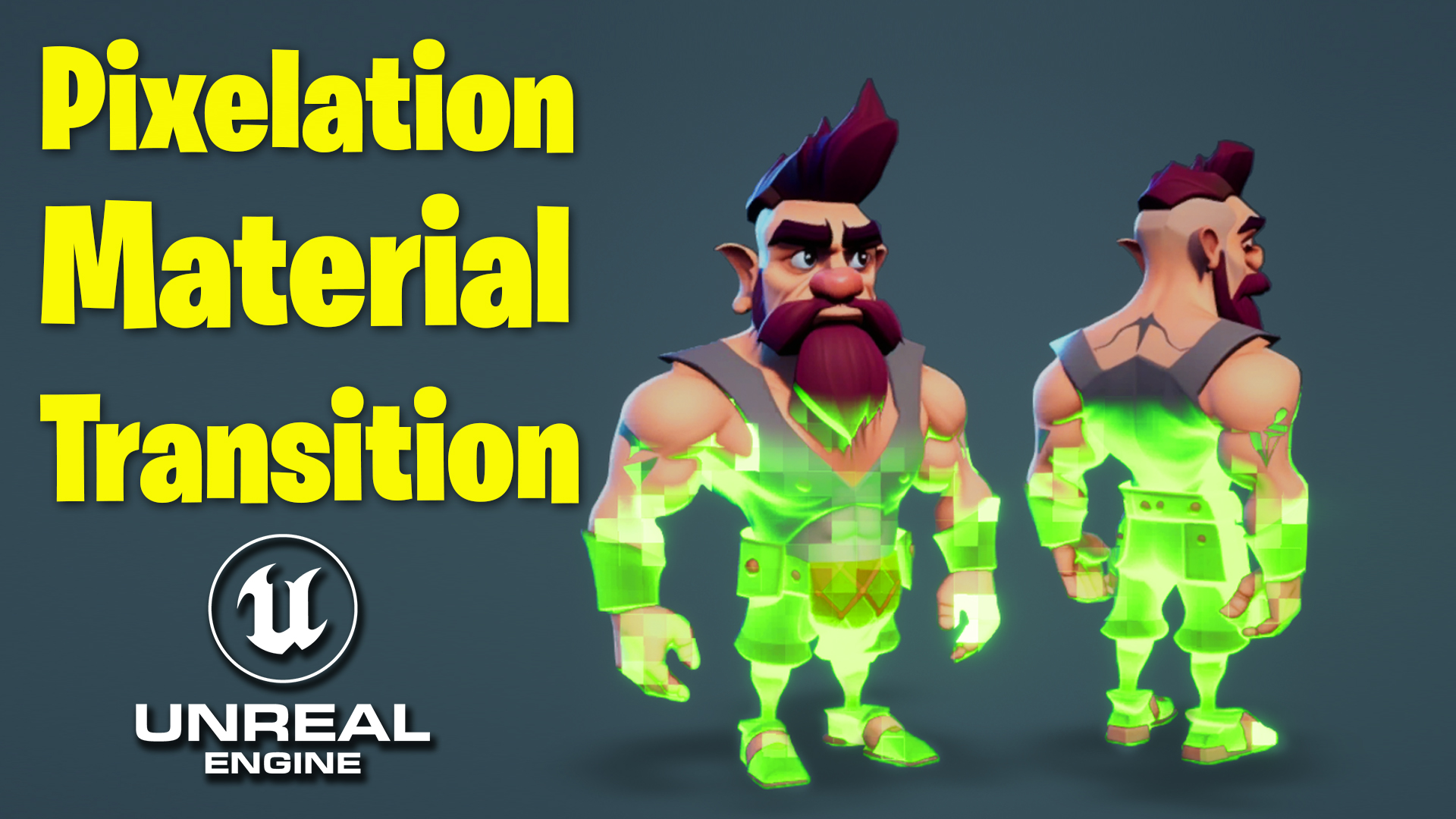
Pixelation Material Transition in UE5.2 Tutorial | Download Files
#cghow #UE5 #UE4Niagara #gamefx #ue5niagara #ue4vfx #niagara #unrealengineniagara #realtimevfx
●Visit – https://cghow.com/
Unreal Engine Marketplace – https://bit.ly/3aojvAa
Artstation Store – https://www.artstation.com/ashif/store
Gumroad – https://cghow.gumroad.com/
Description: In this tutorial, I’ll demonstrate how to create a pixelated transition effect on a character image. Using Unreal Engine, we’ll go through the process of creating a material, manipulating gradients, and adding pixelation to make the effect dynamic. Whether you’re working with 3D or 2D images, this technique can be applied to achieve a cool transition or glitch effect in your project.
Key Points:
- Import the character image and set up a material with no specular to preserve the flat look.
- Use gradient nodes to control the fading effect and add a parameter for contrast adjustment.
- Apply texture coordinates and UV distortions to make the gradient conform to the shape of the 3D image.
- Pixelate the image by adjusting the texture coordinates and applying a noise node to animate the effect.
- Add panning animation to the pixelated texture for a smoother transition.
- Control brightness and pixel size with parameters to refine the final effect.
- Use additional techniques to highlight certain parts of the character with boosted colors.
Trendy Tags: #UnrealEngine #NiagaraVFX #PixelatedEffect #GameDev #VFXTutorial #TransitionEffect #CharacterAnimation #UnrealEngineTutorial #GamingGraphics #VisualEffects
Additional Notes:
- Experiment with different values for pixel size and transition speed to suit your specific needs.
- You can also modify the pixelation effect to work with other textures or materials in your project.
- Adjusting the gradient and noise parameters gives you control over the smoothness and randomness of the transition.
Leave a Reply