
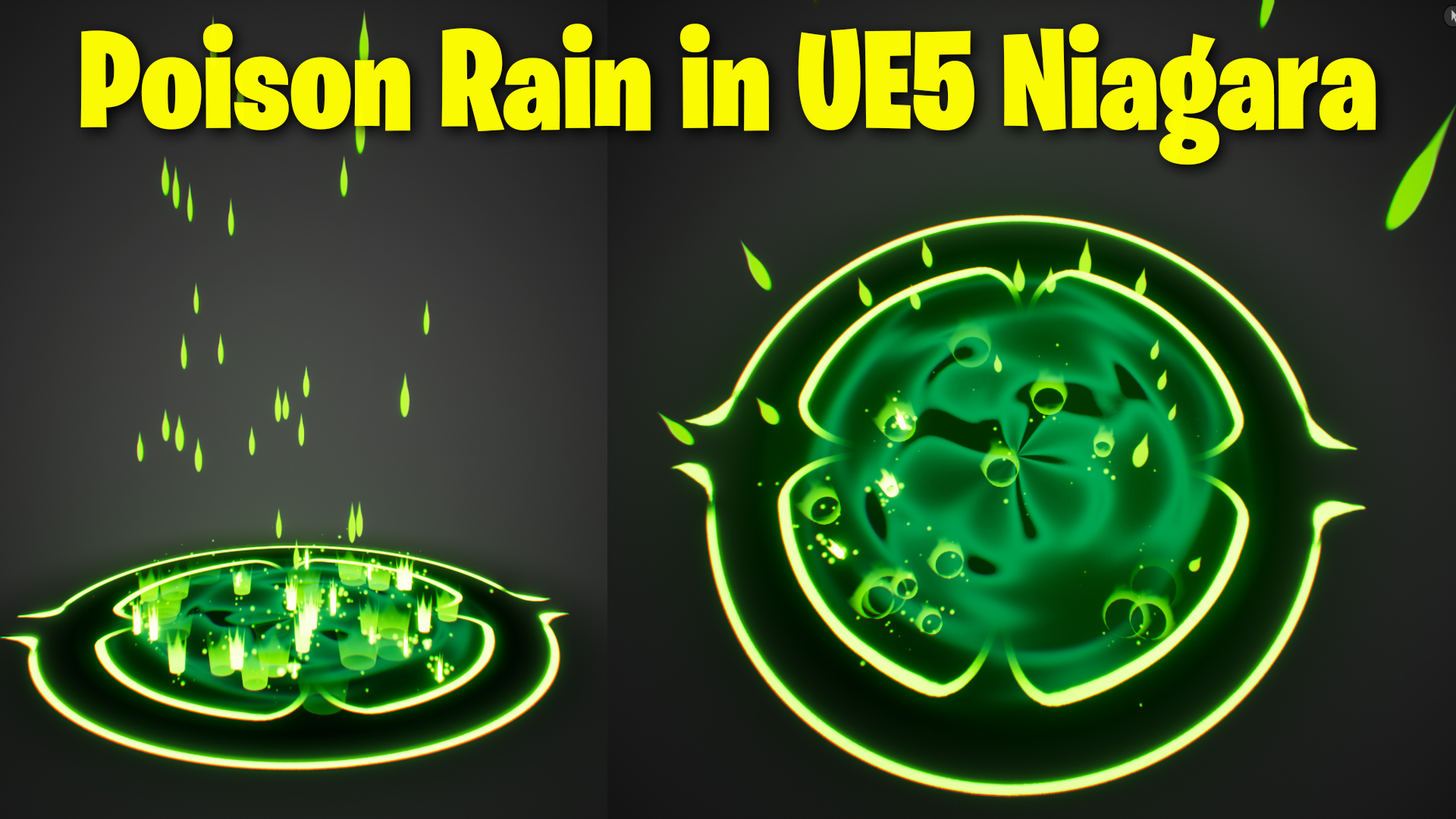

Download – https://artstn.co/m/Jryb7
Ref – https://bit.ly/3ywVNtO
Patreon- https://www.patreon.com/Ashif
NFT – https://opensea.io/CGHOW
Twitter – https://twitter.com/cghow_
👉👉 If you Liked it – http://bit.ly/2UZmiZ4
Channel Ashif – http://bit.ly/3aYaniw
Support me on – paypal.me/9953280644
Poison Rain in UE5 Niagara Tutorial | Download Files
Chapters :
0:00 – Intro
0:58 – Map
1:50 – RIng Shape Material
3:09 – Ring Shape Emitter
6:15 – Dark Base Emitter
8:29 – Drop Material
13:59 – Rain Emitter
17:26 – Splash Mesh in Maya
18:29 – Splash Mesh Material
21:41 – Splash Mesh Emitter
27:16 – Particles Splash Emitter
30:10 – Mist Emitter
32:19 – Wave Material
38:42 – Wave Emitter
41:27 – Post Process
#cghow #UE5 #UE4Niagara #gamefx #ue5niagara #ue4vfx #niagara #unrealengineniagara #realtimevfx
●Visit – https://cghow.com/
Unreal Engine Marketplace – https://bit.ly/3aojvAa
Artstation Store – https://www.artstation.com/ashif/store
Gumroad – https://cghow.gumroad.com/
Summary of the Process:
- Map and Material Setup:
- Created a gray map using fog for the environment.
- Used a custom shape texture to create the poison rain effect, focusing on green fading to black for the particles.
- Created a material that combines red and green textures for the desired effect.
- Particle Setup:
- Used a custom alignment to make the particles ground-facing (Z-axis).
- Applied a scale color curve to fade the particles to black over time.
- Created a secondary black base that fades away, adding depth to the effect.
- Rain and Drop Creation:
- Designed the raindrops by using a radial material with a tail effect for the drop’s motion, adjusting parameters like radius and power to achieve the desired tail length.
- Adjusted the gravity, velocity, and spawn settings for the raindrops, ensuring they fall realistically.
- Applied a “kill volume” to make raindrops disappear when they hit the ground.
- Splash Effect:
- Created a mesh for splash effects using Maya, imported it into Unreal, and applied a material that fades from top to bottom.
- Added event-based particle spawning when the raindrops collide with the ground.
- Adjusted particle size, lifespan, and velocity to achieve realistic splashes upon impact.
- Final Elements:
- Added a mist effect that spawns after the splash, with a delay and additional parameters like size, gravity, and fade out.
- Created a water wave effect, using texture coordinates to create a stretching wave effect.
Key Notes:
- Event Handling: You made use of event handling to trigger splashes when raindrops hit the ground.
- Material Customization: The use of custom materials for both the poison rain and splash effects, as well as the “wave” effect, helps achieve a unique look and behavior.
- Particle Adjustments: You adjusted particle settings such as velocity, gravity, size, and lifetime to fine-tune the appearance and behavior of the rain and splash effects.
Suggestions for Enhancements:
- Fog Adjustments: Consider adding more variations to the fog (density, color shifts) to create different atmospheres or intensities of rain.
- Sound Design: Add sound effects like rain or thunder for more immersion.
- Performance Optimizations: Make sure the particle count and material complexity are optimized for better performance in real-time environments, especially if the rain effect is used in large game scenes.
Leave a Reply