

Patreon- https://www.patreon.com/Ashif
NFT – https://opensea.io/CGHOW
Twitter – https://twitter.com/cghow_
👉👉 If you Liked it – http://bit.ly/2UZmiZ4
Channel Ashif – http://bit.ly/3aYaniw
Support me on – paypal.me/9953280644
#cghow #UE5 #UE4Niagara #gamefx #ue5niagara #ue4vfx #niagara #unrealengineniagara #realtimevfx
●Visit – https://cghow.com/
Unreal Engine Marketplace – https://bit.ly/3aojvAa
Artstation Store – https://www.artstation.com/ashif/store
Gumroad – https://cghow.gumroad.com/
Description:
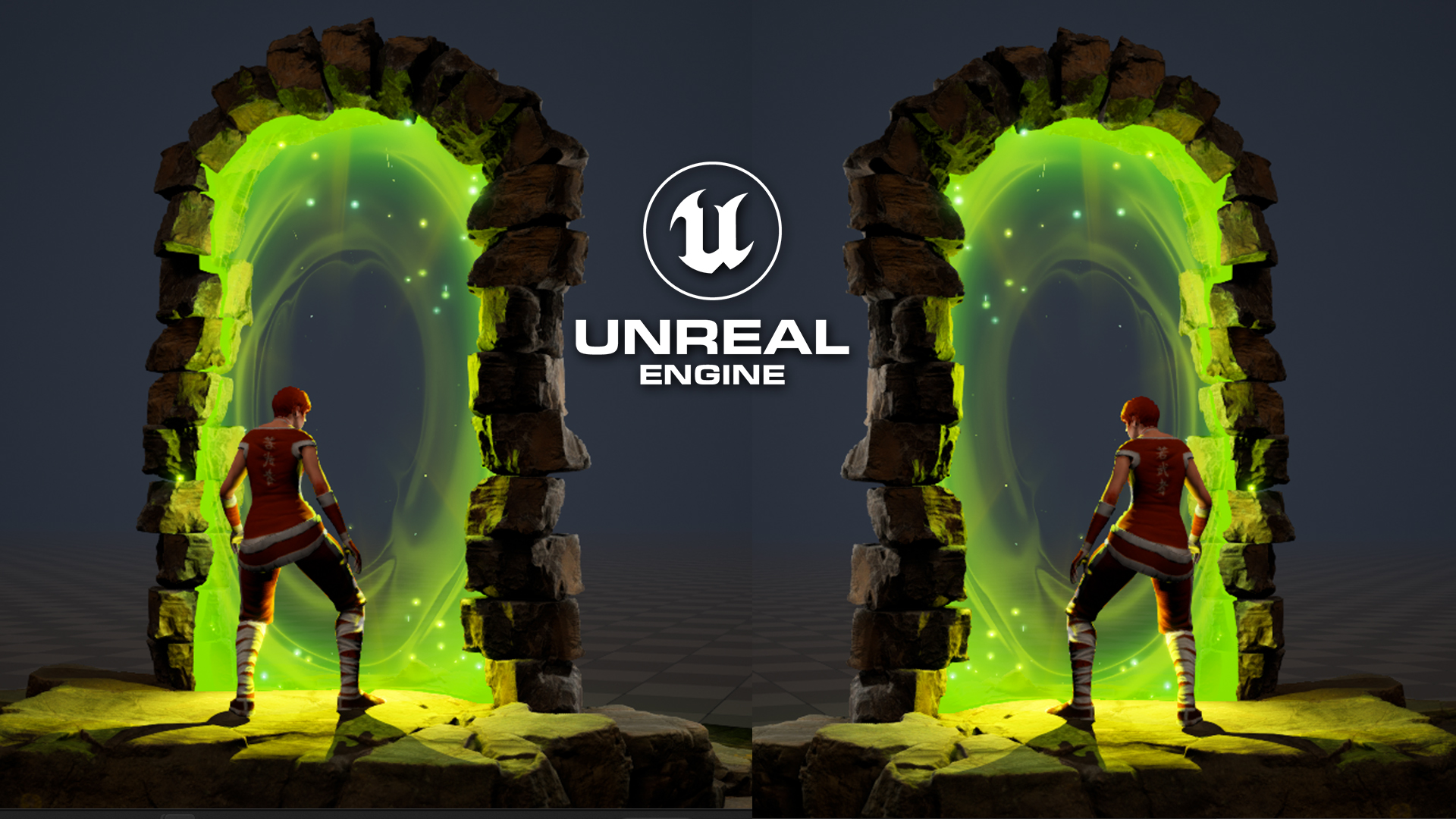
In this video, Ashif Ali from CGHOW demonstrates how to create a portal gate effect in Unreal Engine 5.2. The tutorial covers the process from setting up the scene to creating custom particle effects and materials, making use of assets like MegaScan rocks and various particle modules. Additionally, Ashif shares how to integrate dynamic elements like lighting, animations, and camera rotations, giving the portal a polished, immersive look.
By the end of the video, you’ll have a complete visual effect for a portal gate, ready to be used in your own Unreal Engine projects.
You can download the project files from Patreon to follow along.
Key Points:
- Scene Setup: Setting up a basic environment with rocks and lighting.
- Particle Effects: Creating and customizing particle emitters for the portal gate effect.
- Material Creation: Designing materials using the texture coordinate, particle color, and dynamic parameters.
- Edge Effects: Implementing a fading edge effect using depth and opacity controls.
- Lighting: Adding point and rectangular lights to enhance the scene’s mood.
- Animations: Importing and applying animations to give life to the portal effect.
- Camera Movement: Rotating the camera around the portal using a parented sphere for smooth camera transitions.
- Additional Tips: Using post-processing effects and adjusting brightness for added realism.
Trendy Tags:
#UnrealEngine #PortalEffect #VFX #Niagara #UE5 #MegaScan #ParticleEffects #MaterialCreation #GameDevelopment #Tutorial #CGHOW #UnrealEngine5 #GameFX #Patreon
Additional Notes:
- Ashif uses a range of techniques in this tutorial, including custom alignment for sprites, dynamic parameters for material effects, and fine-tuning particle behaviors to achieve a realistic, interactive portal effect.
- The project files, including the assets and materials used, will be available for download on Patreon, allowing viewers to recreate and modify the effect in their own projects.
Leave a Reply