

Download – https://www.patreon.com/posts/70589568
Patreon- https://www.patreon.com/Ashif
NFT – https://opensea.io/CGHOW
Twitter – https://twitter.com/cghow_
👉👉 If you Liked it – http://bit.ly/2UZmiZ4
Channel Ashif – http://bit.ly/3aYaniw
Support me on – paypal.me/9953280644
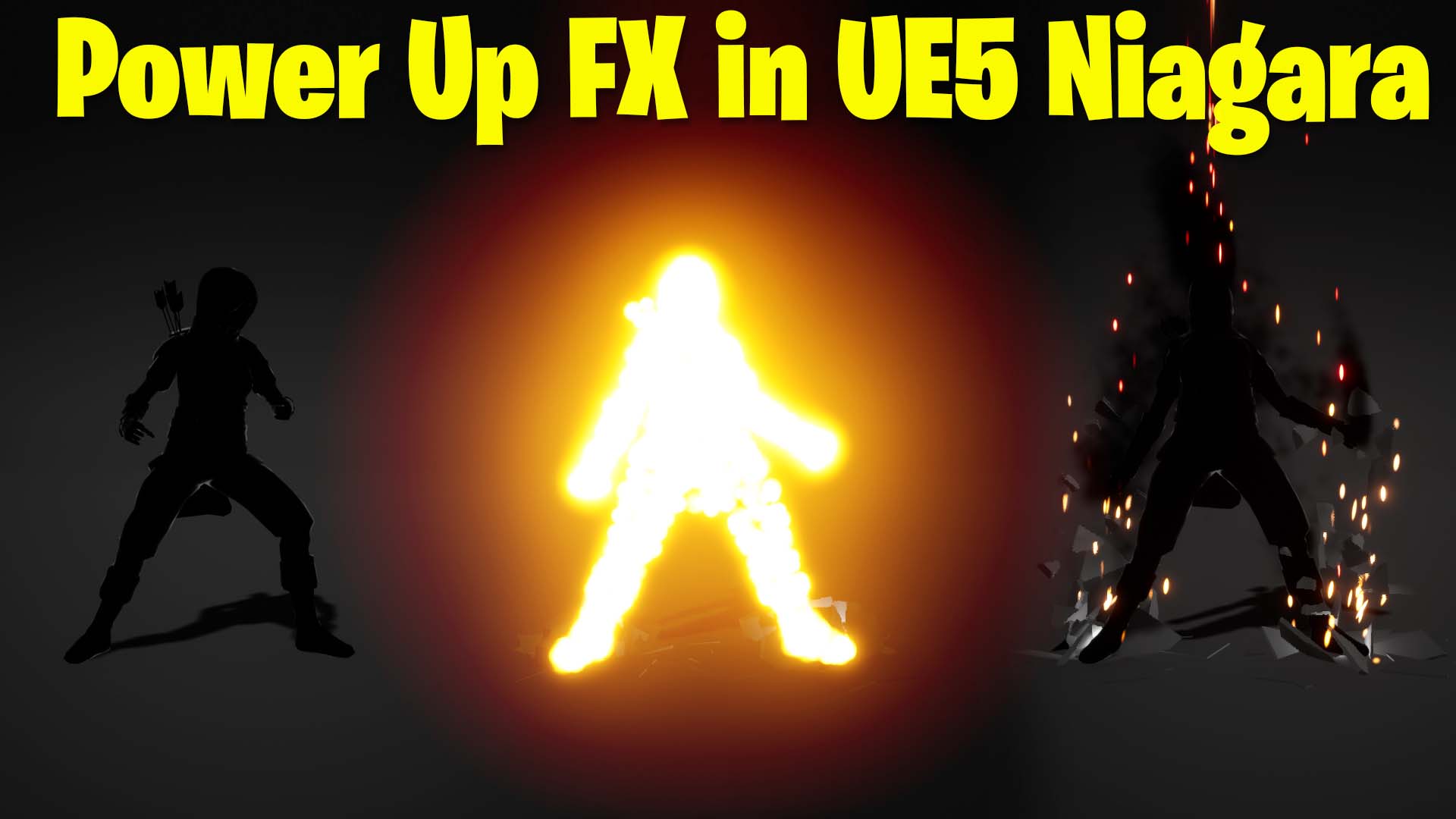
Power Up FX in UE5 Niagara Tutorial | Download Files
#cghow #UE5 #UE4Niagara #gamefx #ue5niagara #ue4vfx #niagara #unrealengineniagara #realtimevfx
●Visit – https://cghow.com/
Unreal Engine Marketplace – https://bit.ly/3aojvAa
Artstation Store – https://www.artstation.com/ashif/store
Gumroad – https://cghow.gumroad.com/
Title: Creating a Groundbreaking Power Effect in Unreal Engine 5 Niagara
Description:
In this tutorial, we will create an impactful visual effect where debris breaks off from a character, with lighting and particle systems to enhance the overall scene. You’ll learn how to work with static meshes, Niagara systems, custom mesh indexing, and dynamic material adjustments. The final result will be a stunning ground-breaking effect paired with flashes, debris, and light interactions.
Key Points:
- Character Setup:
- Add black material to the character for visual contrast.
- Use a simple cube mesh with a gray material to represent the ground.
- Debris Creation:
- Use the Niagara particle system to simulate breaking debris.
- Utilize different static mesh chunks for randomized debris appearance.
- Implement mesh index binding and use a custom mesh index to randomize debris types.
- Apply gravity and randomize the size, life, and rotation of the debris particles.
- Lighting Effects:
- Add dynamic lighting to the particles to simulate glowing debris.
- Adjust the light intensity and color to match the tone of the effect.
- Flash Effect:
- Introduce a burst of bright particles as a “flash” during the debris breakage.
- Use a curve for color fading, and adjust the size and gravity to match the desired look.
- Additional Elements:
- Implement custom alignment for better control over particle orientation.
- Apply a glow effect to enhance the flash for a dramatic result.
Trendy Tags:
#UnrealEngine5 #NiagaraVFX #UE5 #VisualEffects #GamingVFX #ParticleEffects #Niagara #DebrisEffect #GroundbreakingEffect #VFXTutorial #LightingEffects
Additional Notes:
- Adjust particle size, velocity, and gravity for different effects like streaks and flash intensity.
- Experiment with material and particle system properties to refine the look for different in-game scenarios.
Leave a Reply