

Download – https://www.patreon.com/posts/64114050
NFT – https://opensea.io/CGHOW
Twitter – https://twitter.com/cghow_
👉👉 If you Liked it – http://bit.ly/2UZmiZ4
Channel Ashif – http://bit.ly/3aYaniw
Support me on – https://www.patreon.com/Ashif
Support me on – paypal.me/9953280644
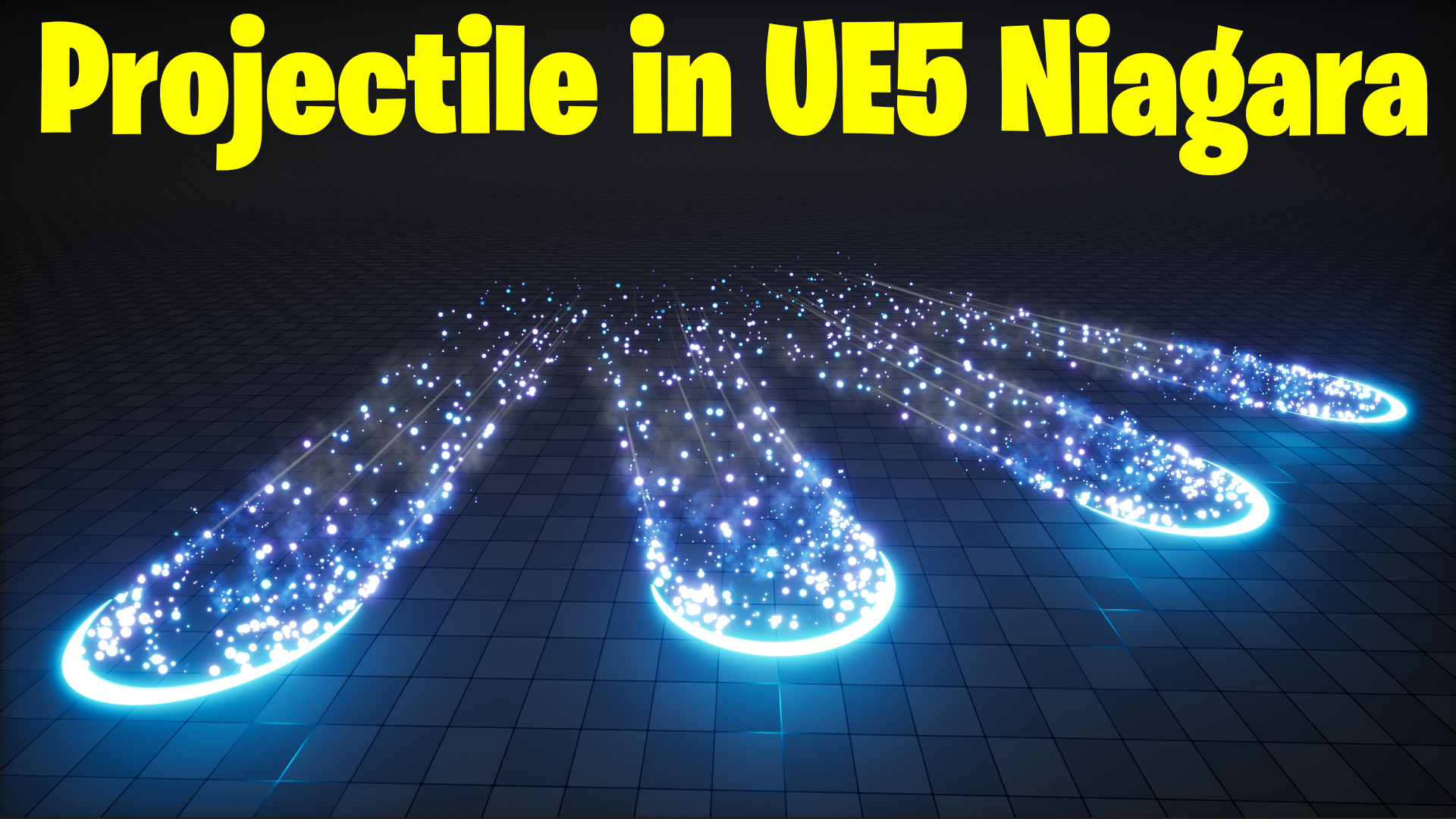
Projectile in UE5 Niagara Tutorial | Download Files
#cghow #UE5 #UE4Niagara #gamefx #ue5niagara #ue4vfx #niagara #unrealengineniagara #realtimevfx
●Upload Your Tutorials/Work – https://cghow.com/
Purchase Effect Package From Unreal engine Marketplace –
Unreal Engine Niagara Effects in Marketplace – https://youtu.be/DF4Lb_btEus
Niagara Effects Pack in Marketplace – https://youtu.be/g6_k8T7FqHA
Unreal Engine Advanced Magical Effects in Marketplace – https://youtu.be/0Dn3GLIzhMo
Smoke in UE4 Niagara Pack01 in Unreal Engine Marketplace – https://youtu.be/38BPA_9yqJ8
UE4 Niagara Fire Pack 01 in Marketplace – https://youtu.be/PW5FL-zZoP4
UE4 Niagara Fire Pack 02 in Marketplace – https://youtu.be/fdLXPlUEzxM
UE4 Niagara Explosions Pack 02 in Marketplace – https://youtu.be/dj-XX9he4aE
Unreal Engine Niagara Effects Pack 03 in Marketplace – https://youtu.be/0kKon43I-Og
Slow Motion Explosion in UE4 Niagara Pack 04 in Marketplace – https://youtu.be/lUK1eW5zRP0
Unreal Engine Niagara Effects pack 04 in Marketplace – https://youtu.be/MihWYB31Gi4
Slow Motion Explosion in UE4 Niagara Pack 04 in Marketplace – https://youtu.be/lUK1eW5zRP0
UE4.25 Niagara Effects Pack 05 in Marketplace – https://youtu.be/sn1HIENVTDI
UE4.25 Niagara Effects Pack 06 in Marketplace – https://youtu.be/pvH_xGQ5jvs
Explosions Package in Unreal Engine Niagara Particle System – https://youtu.be/1mbqWscjUJ4
●Follow FB Page – https://www.facebook.com/cghow0/
●Join FB Group – https://www.facebook.com/groups/cghow/
●Android App – http://bit.ly/2XUnhoR
Playlists-
●Unreal Engine Niagara Tutorials – http://bit.ly/2SmPEuT
●Unreal engine VFX Tutorials -http://bit.ly/2JNXyJZ
●Unity VFX Tutorials – http://bit.ly/2XNGlKz
Title: Creating a Projectile Arc Effect in Unreal Engine 5 Niagara – Full Tutorial!
Description: In today’s tutorial, I’m going to show you how to create a stunning projectile arc effect in Unreal Engine 5 using Niagara. I’ll walk you through the entire process, from creating the basic arc shape using materials to adding dynamic particles, trails, and even smoke effects for added realism.
Key Points:
- Creating the Arc Shape: Learn how to subtract radial shapes to create the arc using materials and dynamic parameters.
- Particle Creation: Setting up the particle effect with custom velocity and random rotation to create the projectile effect.
- Animating the Arc and Particle Density: How to animate the arc shape’s thickness and adjust particle parameters to make the effect dynamic.
- Creating Particle Trails: Add realistic particle trails that follow the arc path, using custom alignment and facing vectors.
- Adding Light and Smoke Effects: Enhance the effect with lights and smoke for more visual appeal.
Steps Covered in the Tutorial:
- Setting up the Arc Material: Creating the arc shape with radial subtraction and customizing the appearance using dynamic parameters.
- Building the Projectile Particle Effect: Using velocity, life cycles, and random rotations to animate the projectile.
- Adding Trails and Animation: Using the scratchpad to make the emitter follow the arc shape.
- Improving the Effect with Lights and Smoke: Enhancing the effect with lighting and smoke particles for added realism.
Trendy Tags: #UnrealEngine5 #NiagaraVFX #UE5VFX #GameDev #VFXTutorial #UnrealEngineTutorial #ParticleEffects #ProjectileEffect
Additional Notes:
- Make sure to adjust particle settings based on the desired arc size and speed.
- Experiment with different colors, opacity, and spawn rates to fine-tune the visual impact of your effect.
- You can download the project files and support me on Patreon if you’re interested in more in-depth resources!
Leave a Reply