

Download – https://cghow.gumroad.com/l/dlsgg
Download – https://artstn.co/m/yrYWw
NFT – https://opensea.io/CGHOW
Twitter – https://twitter.com/cghow_
👉👉 If you Liked it – http://bit.ly/2UZmiZ4
Channel Ashif – http://bit.ly/3aYaniw
Support me on – https://www.patreon.com/Ashif
Support me on – paypal.me/9953280644
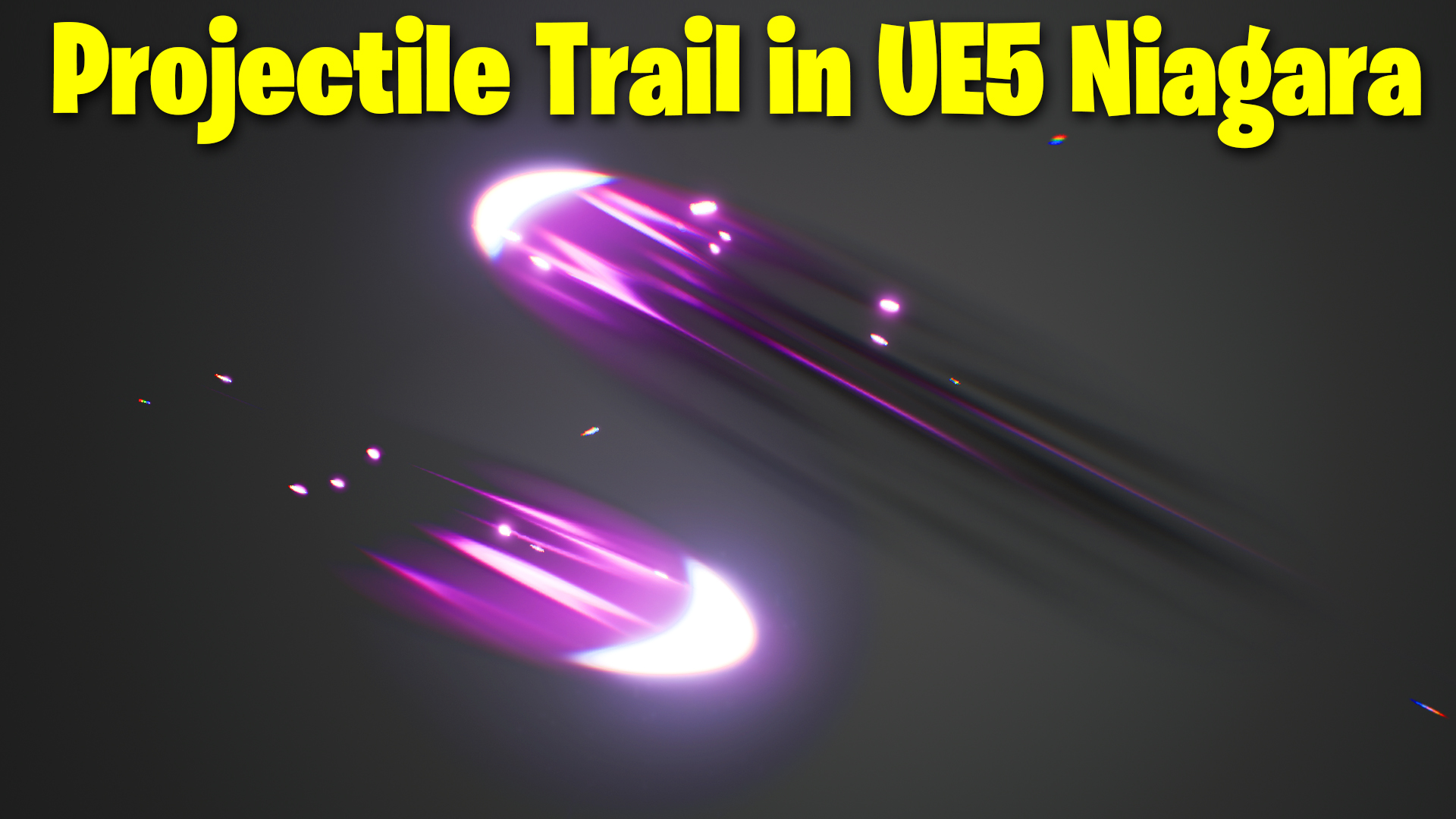
Projectile Trail in UE5 Niagara Tutorial | Download Files
Chapters:
0:00 – Intro
0:40 – Core Material
3:14 – Core Emitters
9:56 – Trail Material
11:24 – Trail Emitters
19:00 – Sparks Emitter
#cghow #UE5 #UE4Niagara #gamefx #ue5niagara #ue4vfx #niagara #unrealengineniagara #realtimevfx
●Upload Your Tutorials/Work – https://cghow.com/
Purchase Effect Package From Unreal engine Marketplace –
Unreal Engine Niagara Effects in Marketplace – https://youtu.be/DF4Lb_btEus
Niagara Effects Pack in Marketplace – https://youtu.be/g6_k8T7FqHA
Unreal Engine Advanced Magical Effects in Marketplace – https://youtu.be/0Dn3GLIzhMo
Smoke in UE4 Niagara Pack01 in Unreal Engine Marketplace – https://youtu.be/38BPA_9yqJ8
UE4 Niagara Fire Pack 01 in Marketplace – https://youtu.be/PW5FL-zZoP4
UE4 Niagara Fire Pack 02 in Marketplace – https://youtu.be/fdLXPlUEzxM
UE4 Niagara Explosions Pack 02 in Marketplace – https://youtu.be/dj-XX9he4aE
Unreal Engine Niagara Effects Pack 03 in Marketplace – https://youtu.be/0kKon43I-Og
Slow Motion Explosion in UE4 Niagara Pack 04 in Marketplace – https://youtu.be/lUK1eW5zRP0
Unreal Engine Niagara Effects pack 04 in Marketplace – https://youtu.be/MihWYB31Gi4
Slow Motion Explosion in UE4 Niagara Pack 04 in Marketplace – https://youtu.be/lUK1eW5zRP0
UE4.25 Niagara Effects Pack 05 in Marketplace – https://youtu.be/sn1HIENVTDI
UE4.25 Niagara Effects Pack 06 in Marketplace – https://youtu.be/pvH_xGQ5jvs
Explosions Package in Unreal Engine Niagara Particle System – https://youtu.be/1mbqWscjUJ4
●Follow FB Page – https://www.facebook.com/cghow0/
●Join FB Group – https://www.facebook.com/groups/cghow/
●Android App – http://bit.ly/2XUnhoR
Playlists-
●Unreal Engine Niagara Tutorials – http://bit.ly/2SmPEuT
●Unreal engine VFX Tutorials -http://bit.ly/2JNXyJZ
●Unity VFX Tutorials – http://bit.ly/2XNGlKz
Title: Simple Projectile Trail in Niagara | Unreal Engine 5 Tutorial
Video Script:
[Intro] Hi guys, I’m Ashif Ali and you’re watching CGHOW. In today’s video, we’ll create a very simple projectile trail using Niagara in Unreal Engine 5. If you haven’t subscribed yet, make sure to subscribe to the channel. If you like the video, please like, share, and comment. Let’s get started!
[Music]
[Step 1: Creating the Material] Let’s begin by creating a material. We’re going to make a half radial to create the core effect for our trail.
- First, I’ll take a radial node and preview it.
- Copy this radial and make the second one smaller (0.4). We’ll adjust this so that it’s slightly bigger than the first one (0.5).
- Add a center point to the material and position it slightly up.
- Subtract the two radials to cut out the middle, making the trail more defined.
Now, we’ll adjust the density of this material to 5 to make it more visible.
[Step 2: Adding Particle Color and Dissolve]
- I’ll connect the particle color to a multiplier and then add a power node to control the dissolve effect. By adjusting the power parameter, we can control the fade. A higher value will make it disappear faster.
Next, let’s use this power value for opacity and make it two-sided for better visual results.
[Step 3: Setting Up Niagara Emitter]
- Now let’s create a Niagara system. I’ll use the material we just created.
- Set the spawn rate to 5, and adjust the life to 0.2.
- For the size, set it to 20 and remove random rotation for now.
[Step 4: Adjusting Alignment and Facing Mode]
- Set the alignment to camera-facing, or you can use a custom alignment vector if you want it to face in a different direction.
- I’ll make the life of the particles shorter (around 0.1) to make them blink faster.
[Step 5: Adding Random Size]
- Let’s add random size variation by using a non-uniform scale for the particles. This gives us more variation for the trail.
- Also, adjust the center point of the particle effect so that it scales from there.
[Step 6: Creating the Bright Version of the Trail]
- I’ll duplicate the previous effect and create a brighter version of the trail.
- Adjust the color to a brighter hue (pink) and the size to a smaller value to create a sharp, glowing effect.
- Increase the alpha value to make it more visible.
[Step 7: Adding Noise to the Trail]
- Now let’s add noise to make the trail more dynamic.
- I’ll use a new material for the trail, set it to ribbon type, and adjust the parameters like size and velocity to get a flowing motion.
[Step 8: Adding Sparks and Final Adjustments]
- To finish, I’ll add some spark particles at the end of the trail using a ring shape with velocity aligned to the center.
- Set the size and life to smaller values to give it a nice, delicate look.
- I’ll adjust the color to make it brighter and more noticeable.
[Step 9: Final Touches and Fine-tuning]
- I’ll make a few final tweaks to the brightness, contrast, and scale to get the perfect look.
- The last thing is to adjust the opacity and tweak the curve to give the trail more visual pop.
[Outro] And there you have it! This is a very simple projectile trail effect using Niagara in Unreal Engine 5. It looks cool and can be easily adapted to any game. Thanks for watching, keep learning, and I’ll see you in the next tutorial. Bye!
[Music]
Description for Post: In this tutorial, we create a simple projectile trail effect using Niagara in Unreal Engine 5. This effect is ideal for adding dynamic trails to projectiles in your games. The tutorial covers:
- Creating a basic radial material
- Adding dissolve effects and adjusting opacity
- Setting up Niagara for particle emission
- Using custom alignment and random size
- Final tweaks for brightness, noise, and sparks
Key Points:
- Material Creation: Radial effect for trail core.
- Opacity Control: Use of power node for dissolve.
- Particle Setup: Customize spawn rate, life, and size.
- Alignment and Size Variation: Adjust alignment, add random size.
- Final Adjustments: Noise, sparks, and final tweaking for the perfect look.
Trendy Tags: #UnrealEngine5 #Niagara #VFX #GameDev #ProjectileTrail #Tutorial #UnrealEngine #NiagaraVFX
Additional Notes: This is a basic but effective technique for creating projectile trails in Unreal Engine 5. You can expand on this with more complex materials and particle systems for more unique effects!
Leave a Reply