

Download – https://www.patreon.com/posts/55907293
👉👉 If you Liked it – http://bit.ly/2UZmiZ4
Channel Ashif – http://bit.ly/3aYaniw
Support me on – https://www.patreon.com/Ashif
Support me on – paypal.me/9953280644
Random Function in UE5 Material Explained | Download Files
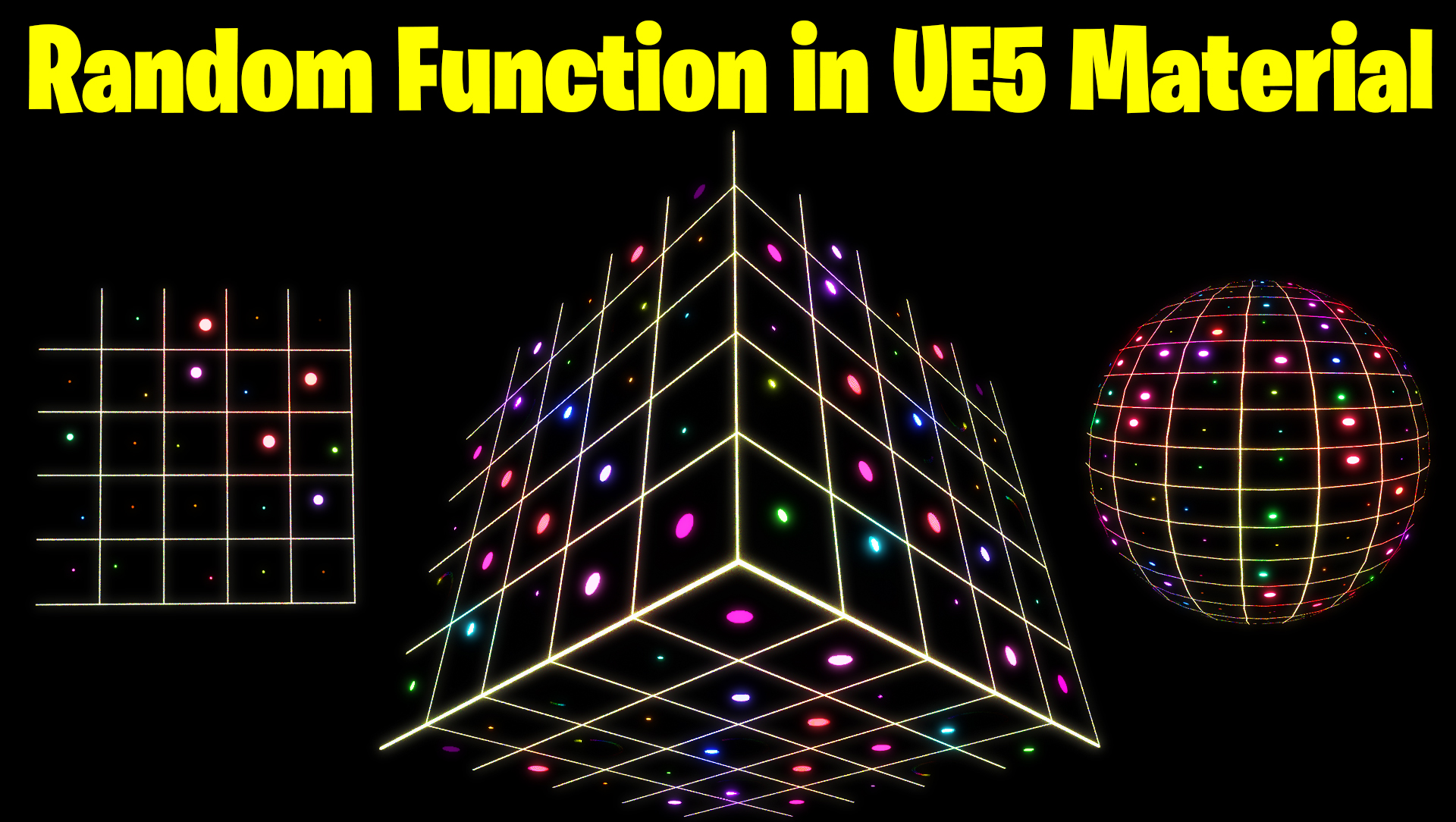
hi, guys in this tutorial I will explain a random function code in ue5 material nodes. and then I will use that function to randomize the sphere’s size color and movement in the material. this is a really useful function for your to just start creating your own function along with this tutorial or you can download it from Patreon.
#cghow #UE5 #UE4Niagara #gamefx #ue5niagara #ue4vfx #niagara #unrealengineniagara #realtimevfx
●Upload Your Tutorials/Work – https://cghow.com/
Purchase Effect Package From Unreal engine Marketplace –
Unreal Engine Niagara Effects in Marketplace – https://youtu.be/DF4Lb_btEus
Niagara Effects Pack in Marketplace – https://youtu.be/g6_k8T7FqHA
Unreal Engine Advanced Magical Effects in Marketplace – https://youtu.be/0Dn3GLIzhMo
Smoke in UE4 Niagara Pack01 in Unreal Engine Marketplace – https://youtu.be/38BPA_9yqJ8
UE4 Niagara Fire Pack 01 in Marketplace – https://youtu.be/PW5FL-zZoP4
UE4 Niagara Fire Pack 02 in Marketplace – https://youtu.be/fdLXPlUEzxM
UE4 Niagara Explosions Pack 02 in Marketplace – https://youtu.be/dj-XX9he4aE
Unreal Engine Niagara Effects Pack 03 in Marketplace – https://youtu.be/0kKon43I-Og
Slow Motion Explosion in UE4 Niagara Pack 04 in Marketplace – https://youtu.be/lUK1eW5zRP0
Unreal Engine Niagara Effects pack 04 in Marketplace – https://youtu.be/MihWYB31Gi4
Slow Motion Explosion in UE4 Niagara Pack 04 in Marketplace – https://youtu.be/lUK1eW5zRP0
UE4.25 Niagara Effects Pack 05 in Marketplace – https://youtu.be/sn1HIENVTDI
UE4.25 Niagara Effects Pack 06 in Marketplace – https://youtu.be/pvH_xGQ5jvs
Explosions Package in Unreal Engine Niagara Particle System – https://youtu.be/1mbqWscjUJ4
●Follow FB Page – https://www.facebook.com/cghow0/
●Join FB Group – https://www.facebook.com/groups/cghow/
●Android App – http://bit.ly/2XUnhoR
Playlists-
●Unreal Engine Niagara Tutorials – http://bit.ly/2SmPEuT
●Unreal engine VFX Tutorials -http://bit.ly/2JNXyJZ
●Unity VFX Tutorials – http://bit.ly/2XNGlKz
Description:
In this tutorial, Asif Ali demonstrates how to create a simple material in Unreal Engine 5 using random functions and noise to create dynamic, animated circles. Each circle rotates with random speed, size, style, and color, making it perfect for effects in your projects.
Key Points:
- Creating Radial Gradient for Circle Effect: Learn how to use radial gradient functions for creating circles and adjust their size and sharpness.
- Using Texture Coordinates for Duplicating Circles: Discover how to multiply and fractionalize UVs to duplicate and randomize your material’s look.
- Randomizing Size and Color: Explore how to add randomness to circle size and color using texture-based inputs.
- Applying Noise with Custom Random Functions: Use custom material functions to generate noise and randomization for various effects.
- Animating the Circles: Learn how to animate circle movement, rotation, and color by adding time-based functions and randomness.
Trendy Tags: #UnrealEngine5 #MaterialTutorial #RandomFunction #NoiseMaterial #VFX #GamingEffects #UE5 #Tutorial #CGHOW #MaterialCreation #RandomizeEffect #Niagara
Additional Notes:
- This tutorial will teach you how to apply randomization techniques for creating engaging and dynamic effects using Unreal Engine’s material editor.
- Stay tuned for future tutorials on advanced randomization techniques!
Leave a Reply