

Download – https://www.patreon.com/posts/56098072
👉👉 If you Liked it – http://bit.ly/2UZmiZ4
Channel Ashif – http://bit.ly/3aYaniw
Support me on – https://www.patreon.com/Ashif
Support me on – paypal.me/9953280644
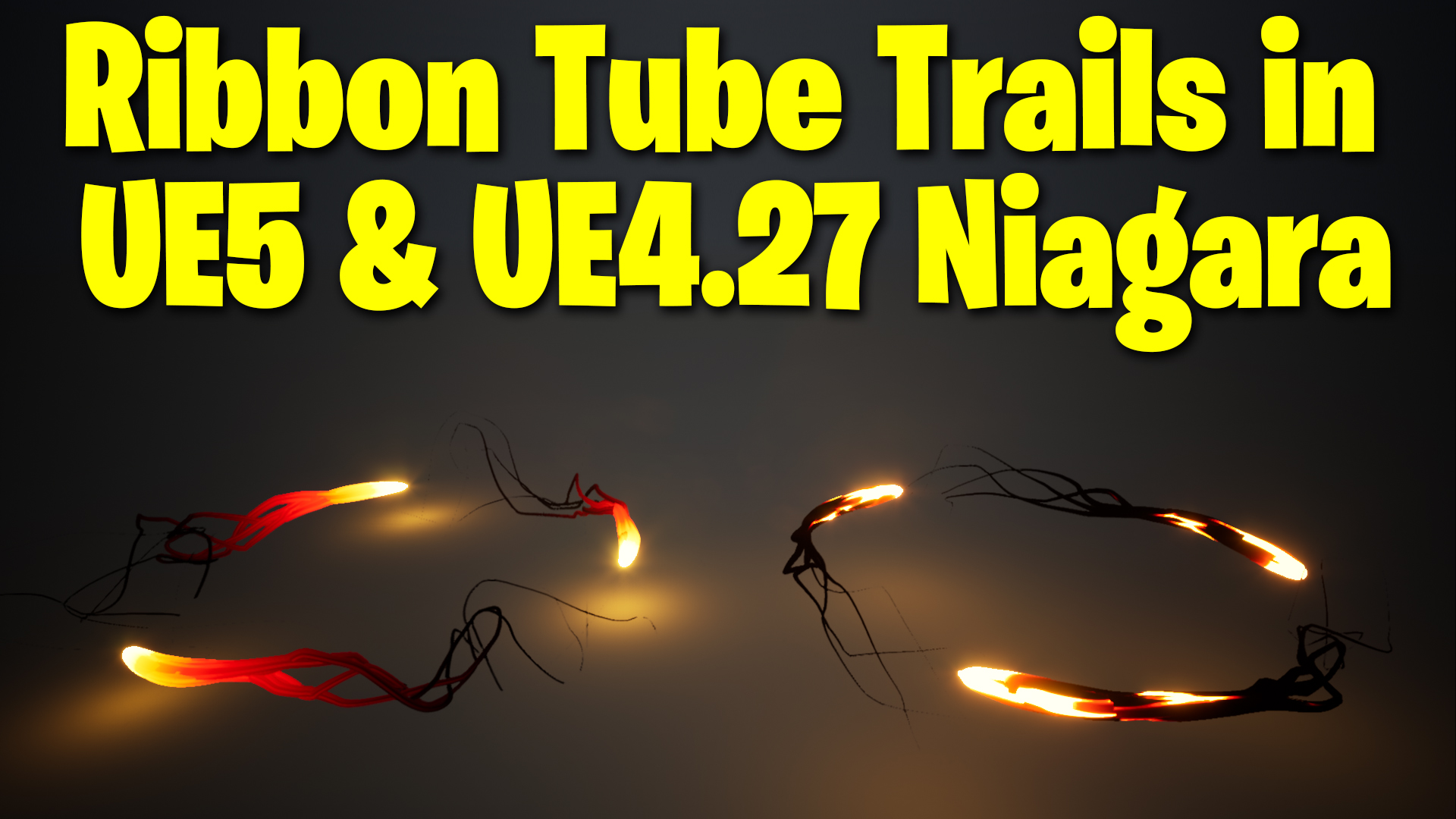
Ribbon Tube Trails in UE4.27 – UE5 Niagara Tutorial | Download Files
hi guys today I will create ribbon trails in ue4.27 and ue5 Niagara and I will use tube shapes from the new ribbon shapes feature. I will also show you how to connect light color with material hue dynamic parameters.
#cghow #UE5 #UE4Niagara #gamefx #ue5niagara #ue4vfx #niagara #unrealengineniagara #realtimevfx
●Upload Your Tutorials/Work – https://cghow.com/
Purchase Effect Package From Unreal engine Marketplace –
Unreal Engine Niagara Effects in Marketplace – https://youtu.be/DF4Lb_btEus
Niagara Effects Pack in Marketplace – https://youtu.be/g6_k8T7FqHA
Unreal Engine Advanced Magical Effects in Marketplace – https://youtu.be/0Dn3GLIzhMo
Smoke in UE4 Niagara Pack01 in Unreal Engine Marketplace – https://youtu.be/38BPA_9yqJ8
UE4 Niagara Fire Pack 01 in Marketplace – https://youtu.be/PW5FL-zZoP4
UE4 Niagara Fire Pack 02 in Marketplace – https://youtu.be/fdLXPlUEzxM
UE4 Niagara Explosions Pack 02 in Marketplace – https://youtu.be/dj-XX9he4aE
Unreal Engine Niagara Effects Pack 03 in Marketplace – https://youtu.be/0kKon43I-Og
Slow Motion Explosion in UE4 Niagara Pack 04 in Marketplace – https://youtu.be/lUK1eW5zRP0
Unreal Engine Niagara Effects pack 04 in Marketplace – https://youtu.be/MihWYB31Gi4
Slow Motion Explosion in UE4 Niagara Pack 04 in Marketplace – https://youtu.be/lUK1eW5zRP0
UE4.25 Niagara Effects Pack 05 in Marketplace – https://youtu.be/sn1HIENVTDI
UE4.25 Niagara Effects Pack 06 in Marketplace – https://youtu.be/pvH_xGQ5jvs
Explosions Package in Unreal Engine Niagara Particle System – https://youtu.be/1mbqWscjUJ4
●Follow FB Page – https://www.facebook.com/cghow0/
●Join FB Group – https://www.facebook.com/groups/cghow/
●Android App – http://bit.ly/2XUnhoR
Playlists-
●Unreal Engine Niagara Tutorials – http://bit.ly/2SmPEuT
●Unreal engine VFX Tutorials -http://bit.ly/2JNXyJZ
●Unity VFX Tutorials – http://bit.ly/2XNGlKz
Video Title: “Creating Cool Looking Trails in Unreal Engine 4.27 and 5 Niagara | Full Tutorial”
Video Description:
Hi guys, I’m Asif Ali and you’re watching CGHOW. In today’s video, I’m going to show you how to create cool-looking trails in Unreal Engine 4.27 Niagara, and I’ll also recreate the effect from scratch in Unreal Engine 5 Niagara. I will provide both versions of the files on my Patreon, which you can download for free!
Before we dive in, make sure you subscribe to my channel and hit the bell icon so you don’t miss any new tutorials. Let’s get started!
Key Points:
- Creating the Effect in UE4.27:
- Set up a basic Niagara effect with particles.
- Use a Taurus shape to spawn particles in a ring, rotating around the axis.
- Set up color control and link light and particle color with a single parameter.
- Rebuilding in Unreal Engine 5:
- Set up a new Niagara system with particles in a Torus shape.
- Apply various techniques to animate and control particle movement.
- Create the ribbon trails with improved control and smoother transitions.
- Use dynamic parameters to control colors for both the trails and the light simultaneously.
- Material Creation:
- Use a gradient for color transition and noise texture for additional details.
- Apply blackbody temperature for coloring the ribbon material.
- Adjust the noise texture and power nodes to fine-tune the color variation.
- Color Control & Light Sync:
- Create a hue parameter to control both light and trail colors together.
- Adjust saturation and boost for a more vibrant result.
- UE4 vs UE5 Differences:
- Highlight the differences in how materials and particles behave between versions.
- Show how to optimize the effect in both Unreal Engine versions for smoother results.
Additional Notes:
- For both Unreal Engine versions, ensure you tweak particle life and spawn rates to fit your project’s needs.
- You can download the project files for both UE4.27 and UE5 versions from my Patreon to follow along with the tutorial.
Trendy Tags: #UnrealEngine #NiagaraVFX #TrailEffects #UnrealEngine4 #UnrealEngine5 #VFXTutorial #GamingVFX #CGHOW #UE5Niagara #UnrealEngineTutorial
Call to Action:
Don’t forget to like the video if you found it helpful, leave your thoughts in the comments, and subscribe for more Unreal Engine VFX tutorials. Keep learning and keep creating!
Leave a Reply