

Download – https://www.patreon.com/posts/79147336
Patreon- https://www.patreon.com/Ashif
NFT – https://opensea.io/CGHOW
Twitter – https://twitter.com/cghow_
👉👉 If you Liked it – http://bit.ly/2UZmiZ4
Channel Ashif – http://bit.ly/3aYaniw
Support me on – paypal.me/9953280644
Screen Damage FX in UE5 Niagara Tutorial | Download Files
#cghow #UE5 #UE4Niagara #gamefx #ue5niagara #ue4vfx #niagara #unrealengineniagara #realtimevfx
●Visit – https://cghow.com/
Unreal Engine Marketplace – https://bit.ly/3aojvAa
Artstation Store – https://www.artstation.com/ashif/store
Gumroad – https://cghow.gumroad.com/
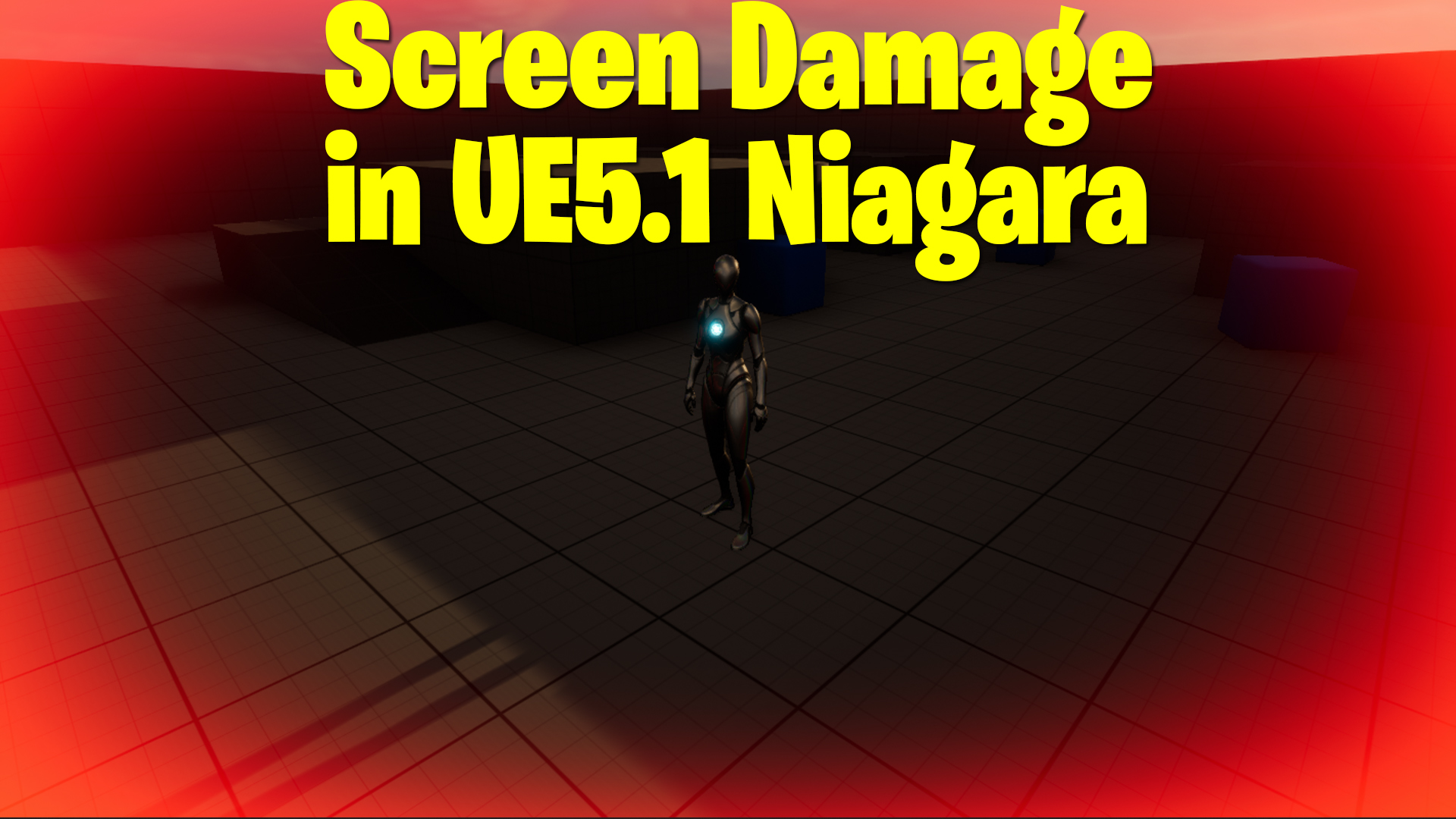
Video Title: Screen Damage Effect in UE 5.1 Niagara | VFX Tutorial
Video Description: Hi guys, I’m Ashif Ali and you’re watching CGHOW! In today’s video, I’ll show you how to create a screen damage effect using Niagara in Unreal Engine 5.1. This effect simulates the red frames and highlights often seen in games when a character takes damage. Let’s get started with this quick and easy tutorial!
Timestamps: 00:00 – Introduction
00:40 – Setting Up the Niagara Emitter
02:20 – Using Camera Queries for Particle Positioning
04:00 – Creating the Screen Effect Material
06:00 – Adjusting the Material to Get the Frame Effect
08:00 – Full-Screen Setup & Troubleshooting
10:20 – Adding Dynamic Parameters for Animation
12:00 – Testing in the Third-Person Map
13:30 – Final Adjustments & Animation
15:00 – Outro
Key Points:
- Setting up a simple Niagara particle effect for the screen damage effect.
- Using camera queries to keep the particle in front of the camera during movement.
- Creating a material that displays a red frame to simulate screen damage.
- Making the frame dynamic and ensuring it stays on top of all other game elements.
- Adding dynamic parameters to animate the effect, such as pulse effects or changes in opacity.
Trendy Tags:
#UE5 #NiagaraVFX #ScreenDamageEffect #UnrealEngine #VFXTutorial #GameEffects #CGHOW #UnrealVFX #DamageEffects
Additional Notes:
- Make sure to subscribe to my channel for more Unreal Engine tutorials and hit the bell icon to stay notified when I post new content.
- If you have any questions or feedback, feel free to leave them in the comments below. I’ll be covering more advanced versions of this effect in future tutorials.
Leave a Reply