
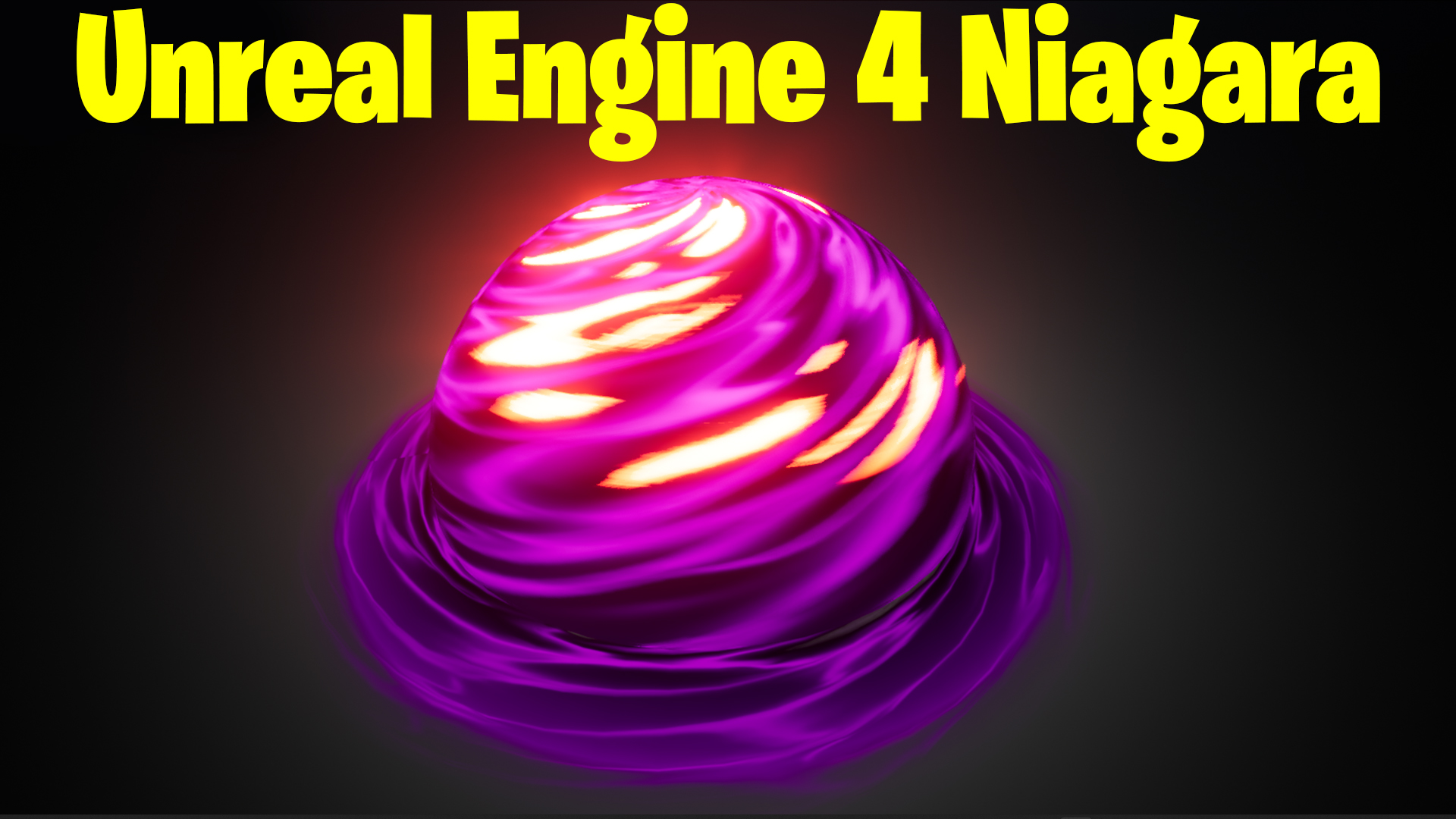

Download – https://cghow.gumroad.com/l/nMLbC
Download – https://www.artstation.com/a/11363091
👉👉 If you Liked it – http://bit.ly/2UZmiZ4
Channel Ashif – http://bit.ly/3aYaniw
Support me on – https://www.patreon.com/Ashif
Support me on – paypal.me/9953280644
Shield FX UE4 Niagara Tutorial | Download Files
#cghow #UE5 #UE4Niagara #gamefx #ue5niagara #ue4vfx #niagara #unrealengineniagara #realtimevfx
●Upload Your Tutorials/Work – https://cghow.com/
Purchase Effect Package From Unreal engine Marketplace –
Unreal Engine Niagara Effects in Marketplace – https://youtu.be/DF4Lb_btEus
Niagara Effects Pack in Marketplace – https://youtu.be/g6_k8T7FqHA
Unreal Engine Advanced Magical Effects in Marketplace – https://youtu.be/0Dn3GLIzhMo
Smoke in UE4 Niagara Pack01 in Unreal Engine Marketplace – https://youtu.be/38BPA_9yqJ8
UE4 Niagara Fire Pack 01 in Marketplace – https://youtu.be/PW5FL-zZoP4
UE4 Niagara Fire Pack 02 in Marketplace – https://youtu.be/fdLXPlUEzxM
UE4 Niagara Explosions Pack 02 in Marketplace – https://youtu.be/dj-XX9he4aE
Unreal Engine Niagara Effects Pack 03 in Marketplace – https://youtu.be/0kKon43I-Og
Slow Motion Explosion in UE4 Niagara Pack 04 in Marketplace – https://youtu.be/lUK1eW5zRP0
Unreal Engine Niagara Effects pack 04 in Marketplace – https://youtu.be/MihWYB31Gi4
Slow Motion Explosion in UE4 Niagara Pack 04 in Marketplace – https://youtu.be/lUK1eW5zRP0
UE4.25 Niagara Effects Pack 05 in Marketplace – https://youtu.be/sn1HIENVTDI
UE4.25 Niagara Effects Pack 06 in Marketplace – https://youtu.be/pvH_xGQ5jvs
Explosions Package in Unreal Engine Niagara Particle System – https://youtu.be/1mbqWscjUJ4
●Follow FB Page – https://www.facebook.com/cghow0/
●Join FB Group – https://www.facebook.com/groups/cghow/
●Android App – http://bit.ly/2XUnhoR
Playlists-
●Unreal Engine Niagara Tutorials – http://bit.ly/2SmPEuT
●Unreal engine VFX Tutorials -http://bit.ly/2JNXyJZ
●Unity VFX Tutorials – http://bit.ly/2XNGlKz
Video Title: Basic Effect in Unreal Engine with Niagara | CGHOW Tutorial
Video Description: Hi guys, I’m Asif Ali and you’re watching CGHOW! In this video, I will show you how to create a basic effect using Niagara in Unreal Engine. Let’s get started with the tutorial!
Key Points:
- Creating the Mesh in Maya:
- Start by creating a sphere, modifying its radius and subdivisions.
- Use soft selection to twist the texture directly in the material.
- Export the mesh to Unreal Engine for further use.
- Material Setup:
- Apply a texture and use gradient and power nodes to control twisting.
- Use a Gaussian blurred texture and adjust tiling for the effect.
- Multiply texture coordinates and connect to the opacity to create a dissolving effect.
- Use dynamic parameters to control emissive lighting and color transitions.
- Niagara Setup:
- Set up a Niagara particle system and attach the mesh.
- Control particle behavior like rotation and life cycle.
- Add a second “dark” version of the mesh and adjust the color and opacity.
- Use dynamic parameters to fine-tune the appearance, like brightness and fade effects.
- Fine-Tuning:
- Adjust particle size, speed, and opacity to enhance the effect.
- Control emissive material to affect brightness dynamically.
- Add post-processing effects like lighting and color changes.
- Advanced Adjustments:
- Distort the texture slightly for added realism.
- Experiment with different material settings, including blending and masking.
Trendy Tags: Unreal Engine, Niagara VFX, Maya, Particle Effects, Material Setup, CGHOW Tutorials, VFX, Game Effects
Notes:
- Include visuals for each step to help viewers follow along.
- Mention the links to previous tutorials where relevant (e.g., “aura texture tutorial”).
- Encourage viewers to share their creations or adjustments made from the tutorial in the comments.
Leave a Reply