

Download – https://www.patreon.com/posts/63735280
NFT – https://opensea.io/CGHOW
👉👉 If you Liked it – http://bit.ly/2UZmiZ4
Channel Ashif – http://bit.ly/3aYaniw
Support me on – https://www.patreon.com/Ashif
Support me on – paypal.me/9953280644
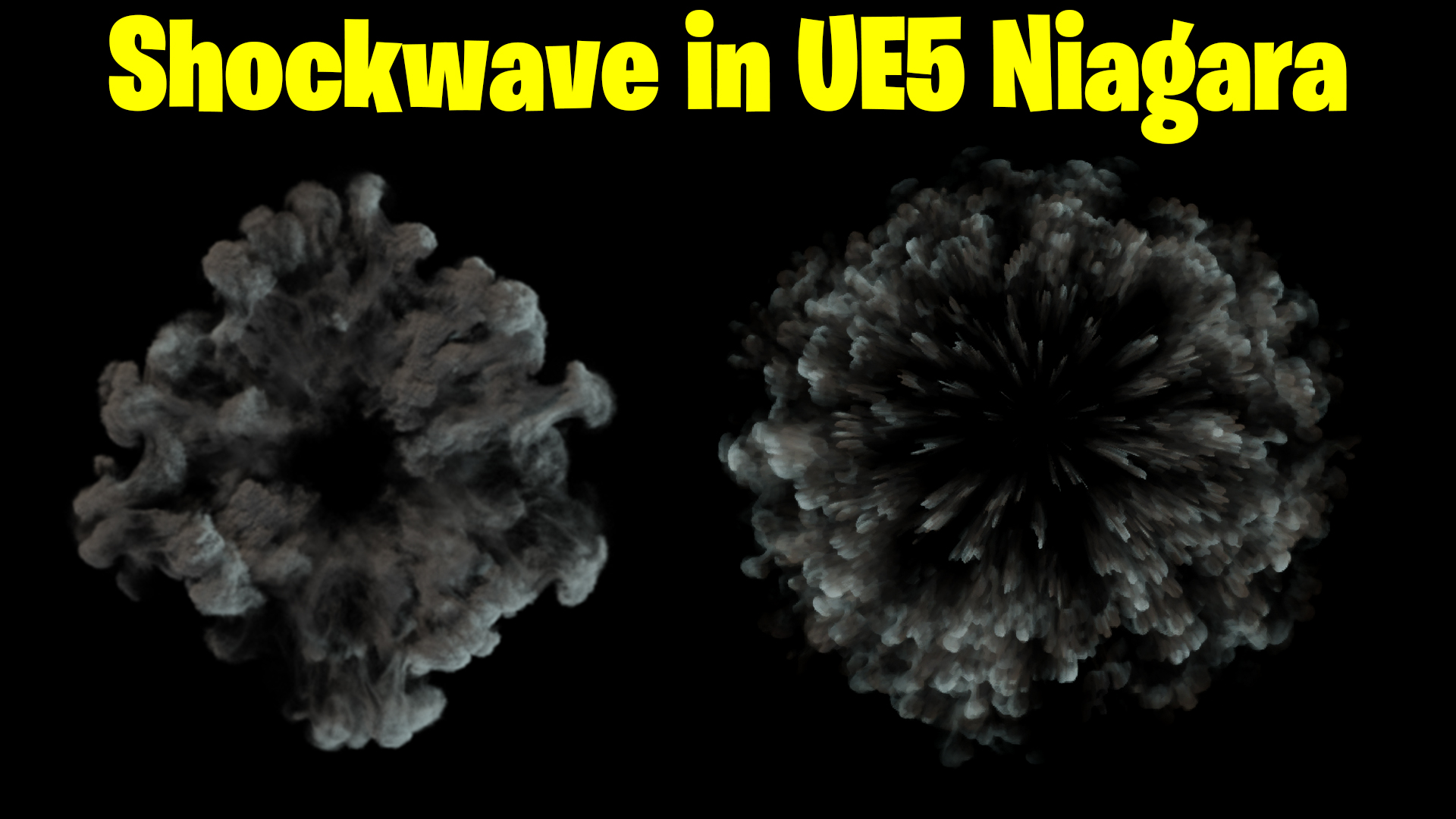
Shockwave in UE5 Niagara Tutorial | Download Files
#cghow #UE5 #UE4Niagara #gamefx #ue5niagara #ue4vfx #niagara #unrealengineniagara #realtimevfx
●Upload Your Tutorials/Work – https://cghow.com/
Purchase Effect Package From Unreal engine Marketplace –
Unreal Engine Niagara Effects in Marketplace – https://youtu.be/DF4Lb_btEus
Niagara Effects Pack in Marketplace – https://youtu.be/g6_k8T7FqHA
Unreal Engine Advanced Magical Effects in Marketplace – https://youtu.be/0Dn3GLIzhMo
Smoke in UE4 Niagara Pack01 in Unreal Engine Marketplace – https://youtu.be/38BPA_9yqJ8
UE4 Niagara Fire Pack 01 in Marketplace – https://youtu.be/PW5FL-zZoP4
UE4 Niagara Fire Pack 02 in Marketplace – https://youtu.be/fdLXPlUEzxM
UE4 Niagara Explosions Pack 02 in Marketplace – https://youtu.be/dj-XX9he4aE
Unreal Engine Niagara Effects Pack 03 in Marketplace – https://youtu.be/0kKon43I-Og
Slow Motion Explosion in UE4 Niagara Pack 04 in Marketplace – https://youtu.be/lUK1eW5zRP0
Unreal Engine Niagara Effects pack 04 in Marketplace – https://youtu.be/MihWYB31Gi4
Slow Motion Explosion in UE4 Niagara Pack 04 in Marketplace – https://youtu.be/lUK1eW5zRP0
UE4.25 Niagara Effects Pack 05 in Marketplace – https://youtu.be/sn1HIENVTDI
UE4.25 Niagara Effects Pack 06 in Marketplace – https://youtu.be/pvH_xGQ5jvs
Explosions Package in Unreal Engine Niagara Particle System – https://youtu.be/1mbqWscjUJ4
●Follow FB Page – https://www.facebook.com/cghow0/
●Join FB Group – https://www.facebook.com/groups/cghow/
●Android App – http://bit.ly/2XUnhoR
Playlists-
●Unreal Engine Niagara Tutorials – http://bit.ly/2SmPEuT
●Unreal engine VFX Tutorials -http://bit.ly/2JNXyJZ
●Unity VFX Tutorials – http://bit.ly/2XNGlKz
Title: Shockwave Effect Using a Single Texture in UE5 | Quick Tutorial
Description:
Hi guys, I’m Asif Ali, and you’re watching CGHOW. In today’s video, I’ll show you how to create a dynamic shockwave effect using just a single texture in Unreal Engine 5! You can use this technique to add complexity and uniqueness to your shockwave without needing a full texture sequence.
If you haven’t subscribed to my YouTube channel yet, please hit that subscribe button! If you like this tutorial, don’t forget to like, share, and comment. Let’s dive into this tutorial!
Key Points:
- Using a single texture for dynamic shockwave effects in UE5.
- Customizing UVs, rotation, and scale to achieve a random effect for each particle.
- Applying dynamic parameters to create a more unique, realistic simulation.
- Adding a burst and looping shockwave using the same texture.
- Using material tweaks like scaling and offset to avoid repetition in the shockwave’s appearance.
Trendy Tags:
#UnrealEngine5 #ShockwaveEffect #VFX #UE5Tutorial #CGHOW #NiagaraVFX #GameDev #ParticleSystems #UE5Materials #Shockwave
Additional Notes:
- A quick and simple method for achieving cool, volumetric shockwaves using just one texture.
- Don’t forget to experiment with additional settings to fine-tune the look of your effect, such as adding a gradient or tweaking the scale.
Leave a Reply