

Download – https://www.patreon.com/posts/55825367
👉👉 If you Liked it – http://bit.ly/2UZmiZ4
Channel Ashif – http://bit.ly/3aYaniw
Support me on – https://www.patreon.com/Ashif
Support me on – paypal.me/9953280644
Shockwave Material FX in Unreal Engine 4.27 | Download Files
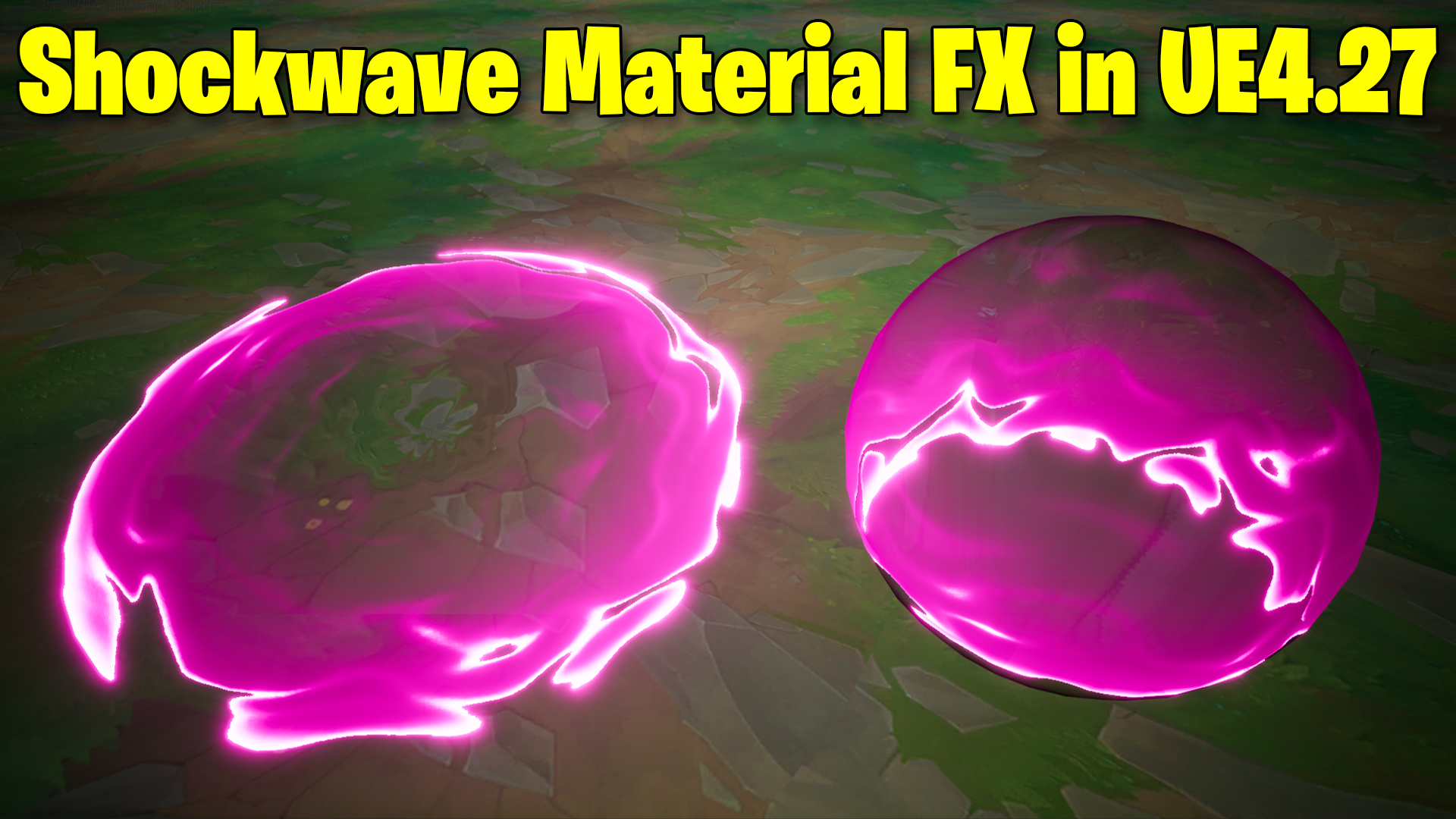
hi guys in this tutorial I will create a shockwave material fx I nue4.27. it is a step-by-step tutorial from scratch. I will show you how to pan a gradient then distort it. and how to add parameters to make lots of variations from it one shockwave material.
#cghow #UE5 #UE4Niagara #gamefx #ue5niagara #ue4vfx #niagara #unrealengineniagara #realtimevfx
●Upload Your Tutorials/Work – https://cghow.com/
Purchase Effect Package From Unreal engine Marketplace –
Unreal Engine Niagara Effects in Marketplace – https://youtu.be/DF4Lb_btEus
Niagara Effects Pack in Marketplace – https://youtu.be/g6_k8T7FqHA
Unreal Engine Advanced Magical Effects in Marketplace – https://youtu.be/0Dn3GLIzhMo
Smoke in UE4 Niagara Pack01 in Unreal Engine Marketplace – https://youtu.be/38BPA_9yqJ8
UE4 Niagara Fire Pack 01 in Marketplace – https://youtu.be/PW5FL-zZoP4
UE4 Niagara Fire Pack 02 in Marketplace – https://youtu.be/fdLXPlUEzxM
UE4 Niagara Explosions Pack 02 in Marketplace – https://youtu.be/dj-XX9he4aE
Unreal Engine Niagara Effects Pack 03 in Marketplace – https://youtu.be/0kKon43I-Og
Slow Motion Explosion in UE4 Niagara Pack 04 in Marketplace – https://youtu.be/lUK1eW5zRP0
Unreal Engine Niagara Effects pack 04 in Marketplace – https://youtu.be/MihWYB31Gi4
Slow Motion Explosion in UE4 Niagara Pack 04 in Marketplace – https://youtu.be/lUK1eW5zRP0
UE4.25 Niagara Effects Pack 05 in Marketplace – https://youtu.be/sn1HIENVTDI
UE4.25 Niagara Effects Pack 06 in Marketplace – https://youtu.be/pvH_xGQ5jvs
Explosions Package in Unreal Engine Niagara Particle System – https://youtu.be/1mbqWscjUJ4
●Follow FB Page – https://www.facebook.com/cghow0/
●Join FB Group – https://www.facebook.com/groups/cghow/
●Android App – http://bit.ly/2XUnhoR
Playlists-
●Unreal Engine Niagara Tutorials – http://bit.ly/2SmPEuT
●Unreal engine VFX Tutorials -http://bit.ly/2JNXyJZ
●Unity VFX Tutorials – http://bit.ly/2XNGlKz
Description: In this Unreal Engine 5 tutorial, I’ll show you how to create a cool shockwave material and apply it to a sphere. You’ll learn how to manipulate various parameters, including distortion, speed, refraction, and tiling, to achieve the perfect shockwave effect. We’ll also dive into how to control material properties like edge thickness and color, and how different textures can completely change the appearance of your shockwave. This tutorial is perfect for beginners and will help you understand how to create dynamic VFX using simple materials in UE5.
Key Points:
- Creating a Shockwave Material: Step-by-step process of creating the shockwave effect using UE5’s material editor.
- Adjusting Parameters: How to control distortion, speed, refraction, offset, and more.
- Using Noise Textures: How to change noise textures to create different visual effects and variations.
- Tiling and Offset Controls: Understanding how to control the tiling and offset of the material to pan textures on your mesh.
- Adding Glow and Edge Effects: How to use power nodes and exponentiation to create glowing edges and fine-tune material thickness.
- Customizing the Shockwave: How to adjust color, distortion, and other visual aspects to match your desired look.
Trendy Tags:
- #UnrealEngine5
- #ShockwaveMaterial
- #UE5VFX
- #MaterialCreation
- #GameDev
- #VFXInUE5
- #UE5Tutorial
- #Niagara
Additional Notes:
- Texture Variation: You can experiment with different textures to get unique shockwave effects—try using different noise maps for various results.
- Performance Tip: Keep an eye on material complexity if you plan to use this effect in a game setting. Simplifying parameters can help with performance.
Leave a Reply