

Download – https://www.patreon.com/posts/62681120
Ref – https://bit.ly/3v2uN5D
NFT – https://opensea.io/CGHOW
👉👉 If you Liked it – http://bit.ly/2UZmiZ4
Channel Ashif – http://bit.ly/3aYaniw
Support me on – https://www.patreon.com/Ashif
Support me on – paypal.me/9953280644
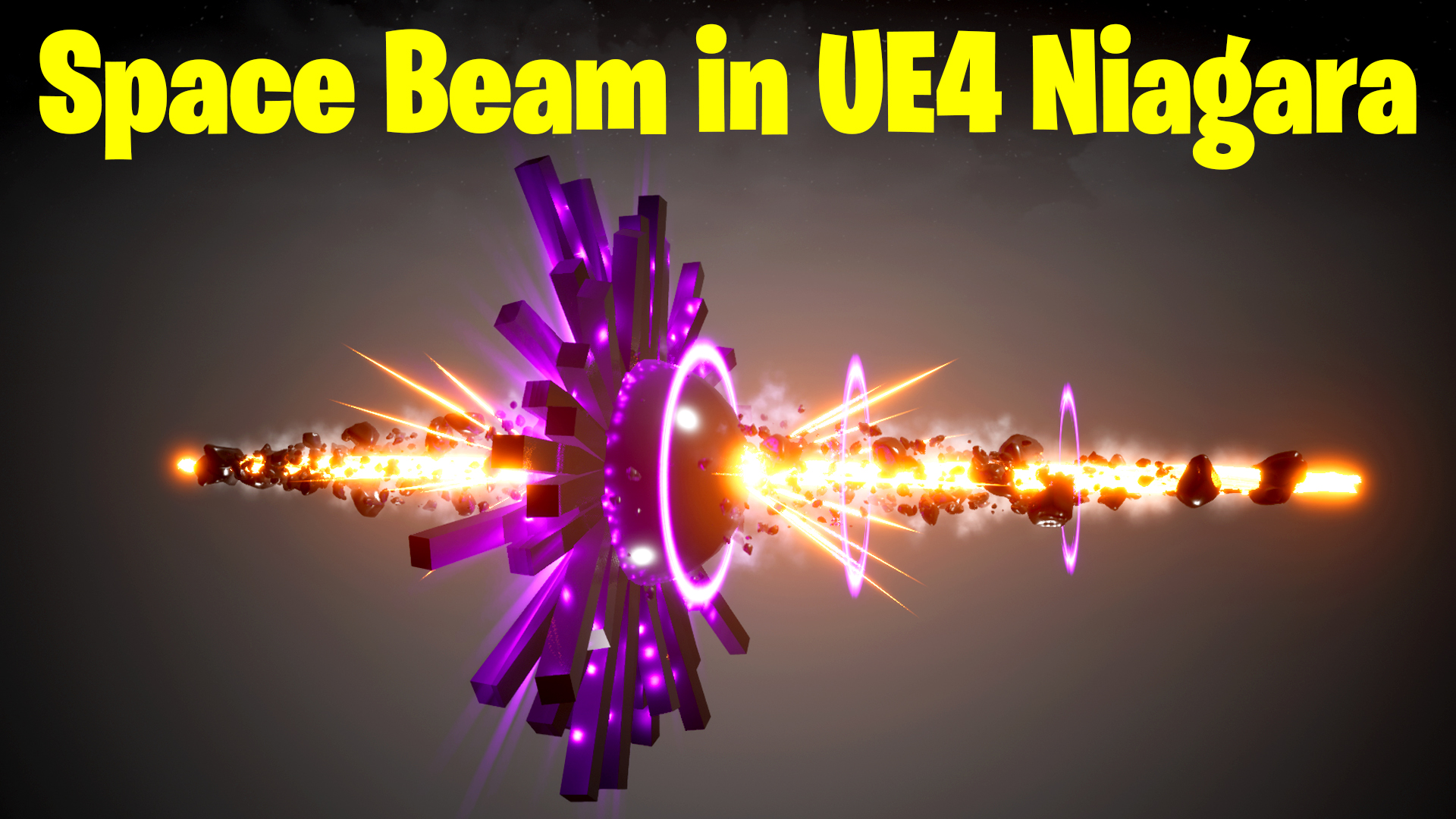
Space Beam in UE4 Niagara Tutorial | Download Files
#cghow #UE5 #UE4Niagara #gamefx #ue5niagara #ue4vfx #niagara #unrealengineniagara #realtimevfx
●Upload Your Tutorials/Work – https://cghow.com/
Purchase Effect Package From Unreal engine Marketplace –
Unreal Engine Niagara Effects in Marketplace – https://youtu.be/DF4Lb_btEus
Niagara Effects Pack in Marketplace – https://youtu.be/g6_k8T7FqHA
Unreal Engine Advanced Magical Effects in Marketplace – https://youtu.be/0Dn3GLIzhMo
Smoke in UE4 Niagara Pack01 in Unreal Engine Marketplace – https://youtu.be/38BPA_9yqJ8
UE4 Niagara Fire Pack 01 in Marketplace – https://youtu.be/PW5FL-zZoP4
UE4 Niagara Fire Pack 02 in Marketplace – https://youtu.be/fdLXPlUEzxM
UE4 Niagara Explosions Pack 02 in Marketplace – https://youtu.be/dj-XX9he4aE
Unreal Engine Niagara Effects Pack 03 in Marketplace – https://youtu.be/0kKon43I-Og
Slow Motion Explosion in UE4 Niagara Pack 04 in Marketplace – https://youtu.be/lUK1eW5zRP0
Unreal Engine Niagara Effects pack 04 in Marketplace – https://youtu.be/MihWYB31Gi4
Slow Motion Explosion in UE4 Niagara Pack 04 in Marketplace – https://youtu.be/lUK1eW5zRP0
UE4.25 Niagara Effects Pack 05 in Marketplace – https://youtu.be/sn1HIENVTDI
UE4.25 Niagara Effects Pack 06 in Marketplace – https://youtu.be/pvH_xGQ5jvs
Explosions Package in Unreal Engine Niagara Particle System – https://youtu.be/1mbqWscjUJ4
●Follow FB Page – https://www.facebook.com/cghow0/
●Join FB Group – https://www.facebook.com/groups/cghow/
●Android App – http://bit.ly/2XUnhoR
Playlists-
●Unreal Engine Niagara Tutorials – http://bit.ly/2SmPEuT
●Unreal engine VFX Tutorials -http://bit.ly/2JNXyJZ
●Unity VFX Tutorials – http://bit.ly/2XNGlKz
Title: How to Create a Space Beam Effect in Unreal Engine 5 Niagara
Description:
In this tutorial, I demonstrate how to create an eye-catching space beam effect using Unreal Engine 5’s Niagara system. Starting from scratch, I walk you through each step, from setting up the foundational elements to adding dynamic lighting, materials, and intricate particle effects. You’ll learn essential techniques to design and customize your own stunning space beam for your projects.
Key Points:
- Setting Up the Scene: Create a new level with essential components (e.g., player start and light source) and prepare it for the effect.
- Sphere Core Setup: Design a reflective black sphere with custom materials to serve as the central beam element.
- Cube Ring Creation: Add and arrange cubes around the sphere using torus location and custom pivot adjustments.
- Dynamic Beam Design: Use a cylinder mesh with textured materials and scrolling patterns to create the beam effect.
- Sparks and Streaks: Add glowing sparks and streaks for additional energy effects.
- Rocks and Debris: Integrate floating rocks and debris around the beam for a realistic, sci-fi look.
- Custom Glow and Lighting: Enhance the visual appeal with dynamic lighting and glowing textures.
- Smoke and Cloud Effects: Incorporate smoky and cloudy materials for a mystical atmosphere.
- Final Touches: Optimize and balance elements to achieve the desired effect.
Tags:
Unreal Engine 5, UE5 Niagara, Space Beam Effect, Game VFX, Particle Effects, Unreal Engine Tutorial, VFX Design, Niagara System, Sci-Fi Effects, CGHOW
Additional Notes:
This effect is inspired by a reference found on CGTrader, originally made in PopcornFX for Unreal Engine 4. While recreating it in Niagara, I also added my unique elements to enhance its style.
Make sure to subscribe to my channel CGHOW, and hit the bell icon for regular updates on Unreal Engine tutorials!
Leave a Reply