

Download – https://www.patreon.com/posts/72580882
Patreon- https://www.patreon.com/Ashif
NFT – https://opensea.io/CGHOW
Twitter – https://twitter.com/cghow_
👉👉 If you Liked it – http://bit.ly/2UZmiZ4
Channel Ashif – http://bit.ly/3aYaniw
Support me on – paypal.me/9953280644
Spell Breaker in UE5 Niagara Tutorial | Download Files
#cghow #UE5 #UE4Niagara #gamefx #ue5niagara #ue4vfx #niagara #unrealengineniagara #realtimevfx
●Visit – https://cghow.com/
Unreal Engine Marketplace – https://bit.ly/3aojvAa
Artstation Store – https://www.artstation.com/ashif/store
Gumroad – https://cghow.gumroad.com/
Creating a Spell Breaker Falling Guy Effect in Unreal Engine 5 Niagara
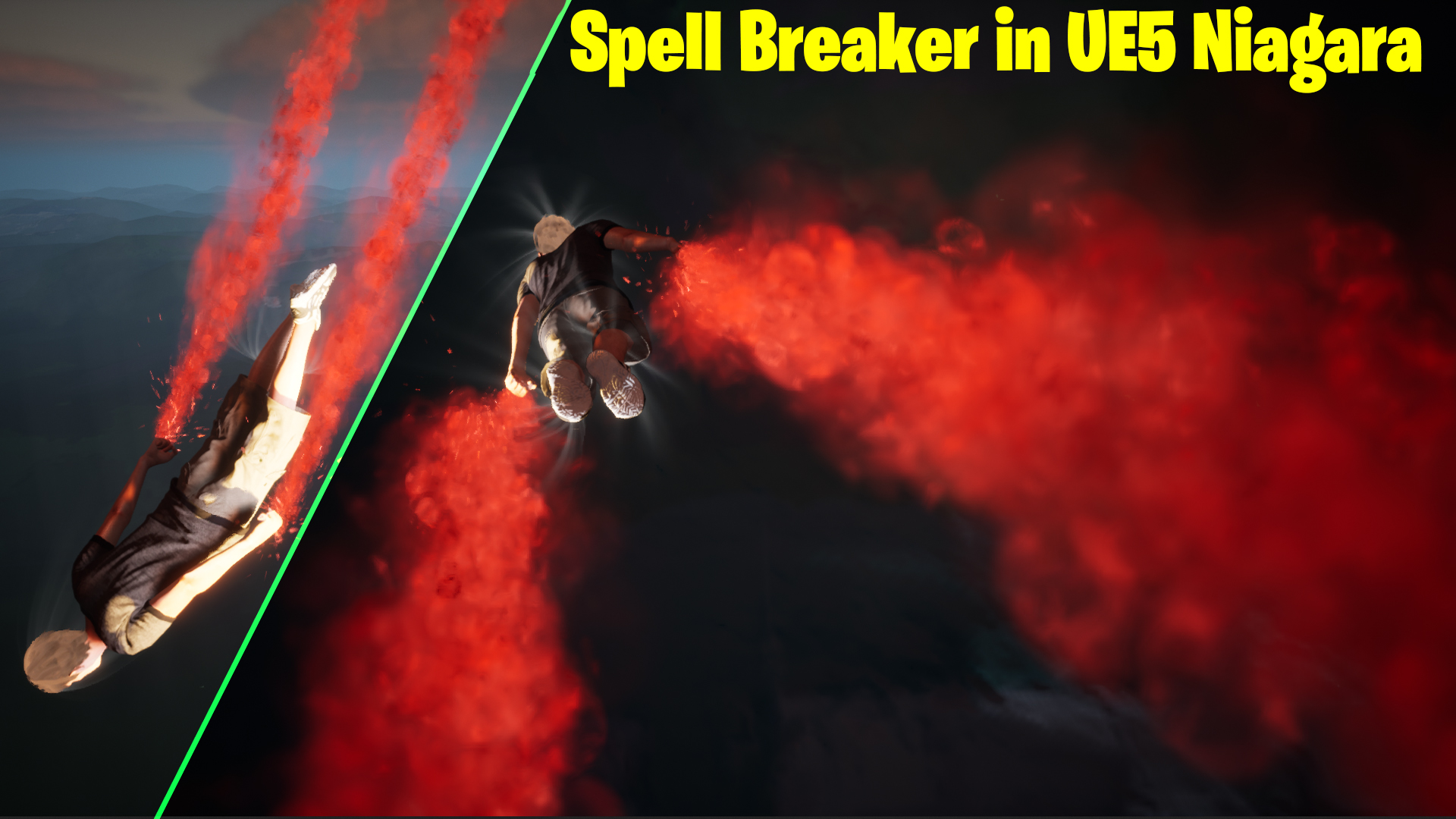
Hi, I’m Ashif Ali, and today on CGHOW, I’m excited to share the second version of the Spell Breaker Falling Guy effect created using Unreal Engine 5 Niagara. This tutorial is packed with advanced techniques to help you craft visually stunning effects. If you enjoy this content, don’t forget to subscribe to my channel, like, share, and comment!
Description
This tutorial explores creating an advanced falling animation effect, enhancing it with custom smoke materials, dynamic parameters, and interactive particle effects. We dive into step-by-step processes for crafting materials, linking effects to character bones, and fine-tuning Niagara systems for dynamic results.
Key Points
- Creating Smoke Material:
- Used noise texture and radial exponent for dynamic smoke behavior.
- Added dissolve effects using a power node and density parameters.
- Building Niagara Particle System:
- Removed gravity to allow vertical particle flow.
- Introduced dynamic parameters for density, velocity, and drag.
- Character Bone Linking:
- Linked effects to specific bones (hands, feet, head) for synchronized movement.
- Adjusted settings like velocity alignment and rotation for realism.
- Speed Line Effects:
- Crafted materials with dynamic tiling and gradients for high-energy visual impact.
- Enhanced visual effects with fade interactions and size randomization.
- Material and Particle Tweaks:
- Introduced noise and velocity curves for natural flow.
- Applied drag and size variations for added depth.
Trendy Tags
- #UnrealEngine5
- #NiagaraVFX
- #GameVFX
- #FallingEffect
- #SpellBreakerEffect
- #VFXTutorial
- #CGHOW
Additional Notes
- The animation and character model used in this tutorial were sourced from mixamo
- Experiment with material parameters to achieve unique effects tailored to your project.
- The dynamic adjustments ensure the particles interact seamlessly with the character and environment.
Leave a Reply