

Download – https://www.patreon.com/posts/72621545
Patreon- https://www.patreon.com/Ashif
NFT – https://opensea.io/CGHOW
Twitter – https://twitter.com/cghow_
👉👉 If you Liked it – http://bit.ly/2UZmiZ4
Channel Ashif – http://bit.ly/3aYaniw
Support me on – paypal.me/9953280644
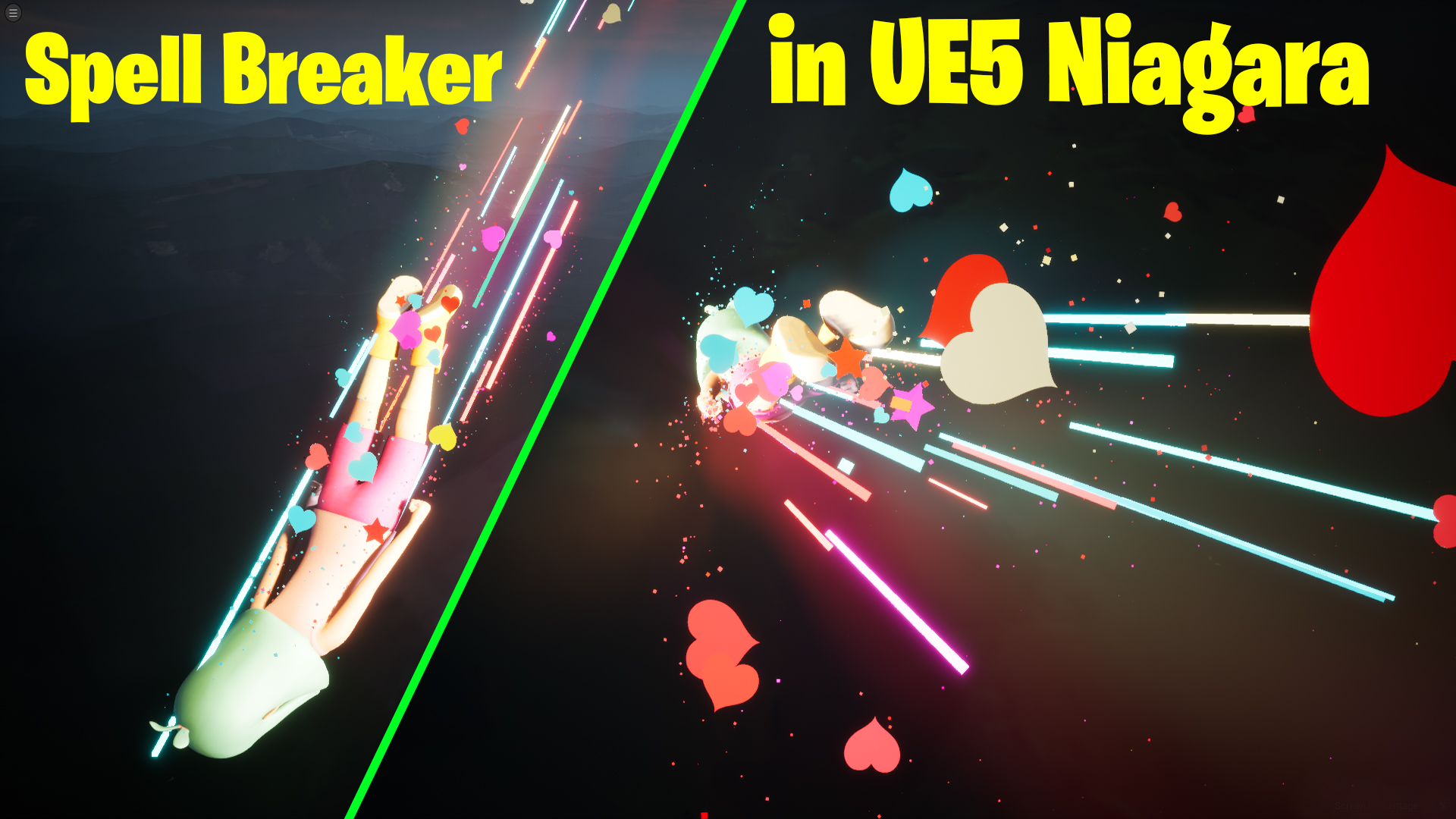
Spell Breaker in UE5 Niagara Tutorial | Download Files
#cghow #UE5 #UE4Niagara #gamefx #ue5niagara #ue4vfx #niagara #unrealengineniagara #realtimevfx
●Visit – https://cghow.com/
Unreal Engine Marketplace – https://bit.ly/3aojvAa
Artstation Store – https://www.artstation.com/ashif/store
Gumroad – https://cghow.gumroad.com/
Title: Spell Breaker Effect V3 – Unreal Engine Niagara Tutorial
Description:
Hi guys, I’m Ashif Ali, and you’re watching CGHOW! Today, I created the third version of the Spell Breaker Effect using Unreal Engine Niagara. This time, I used a falling girl animation and added dynamic particles and shapes to create a vibrant, cartoonish effect. Learn how to emit particles from a skeletal mesh, customize particle colors using dynamic materials, and create unique shapes like stars and hearts that enhance the visual appeal.
If you haven’t already, subscribe to my YouTube channel for more exciting tutorials on Unreal Engine Niagara VFX. Like, share, and comment if you enjoy this video. Let’s dive into the tutorial and create something amazing together!
Key Points in the Tutorial
- Particle Emission from Skeletal Mesh:
Use the skeletal mesh location to emit particles from specific surfaces and customize their spawn behavior. - Custom Material for Particles:
Learn to duplicate and modify materials for unique particle effects, including dynamic colors and UV adjustments. - Shapes and Textures:
Create custom shapes like stars and hearts by manipulating textures and using dynamic parameters. - Velocity and Curl Noise:
Add realistic movement to particles with velocity alignment and curl noise for a dynamic look. - Brightness and Saturation Tweaks:
Enhance the effect by modifying material settings like saturation and brightness for vibrant visuals. - Randomized Sizes and Opacity:
Use randomized size and opacity for both large and small particles to add depth and variation to the effect.
Tags for Visibility
- #UnrealEngineNiagara
- #SpellBreakerEffect
- #NiagaraVFX
- #GameVFX
- #UnrealEngine5
- #NiagaraParticles
- #3DAnimation
- #VFXTutorial
- #GameDevelopment
- #UE5VFX
Additional Notes
This tutorial is perfect for intermediate Unreal Engine users who want to expand their knowledge of Niagara. You’ll learn how to combine technical precision with artistic creativity to produce game-ready effects. Be sure to explore the dynamic material creation process and experiment with velocity and shapes for your own custom VFX projects.
Leave a Reply