

Download – https://www.patreon.com/posts/68553407
NFT – https://opensea.io/CGHOW
Twitter – https://twitter.com/cghow_
👉👉 If you Liked it – http://bit.ly/2UZmiZ4
Channel Ashif – http://bit.ly/3aYaniw
Support me on – https://www.patreon.com/Ashif
Support me on – paypal.me/9953280644
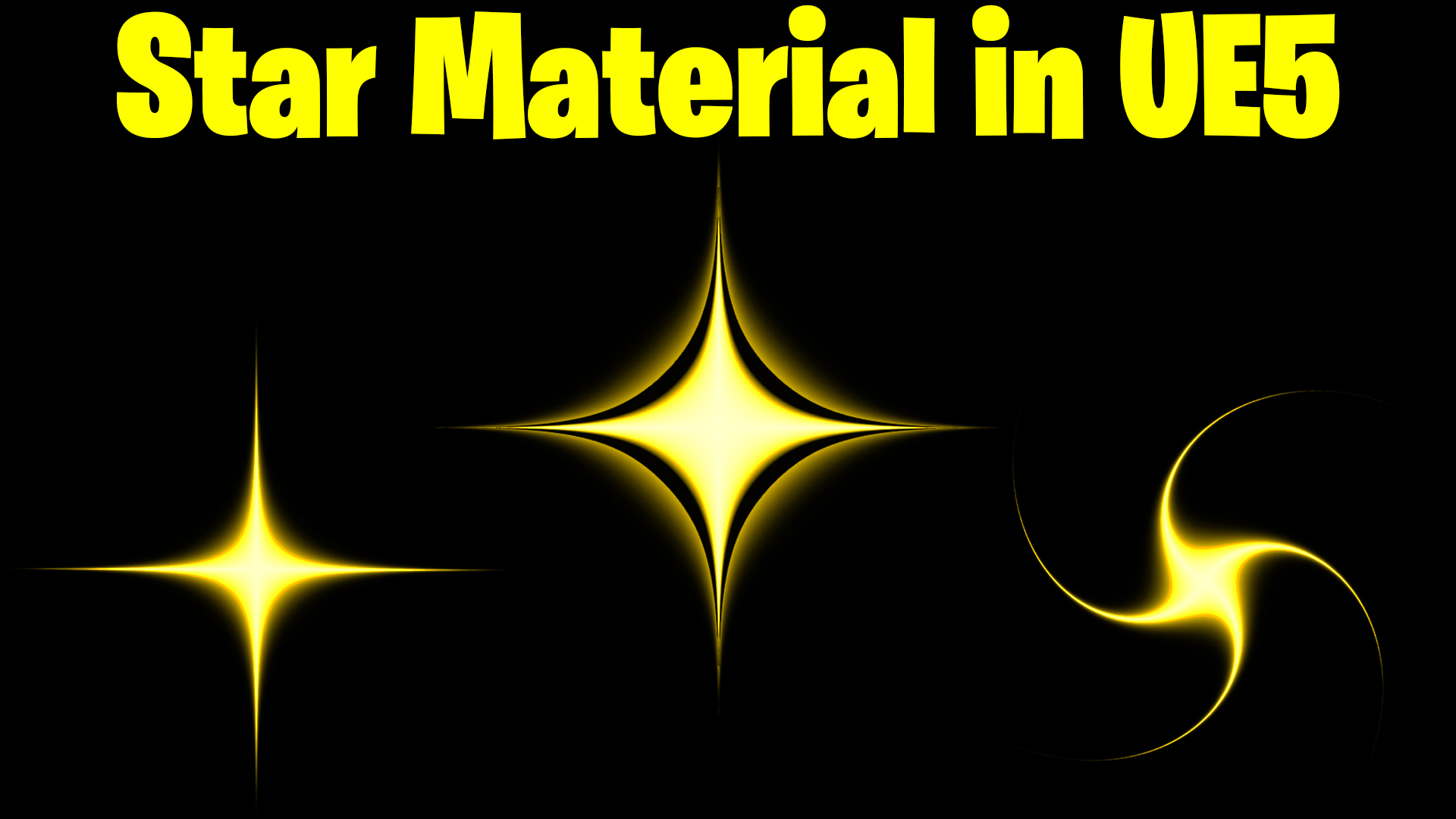
Star Material in UE5 Tutorial | Download Files
#cghow #UE5 #UE4Niagara #gamefx #ue5niagara #ue4vfx #niagara #unrealengineniagara #realtimevfx
●Upload Your Tutorials/Work – https://cghow.com/
Purchase Effect Package From Unreal engine Marketplace –
Unreal Engine Niagara Effects in Marketplace – https://youtu.be/DF4Lb_btEus
Niagara Effects Pack in Marketplace – https://youtu.be/g6_k8T7FqHA
Unreal Engine Advanced Magical Effects in Marketplace – https://youtu.be/0Dn3GLIzhMo
Smoke in UE4 Niagara Pack01 in Unreal Engine Marketplace – https://youtu.be/38BPA_9yqJ8
UE4 Niagara Fire Pack 01 in Marketplace – https://youtu.be/PW5FL-zZoP4
UE4 Niagara Fire Pack 02 in Marketplace – https://youtu.be/fdLXPlUEzxM
UE4 Niagara Explosions Pack 02 in Marketplace – https://youtu.be/dj-XX9he4aE
Unreal Engine Niagara Effects Pack 03 in Marketplace – https://youtu.be/0kKon43I-Og
Slow Motion Explosion in UE4 Niagara Pack 04 in Marketplace – https://youtu.be/lUK1eW5zRP0
Unreal Engine Niagara Effects pack 04 in Marketplace – https://youtu.be/MihWYB31Gi4
Slow Motion Explosion in UE4 Niagara Pack 04 in Marketplace – https://youtu.be/lUK1eW5zRP0
UE4.25 Niagara Effects Pack 05 in Marketplace – https://youtu.be/sn1HIENVTDI
UE4.25 Niagara Effects Pack 06 in Marketplace – https://youtu.be/pvH_xGQ5jvs
Explosions Package in Unreal Engine Niagara Particle System – https://youtu.be/1mbqWscjUJ4
●Follow FB Page – https://www.facebook.com/cghow0/
●Join FB Group – https://www.facebook.com/groups/cghow/
●Android App – http://bit.ly/2XUnhoR
Playlists-
●Unreal Engine Niagara Tutorials – http://bit.ly/2SmPEuT
●Unreal engine VFX Tutorials -http://bit.ly/2JNXyJZ
●Unity VFX Tutorials – http://bit.ly/2XNGlKz
Description: In this tutorial, I’ll guide you through creating a star texture material in Unreal Engine. I’ll cover how to use parameters like density, radius, rotation, and power to control the appearance of the star. We’ll also explore how to switch between different rotation modes, including a swirl effect, and how to make the edges sharp or faded for various star effects. This tutorial is perfect for anyone who wants to master creating custom star textures in Unreal Engine.
Key Points:
- Star Texture Material Creation: Learn how to create a star texture using texture coordinates and the absolute node to achieve a smooth pattern.
- Custom Parameters: Explore the use of parameters like density, power, radius, and rotation to control the star’s appearance.
- Rotation Modes: Learn how to switch between simple rotation and a swirling effect using custom rotators and radial forces.
- Fading vs. Sharp Edges: Use the step node to create sharp edges for your stars or blend them with power for a softer, faded look.
- Practical Applications: Apply the star texture to your effects and switch between sharp and faded versions for different looks in your projects.
Trendy Tags: #StarTexture #UnrealEngine5 #NiagaraVFX #MaterialTutorial #VFXTips #CustomRotation
Leave a Reply