
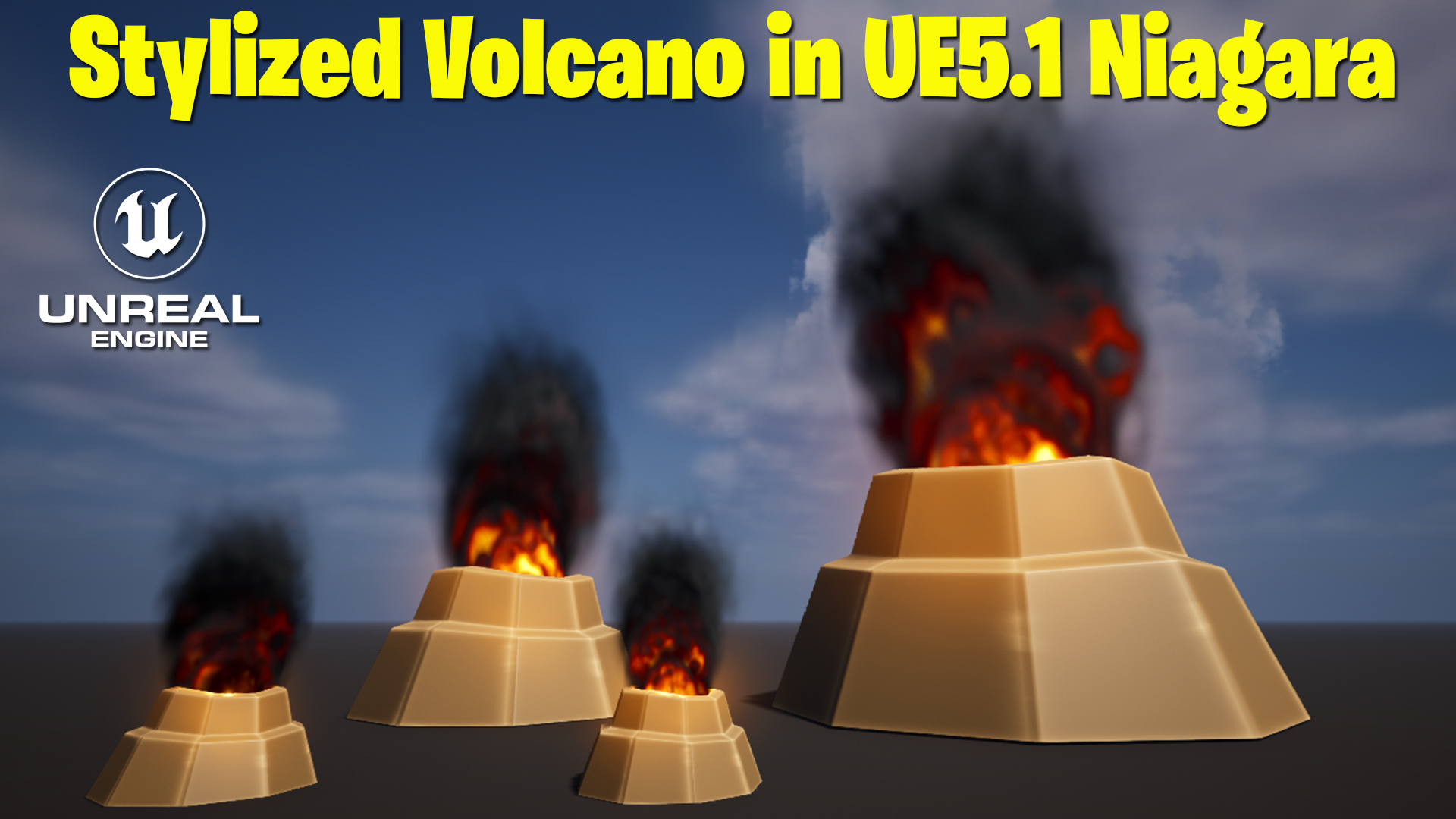

Stylized Volcano VFX in UE5 Niagara
This tutorial shows how to build a stylized erupting volcano with a Maya mesh, custom materials and Niagara lava particles in Unreal Engine 5.1, and the project files are available to download.
Use it for stylized worlds, lava levels and eruption events, and see the related posts below for more fire and stylized effects.
More fire and stylized effects: Toon Smoke · Flaming Tree · Stylized Blowing Dust
Download – https://www.patreon.com/posts/80160232
Patreon- https://www.patreon.com/Ashif
NFT – https://opensea.io/CGHOW
Twitter – https://twitter.com/cghow_
👉👉 If you Liked it – http://bit.ly/2UZmiZ4
Channel Ashif – http://bit.ly/3aYaniw
Support me on – paypal.me/9953280644
Stylized Volcano in Unreal Engine 5.1 Niagara Tutorial | Download Files
#cghow #UE5 #UE4Niagara #gamefx #ue5niagara #ue4vfx #niagara #unrealengineniagara #realtimevfx
●Visit – https://cghow.com/
Unreal Engine Marketplace – https://bit.ly/3aojvAa
Artstation Store – https://www.artstation.com/ashif/store
Gumroad – https://cghow.gumroad.com/
Stylized Volcano Effect in Unreal Engine 5 with Niagara VFX
In this tutorial, you’ll learn how to create a dynamic, stylized volcano effect in Unreal Engine 5 using Maya for modeling and Niagara for particle effects. The process covers mesh creation, material setup, and advanced Niagara parameters for stunning visual results.
Steps Covered in the Tutorial
- Set Up the Environment:
- Create a new level in Unreal Engine.
- Apply a basic material and scale the ground to your desired size.
- Adjust the lighting for better visuals.
- Model the Volcano in Maya:
- Use a cylinder mesh and adjust vertices for a random, natural shape.
- Apply texture deformations for added realism.
- Bevel edges to smooth out geometry and clean up UV maps.
- Export the Model to Unreal Engine:
- Save and export the model as an FBX file.
- Import it into Unreal Engine and set up a stylized material.
- Create the Stylized Material:
- Use a texture coordinate node to create edge highlights.
- Adjust brightness and contrast to match a stylized theme.
- Add noise for a rugged, volcanic appearance.
- Set Up Niagara Particle System:
- Add the volcano mesh to the Niagara emitter.
- Customize particle spawn rate, size, and lifetime for a dynamic eruption effect.
- Use materials like a dissolve effect for glowing lava.
- Enhance the Effect with Dynamic Parameters:
- Control material properties like temperature, saturation, and dissolve using dynamic parameters.
- Add light and glow effects to simulate lava and smoke.
- Add Scalability for Multiple Volcanos:
- Implement an owner-scale attribute to easily resize the effect.
- Duplicate the setup for varied volcano sizes in the scene.
Key Points
- Utilize Maya for creating stylized 3D models and UV mapping.
- Use texture coordinates and dynamic parameters in Niagara for advanced control.
- Leverage dissolve and noise effects to enhance realism.
- Incorporate scalability for dynamic scene variations.
Trendy Tags
#UnrealEngine5 #NiagaraVFX #VolcanoEffect #MayaModeling #StylizedGraphics #GameVFX #3DAnimation #GameDevelopment
Additional Notes
- This effect can be expanded with custom textures painted in tools like Photoshop for more precise edge highlights.
- Experiment with different noise patterns and UV setups to create unique volcanic effects.
Start experimenting with your volcano effects and share your results! Keep creating and keep learning.
Leave a Reply