

Download – https://www.patreon.com/Ashif/shop/stylized-water-shield-in-ue5-4-niagara-183052
Patreon- https://www.patreon.com/Ashif
NFT – https://opensea.io/CGHOW
Twitter – https://twitter.com/cghow_
👉👉 If you Liked it – http://bit.ly/2UZmiZ4
Channel Ashif – http://bit.ly/3aYaniw
Support me on – paypal.me/9953280644
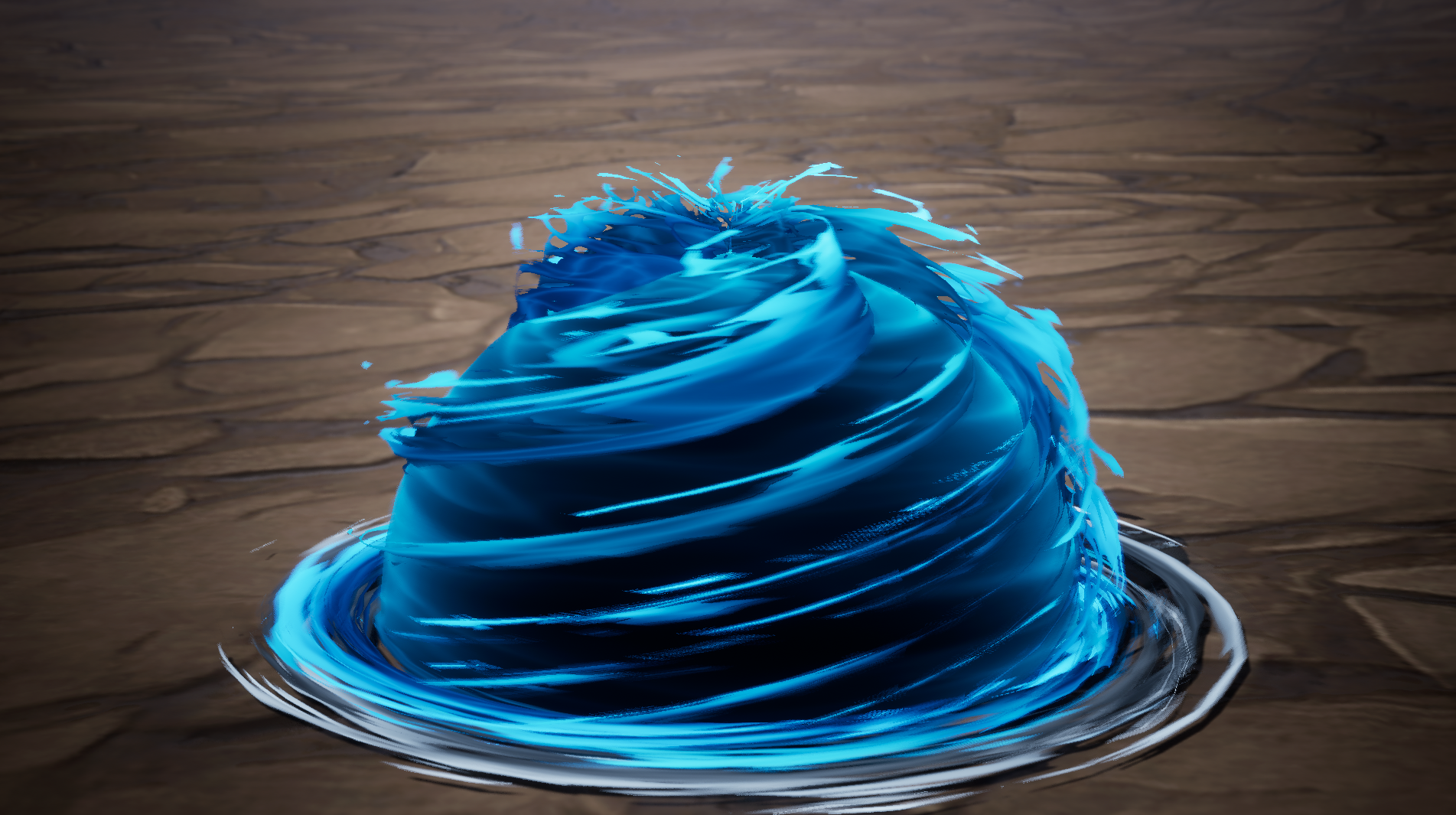
Stylized Water Shield in UE5.4 Niagara | For Patreon
#cghow #UE5 #UE4Niagara #gamefx #ue5niagara #ue4vfx #niagara #unrealengineniagara #realtimevfx
●Visit – https://cghow.com/
Unreal Engine Marketplace – https://bit.ly/3aojvAa
Artstation Store – https://www.artstation.com/ashif/store
Gumroad – https://cghow.gumroad.com/
Simple Spiral & Noise Effects in UE5 Niagara Tutorial | Breakdown & Download Files”
Description:
Hey guys, how are you today? In this video, I’m breaking down a simple but cool spiral and noise effect I created 7 months ago for my Patreon members. One of my members asked for a tutorial on this, so I decided to make a detailed breakdown for everyone. This video will be exclusive to my members, so make sure to check out my profile for more cool updates!
Before we dive in, please subscribe, like, share, and comment on the video. Also, I’ve added a wishlist on my Thr.com page where you can support my work. Let’s get started!
Key Points:
- Creating a simple sphere mesh with a looping particle effect using Niagara
- Material setup using noise textures and panning for unique patterns
- Distorting the noise texture for a wavy effect and adding emissive properties
- Using the same emitter with different meshes for spiral effects
- Understanding how to manipulate the panning speed and tiling parameters for varied results
- Finalizing the effect with gradient control and randomized parameters for unique animations
Additional Notes:
- If you’re unsure about eroding or panning textures, check out my other tutorials for a deeper dive into these techniques!
- Don’t forget to support me on my Thr.com wishlist if you want to see more tutorials like this one!
Leave a Reply