
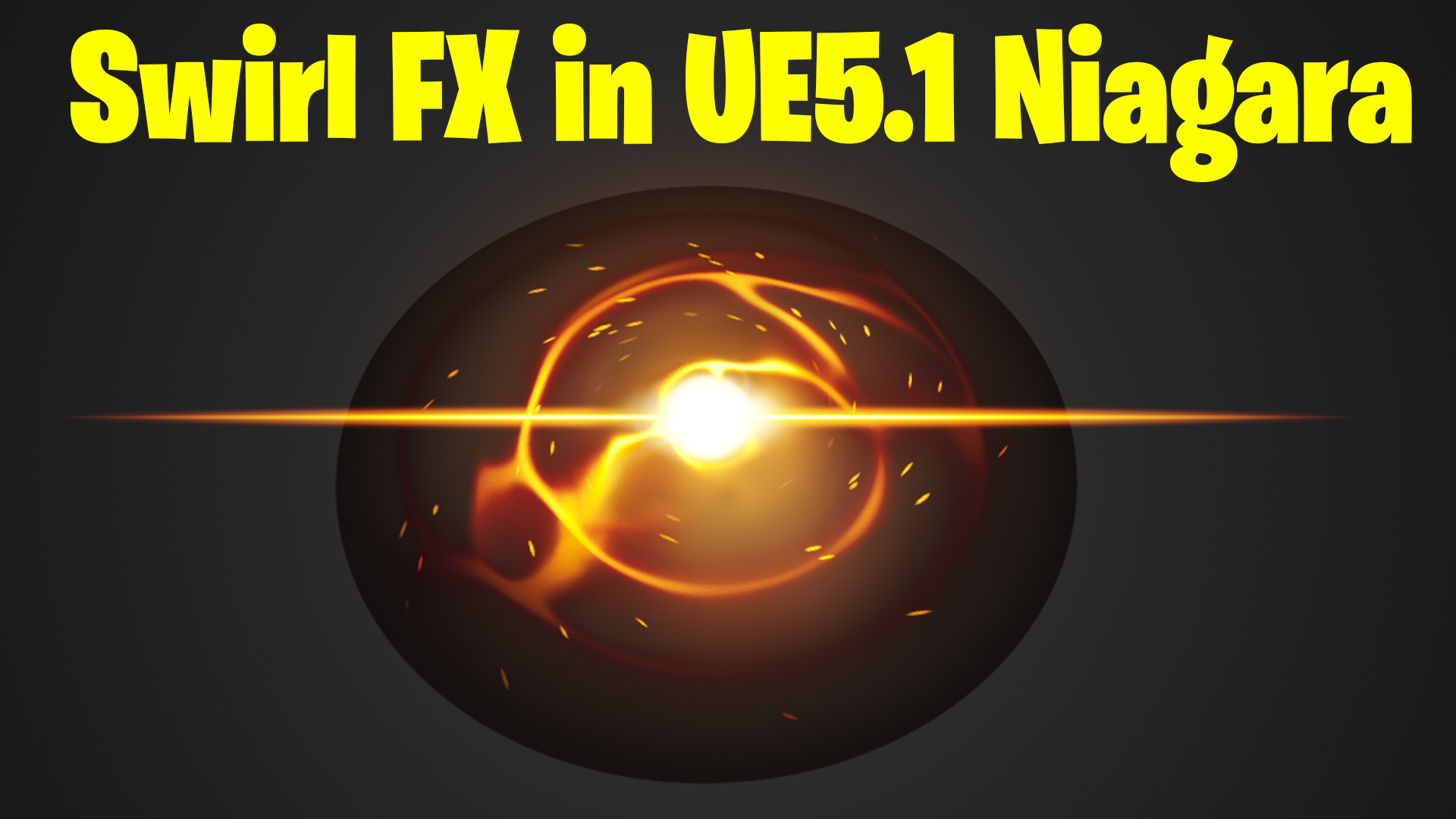

Download – https://www.patreon.com/posts/77893833
Patreon- https://www.patreon.com/Ashif
NFT – https://opensea.io/CGHOW
Twitter – https://twitter.com/cghow_
👉👉 If you Liked it – http://bit.ly/2UZmiZ4
Channel Ashif – http://bit.ly/3aYaniw
Support me on – paypal.me/9953280644
Swirl FX in Unreal Engine 5.1 Niagara Tutorial | Download Files
#cghow #UE5 #UE4Niagara #gamefx #ue5niagara #ue4vfx #niagara #unrealengineniagara #realtimevfx
●Visit – https://cghow.com/
Unreal Engine Marketplace – https://bit.ly/3aojvAa
Artstation Store – https://www.artstation.com/ashif/store
Gumroad – https://cghow.gumroad.com/
Additional Additions:
- Add Visual References: Throughout the tutorial, mention key visual elements that can guide viewers, especially when working with complex nodes or specific particle behaviors. Providing side-by-side comparisons of the settings before and after tweaking can help users understand the impact of each change.
- Explain Dynamic Parameters: Although you mentioned dynamic parameters a couple of times, it could be useful to explain them in more detail. For example, the purpose of using
Tile XandTile Ycould be highlighted for beginners or intermediate users who may not fully understand the role of dynamic parameters in controlling the behavior of materials. - Use More Camera Angles or Views: When working with complex effects, switching between a close-up view of the particle system and an overall view can help viewers see the fine details, like how the particles behave from different perspectives.
- Optimize for Performance: Since this tutorial seems to include multiple emitters and materials, you could add tips on optimizing the system for better performance, such as using fewer particles or applying LOD (Level of Detail) techniques to keep the system from getting too heavy on the GPU.
- Incorporate Sound Design Elements: Since you already have a “Music” reference in the tutorial, adding a brief mention of how to sync the effect with sound could elevate the experience. A quick guide on how to trigger sounds based on particle events or timing would make the effect feel more complete.
- Add a Section on Testing and Tweaking: After the effect is created, explain how you go about testing it in different environments. How do you assess performance, tweak parameters, and ensure it fits with the overall look of the game?
Ending the Video:
To make your video feel more complete and guide viewers towards engagement, consider adding:
- Call to Action: Remind users to download the project files from Patreon. This can be a direct invitation for them to experiment with the files.
- Ask for Comments: Encourage viewers to comment with their own results or issues they faced while recreating the effect.
- Upcoming Tutorials Teaser: Give them a sneak peek into the next tutorial, perhaps on a different aspect of particle systems or VFX creation in Unreal Engine.
Leave a Reply